Modules · Office planning
Who is where, when?
For hybrid teams who only meet in the office on certain days: a weekly overview with locations, desks and time slots — connected to time tracking.
Free plugin · 2 members free · Cancel monthly
Modules · Office planning
For hybrid teams who only meet in the office on certain days: a weekly overview with locations, desks and time slots — connected to time tracking.
Free plugin · 2 members free · Cancel monthly
Highlights
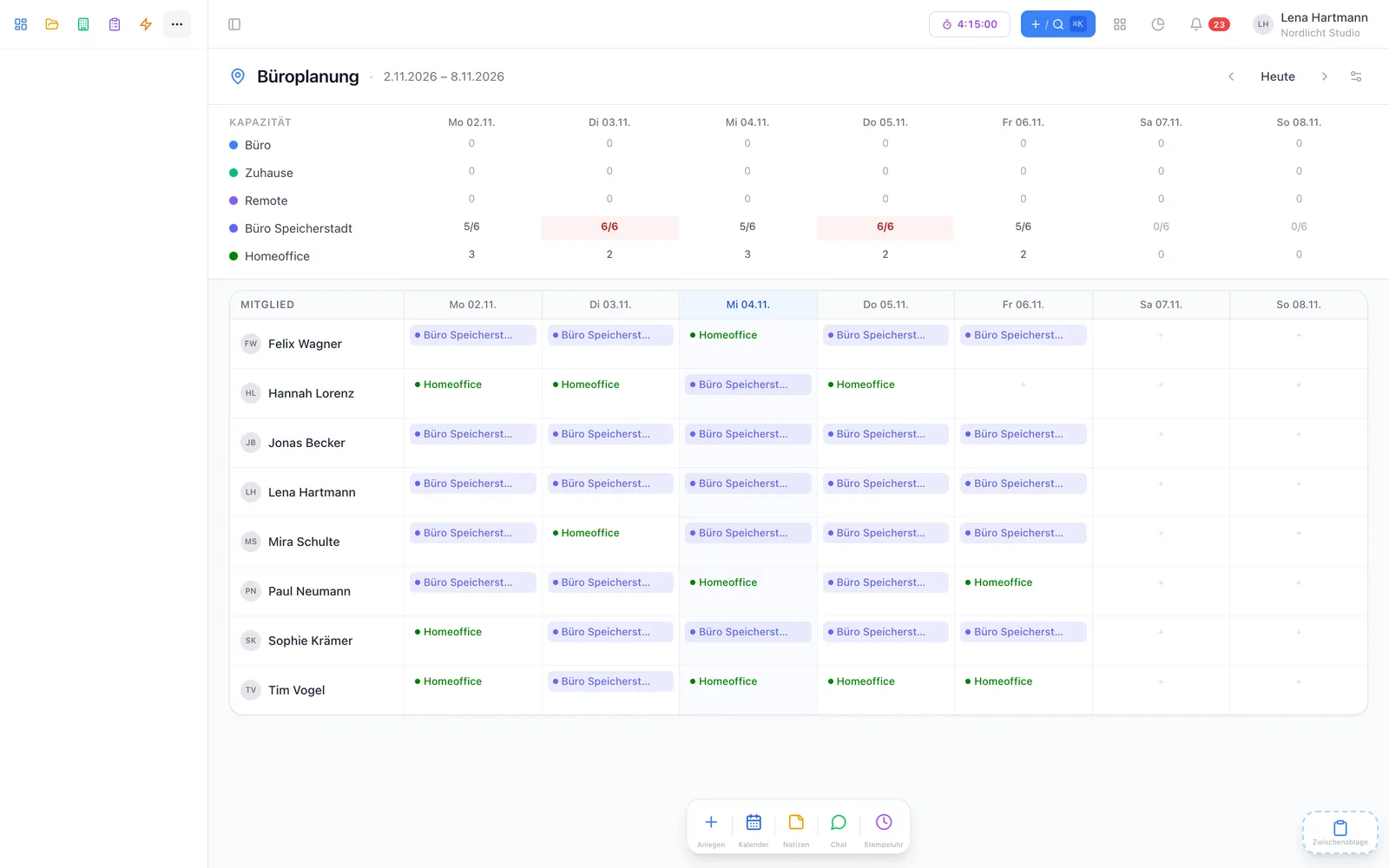
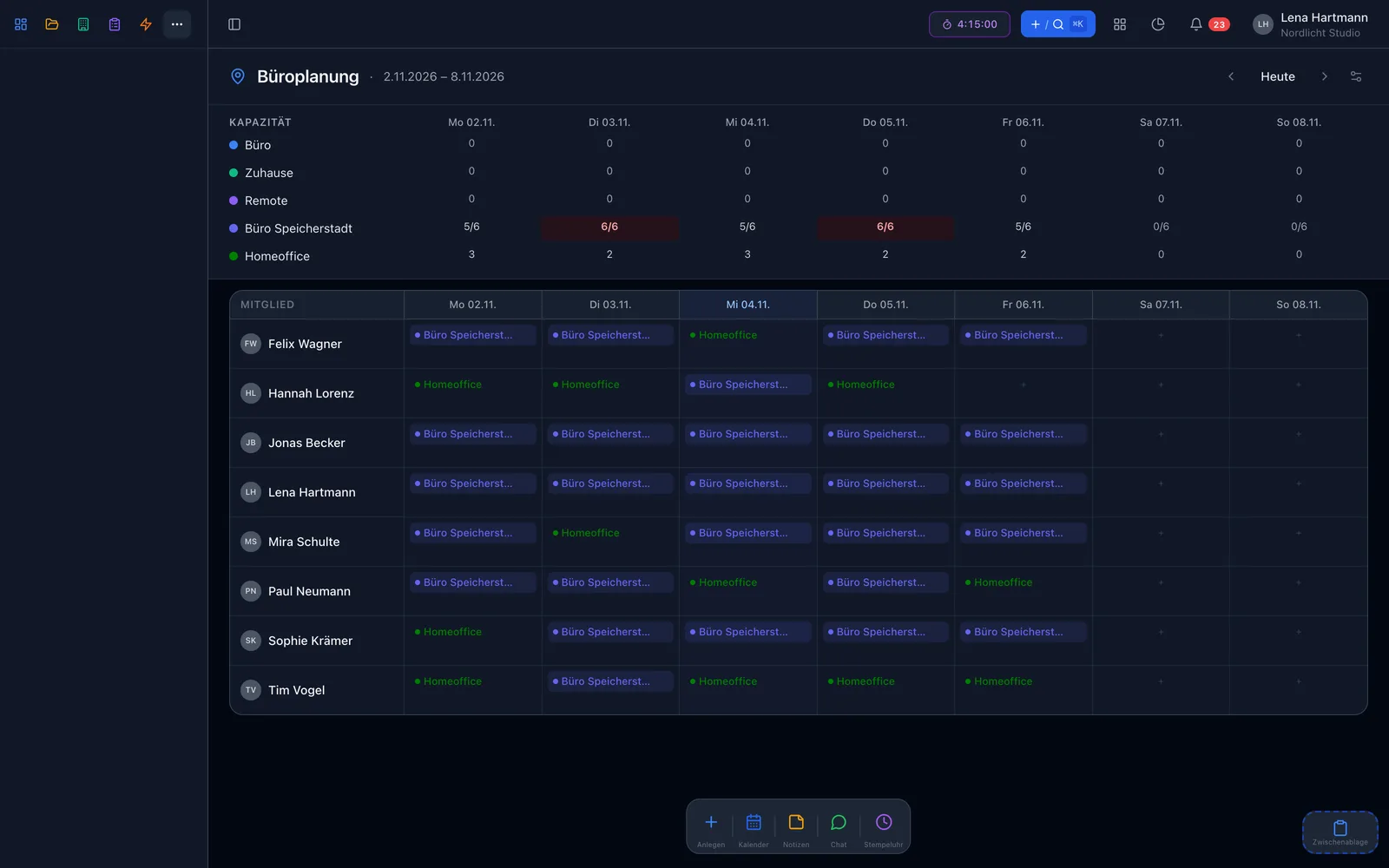
Members as rows, days as columns, locations as coloured badges. One click on a cell adds or changes an entry.
Office, coworking or at the customer’s — with colour, icon, address and number of desks.
Office in the morning, customer in the afternoon — several entries per day, overlapping ones are merged.
Plan and timer share the locations. When you clock in, the planned location is suggested.
Via iCal feed in Apple Calendar, Google Calendar or Outlook — together with leave and company closures.
“Who is in today?” as a dashboard widget with self check-in — and the office plan as its own view type.
Team overview
The weekly view shows the whole team at a glance. Anyone on leave or sick for the whole day disappears from the office plan automatically — if they come back early, their entry reappears.
Locations & time slots
Create as many locations as you like. Entries can be all-day or have a time slot — say “office 08:00–12:00, customer 13:00–17:00”. Capacity only counts desks that overlap in time.
Example
Plan & actual
When you clock in, workYoo suggests the planned location. Anyone who clocks in without a plan gets an entry automatically — so “Who is in today?” stays accurate even when someone forgets to plan.
iCal feed
Before · after
FAQ
The plugin is free. You only pay for regular members: 2 are free, from the 3rd each costs €3.50 per month, net.
No. Office planning works on its own. With time tracking, both share the locations and the timer suggests the planned place.
workYoo shows a notice but does not block the entry — the decision stays with you.
No. Anyone away for the whole day simply disappears from the office plan — without stating the reason.