Modules · Time tracking

Working hours, leave and overtime — without spreadsheets

Clock in with one click, request leave, calculate overtime automatically and get a clean PDF at year end — right inside workYoo, next to your tasks.

Start free See features

2 members free · from the 3rd member €2.50 per user and month, net
team.workyoo.com/time-tracking
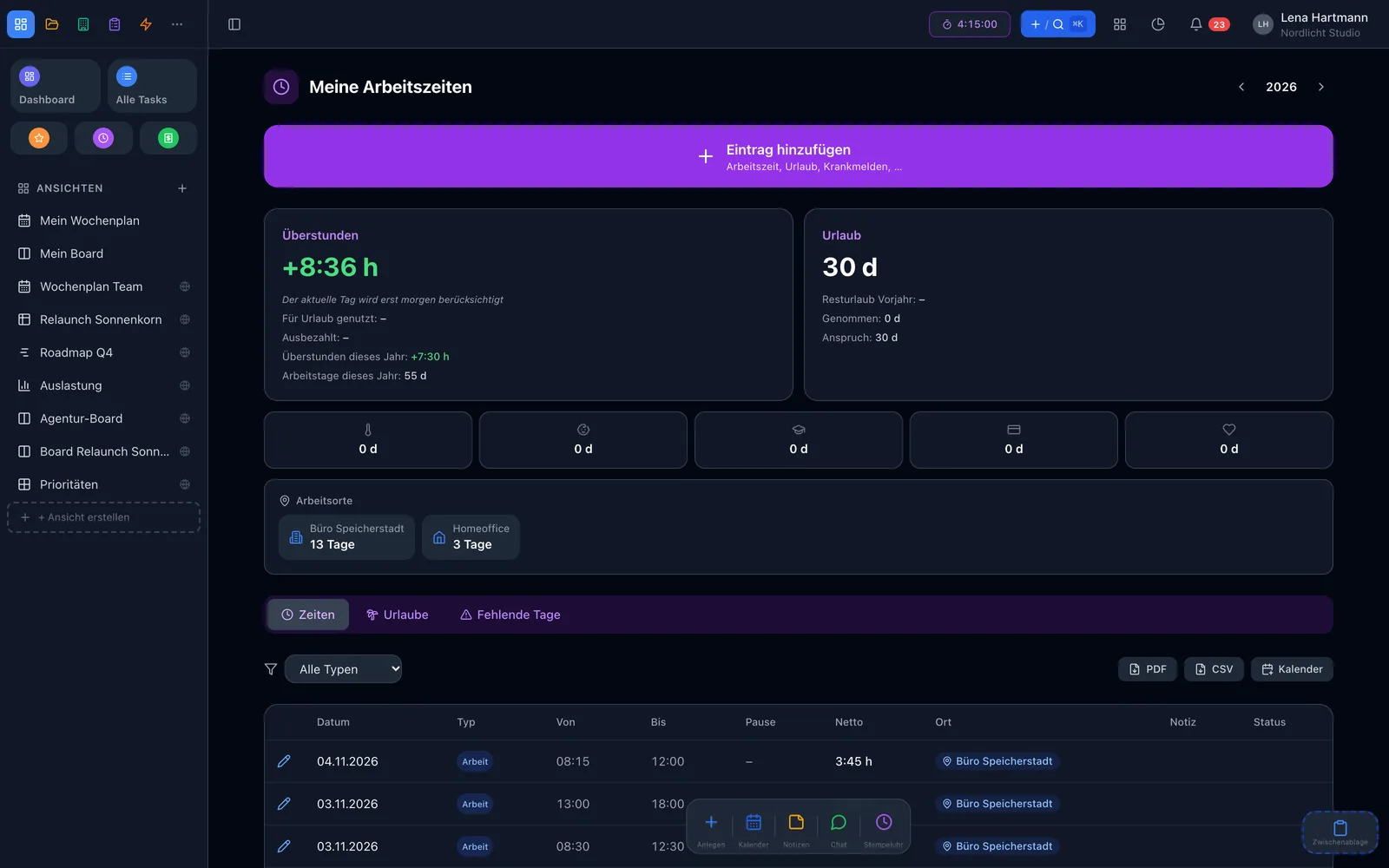
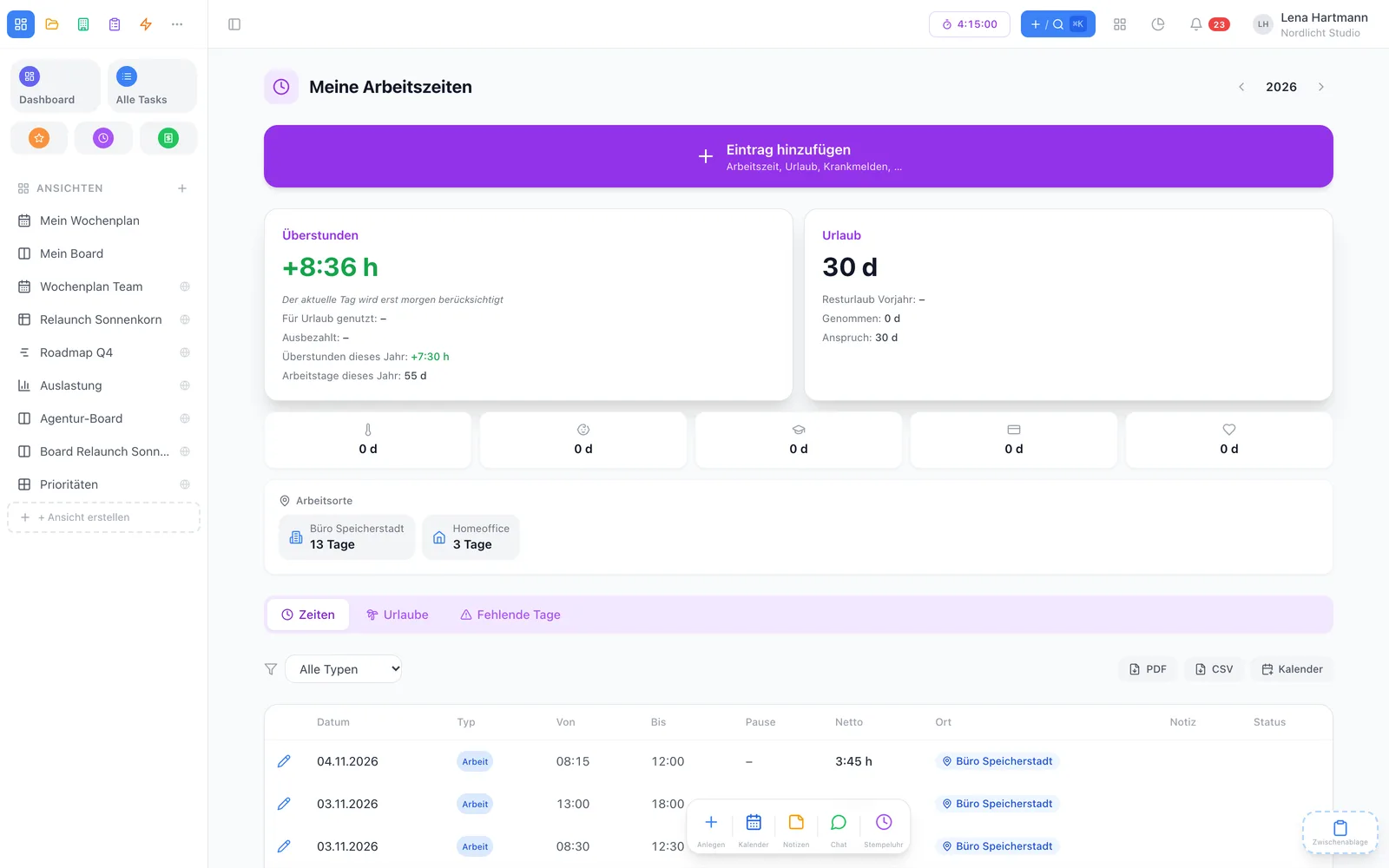
Personal monthly overview in time tracking Personal monthly overview in time tracking

Highlights

Everything time tracking needs

Clock & timer

One click starts your working time, one click ends it. Or enter start, end and break afterwards.

Eight absence types

Vacation, sick, child sick, training, business trip, parental leave, unpaid leave and overtime reduction — also as half days.

Approvals

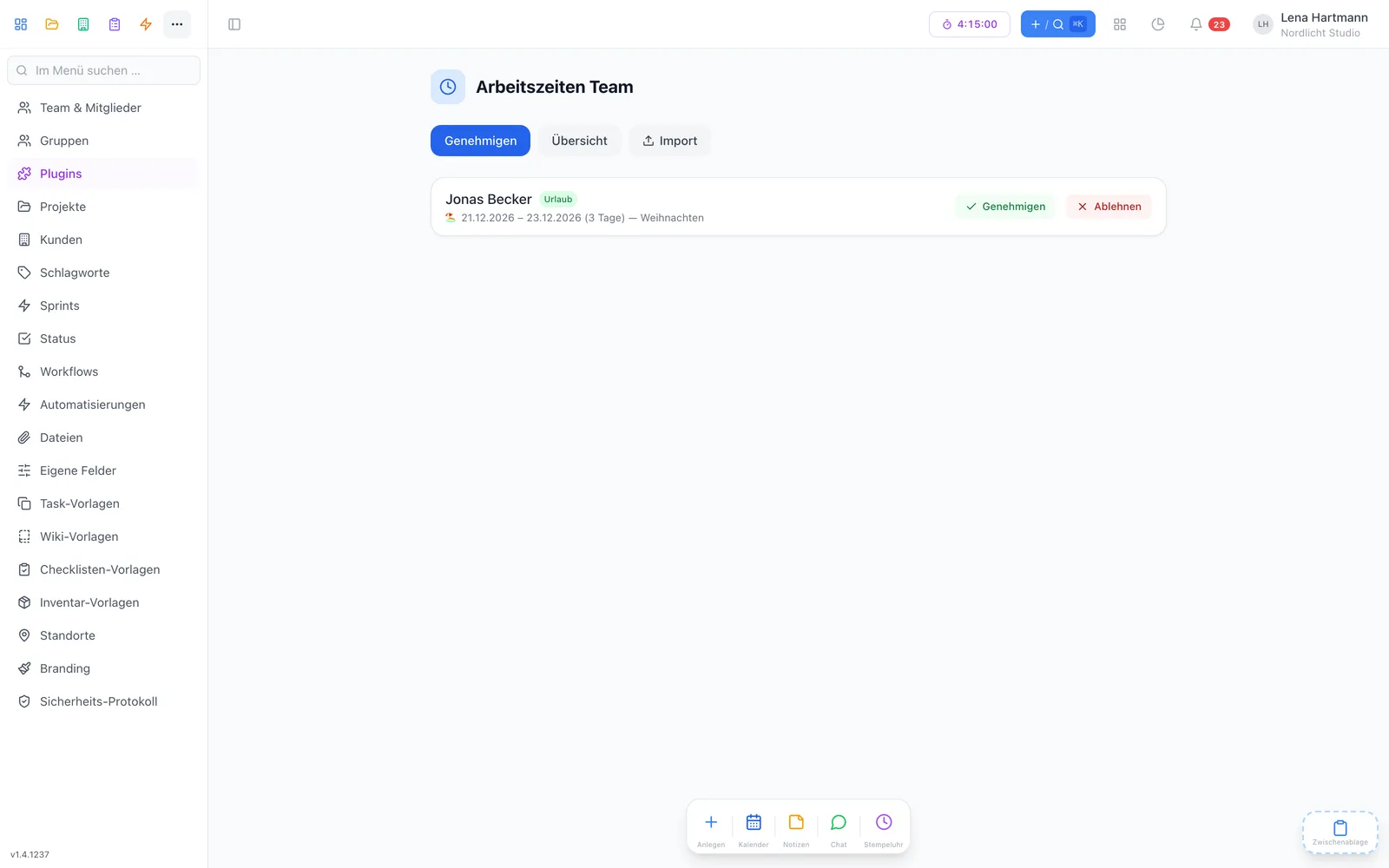
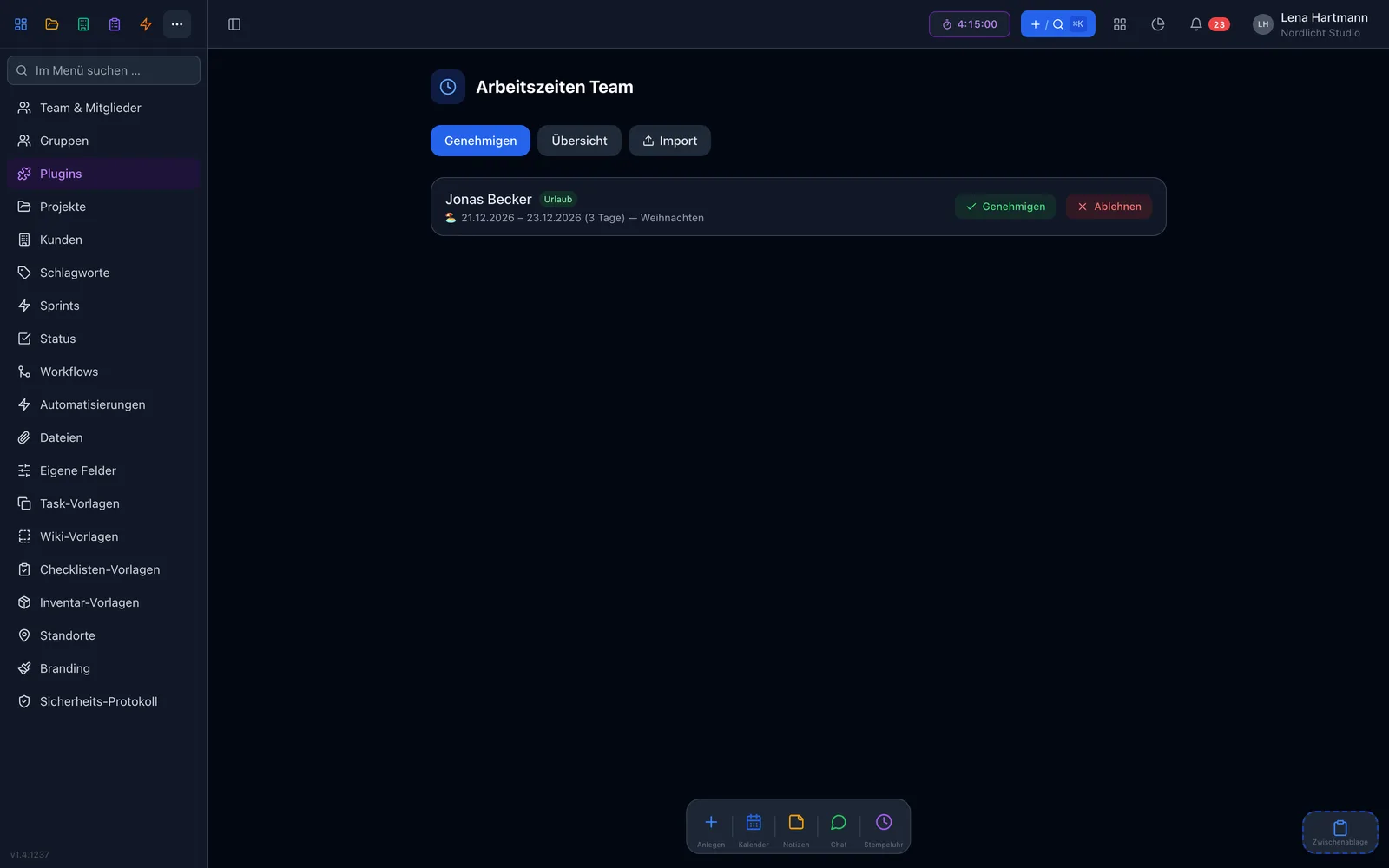
Leave requests go to the admins — approve or decline with a reason, and everyone sees the status.

Automatic overtime

Set target hours per person — workYoo calculates balance, remaining leave and carry-over, with public holidays by German state.

PDF & CSV export

Annual report with a summary and every single entry — per person or for the whole team.

Time on tasks

Log time directly on tasks and see how much went into a project or a customer.

Time tracking

Clock in the way your day works

Start the timer with one click and record your working time to the second. Forgot? Just add start, end and break afterwards. The running timer is always visible.

  • Start/stop timer with live display
  • Manual entries with break duration
  • Configurable automatic break deductions — the today view applies breaks according to German working-time law
  • Record your work location: office, home office or a custom location
team.workyoo.com/time-tracking
Monthly overview with hours and balance Monthly overview with hours and balance

Absences

Who is away when? One glance is enough.

All absences come together in one place. The absence calendar shows the whole team — half days as a half-filled box. For private reasons such as sickness, colleagues only see “absent”.

  • Leave requests with status: pending, approved, declined
  • Remaining leave and carry-over calculated automatically
  • Admins can enter a sick day for a member — with a visible “entered by” note
  • Business trips and training cover the daily target, with no plus or minus
team.workyoo.com/time-tracking/team
Team overview and absence calendar Team overview and absence calendar

Overtime & contracts

Target hours in, balance out

Set the target hours per member and workYoo calculates overtime monthly and cumulatively. When a contract changes, add a new contract set — the past stays exactly as it was.

  • Target hours per week, month or year
  • Public holidays by German state, plus your own company holidays
  • Multiple contract sets per person with overtime carry-over
  • Missing days are flagged — including an open second half of a day

Export

The annual report as PDF

Page 1 shows the annual summary, followed by every month with every single entry.

  • Overtime, leave balance and sick days at a glance
  • Public holidays marked in grey
  • CSV export (UTF-8, semicolon-separated) for payroll
  • Per employee or for the whole team

A day with time tracking

That is how little effort it takes

08:30

Clock in

One click on the dashboard or in the workYoo GO app — your location is preselected if you entered it in office planning.

11:00

Log time on a task

Start the timer right from the task or add the time with a note — it counts towards the project and the customer.

12:30

Break

Clock out, clock back in later — the today view accounts for the break correctly.

15:00

Request leave

Pick the dates, send. If the org chart is active, workYoo warns you when someone you stand in for is off at the same time.

17:30

Clock out

Your balance is up to date — no list, no recalculating.

Frederik

Frederik · Training & support

“My tip for getting started: first create a contract set with target hours and leave days for every member. Then balance and remaining leave are right from day one.”

FAQ

Frequently asked questions

How much does time tracking cost?

It is free for 2 members. From the 3rd member the plugin costs €2.50 per user and month, net, cancel monthly.

Which absences can I record?

Vacation, unpaid leave, sickness, child sick, training, business trip, parental leave and overtime reduction — each also as a half day.

Are public holidays taken into account?

Yes. Public holidays are applied by German state, and you can add your own company holidays or closures on top.

Can admins create entries for others?

Yes, for example a sick day. The entry then shows “entered by”, the member gets notified and cannot delete it themselves.

How do I get the data into payroll?

Via the CSV export (UTF-8, semicolon-separated) or the annual report as PDF — per person or for the whole team.

Works great with

Fair & secure

Start small, grow fairly

0 €Time tracking for 2 users — no credit card needed
2,50 €per additional user per month (net), add-on module, cancel monthly
§Breaks according to German working-time law — the today view applies them
🇩🇪Servers in Germany, DPA included, personal support by email

Time tracking extends workYoo: 2 members are free, each additional member costs €3.50 per month (net).

Goodbye, timesheet

Try time tracking free with your team.

Start free See pricing