Modules · Projects
All projects, one glance
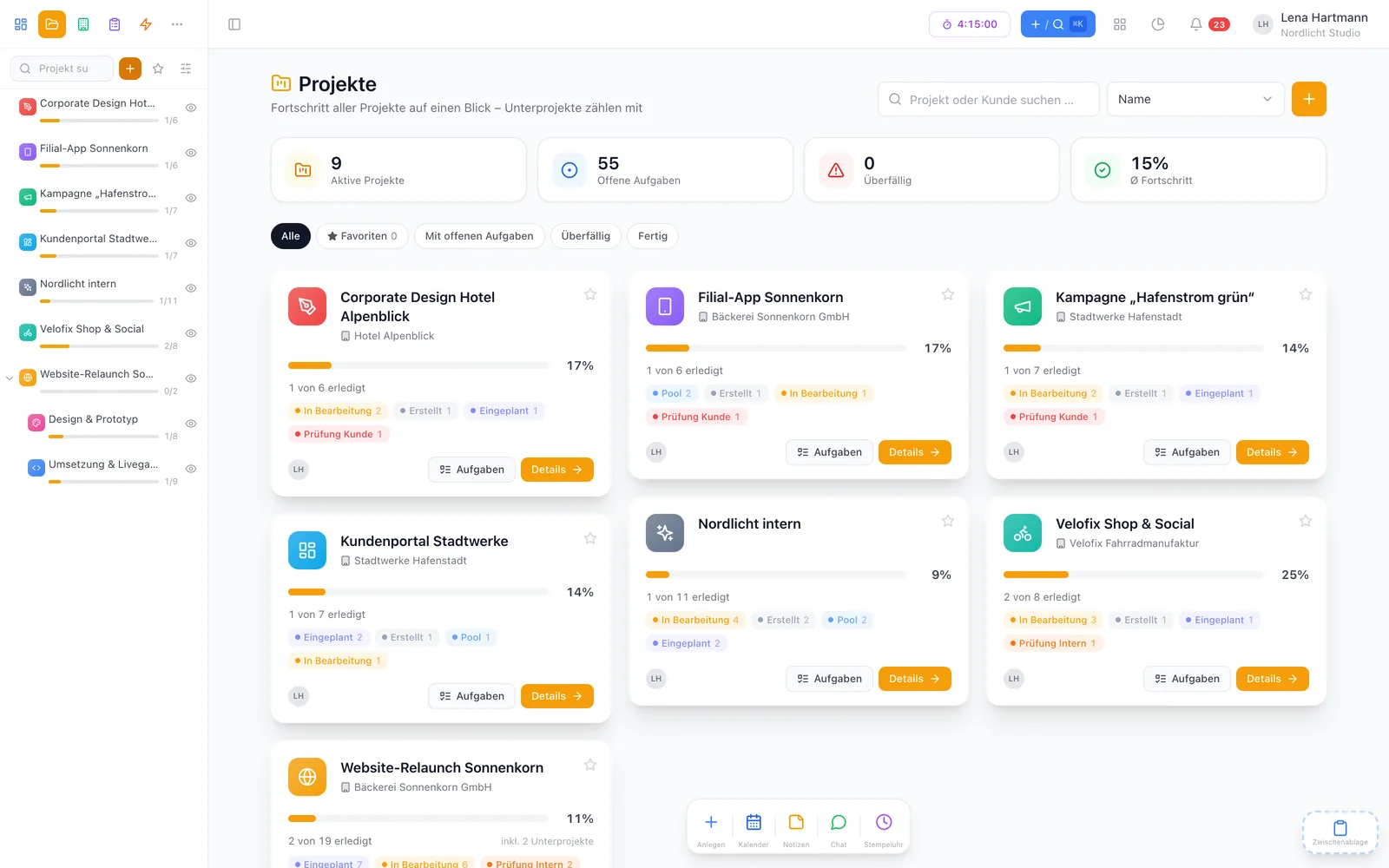
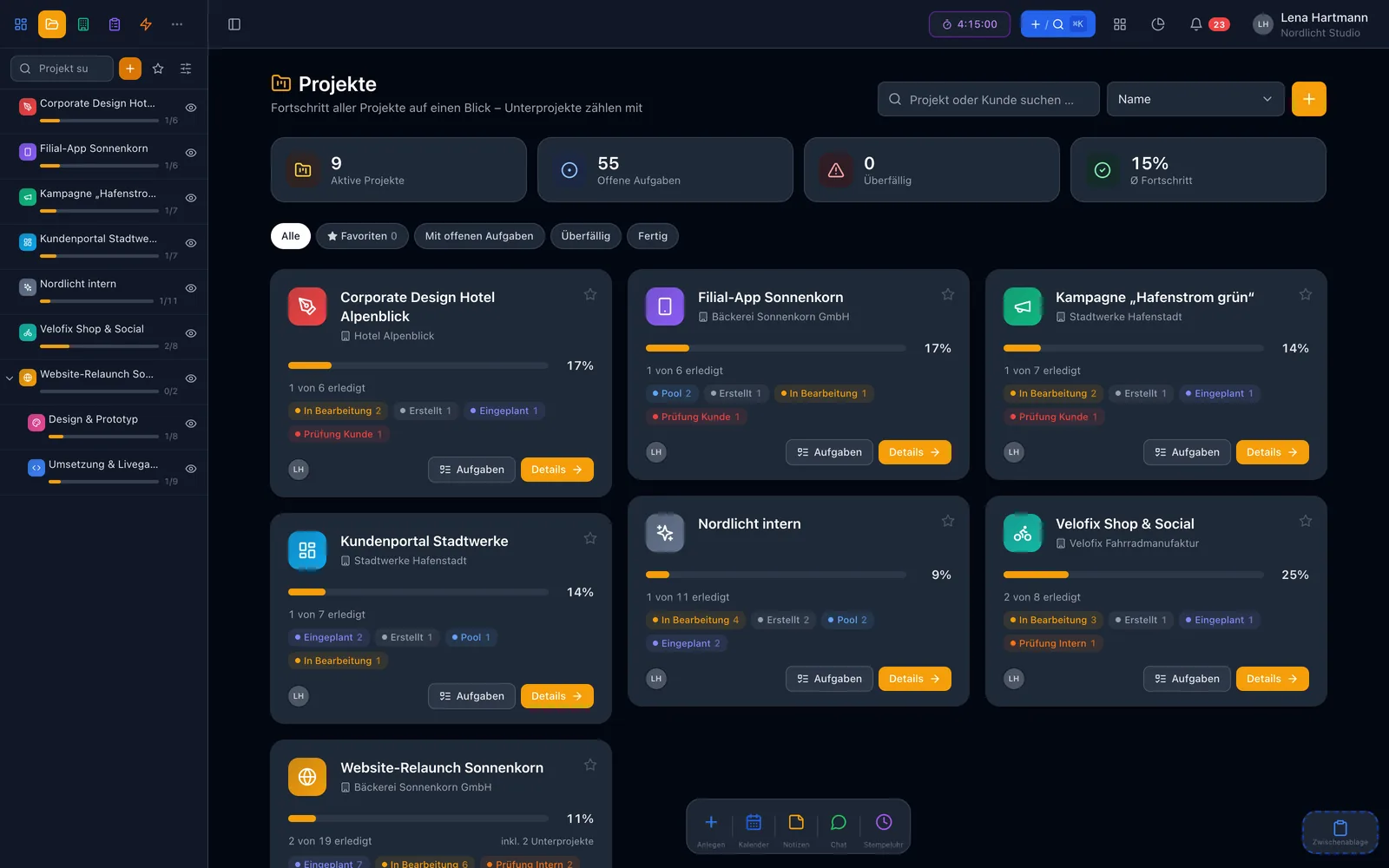
See at a glance where every project stands — with progress across all subprojects, overdue tasks, a project wiki and the time your team has put in.
2 members free · Unlimited projects · Cancel monthly
Modules · Projects
See at a glance where every project stands — with progress across all subprojects, overdue tasks, a project wiki and the time your team has put in.
2 members free · Unlimited projects · Cancel monthly
Highlights
Every project is a card: progress, open and overdue tasks, an image or icon in your colour.
Nest projects as deep as you like — progress includes every level below.
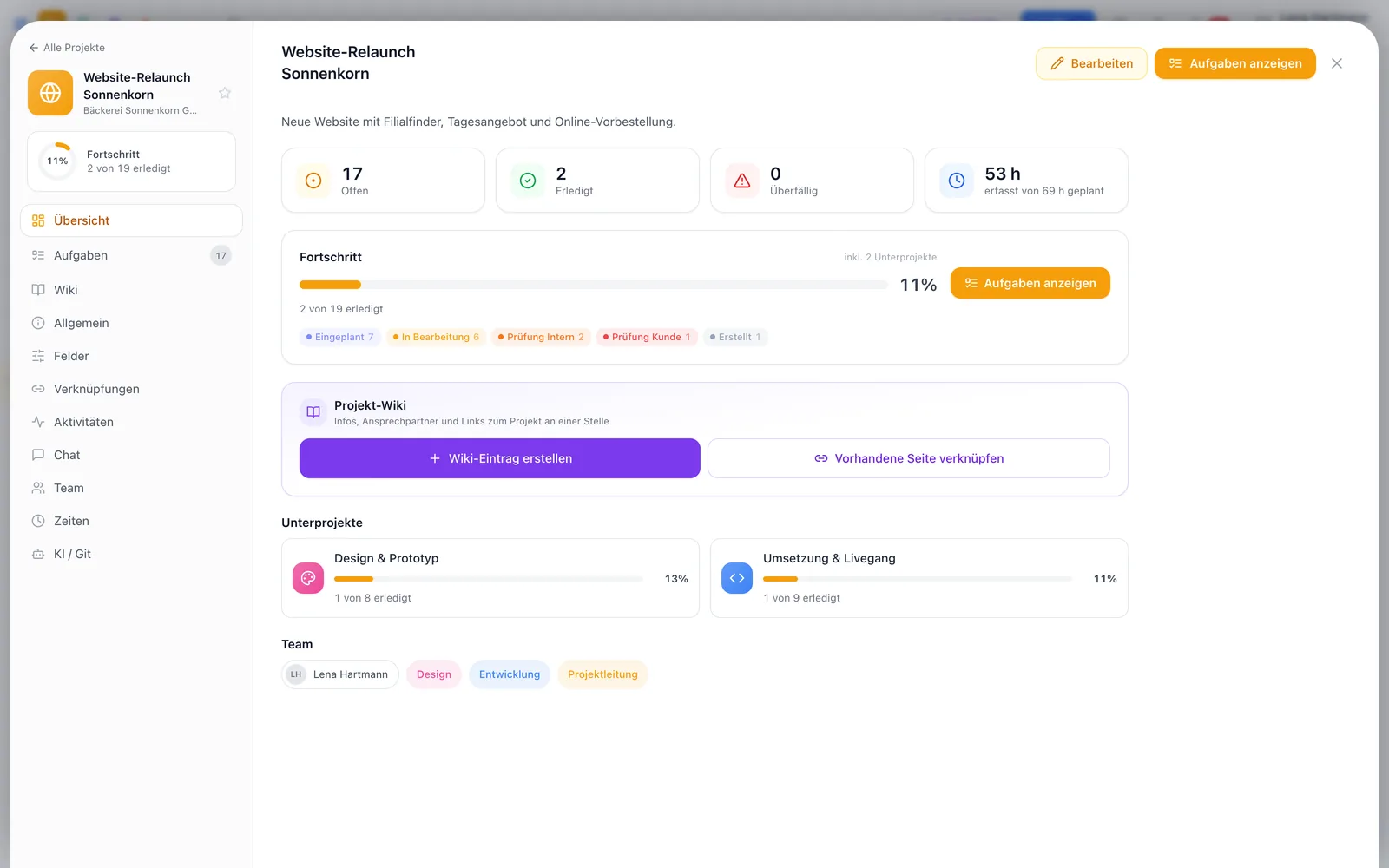
One wiki page per project — goals, contacts, processes, one click away from the project details.
Who has put how much time into the project? Open and invoiced, with CSV export.
Star your key projects to pin them to the top — in the overview and the sidebar.
Add people and groups — or keep a project private until it is ready.
One project, four angles
Click through — every view works with the same tasks.
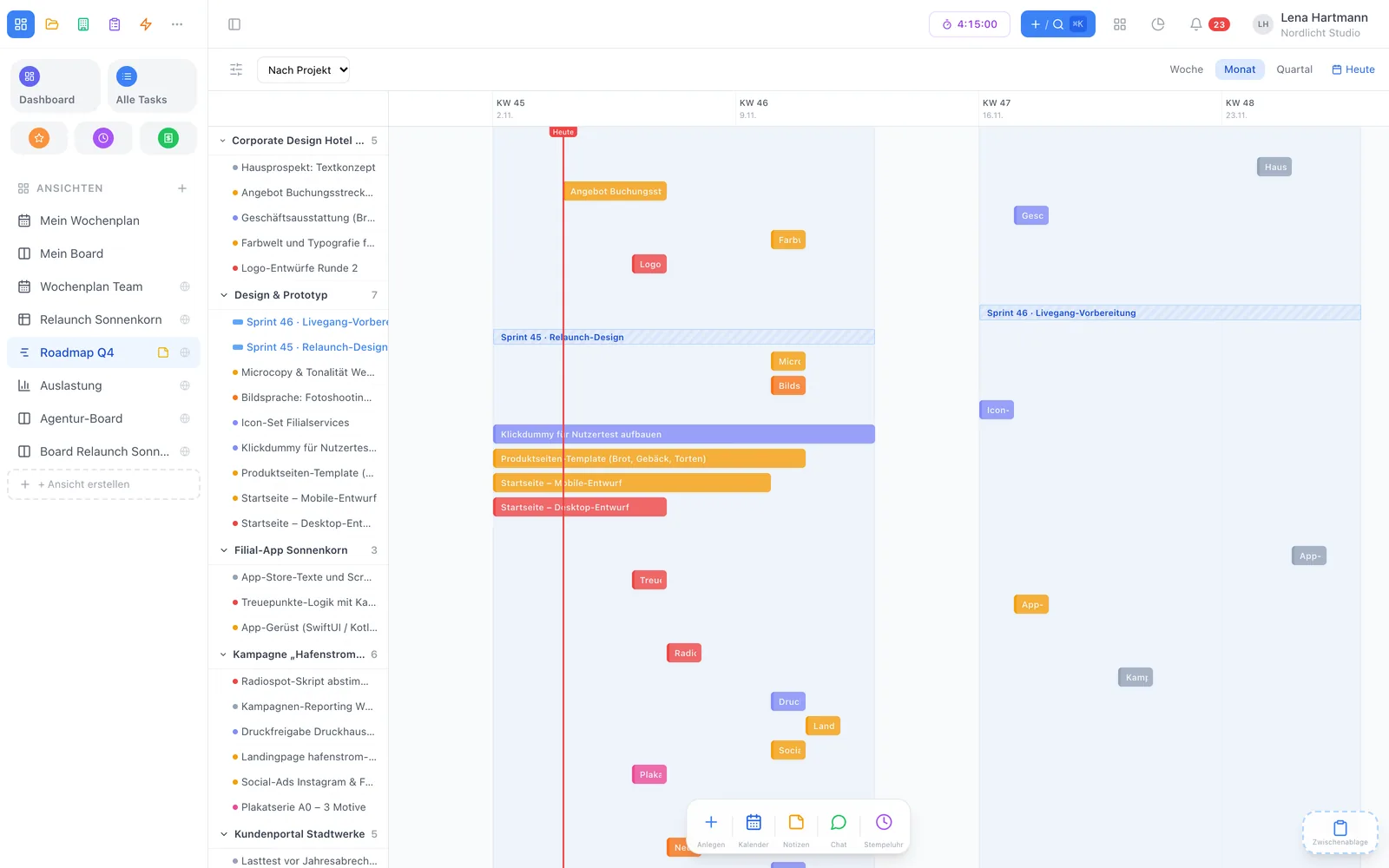
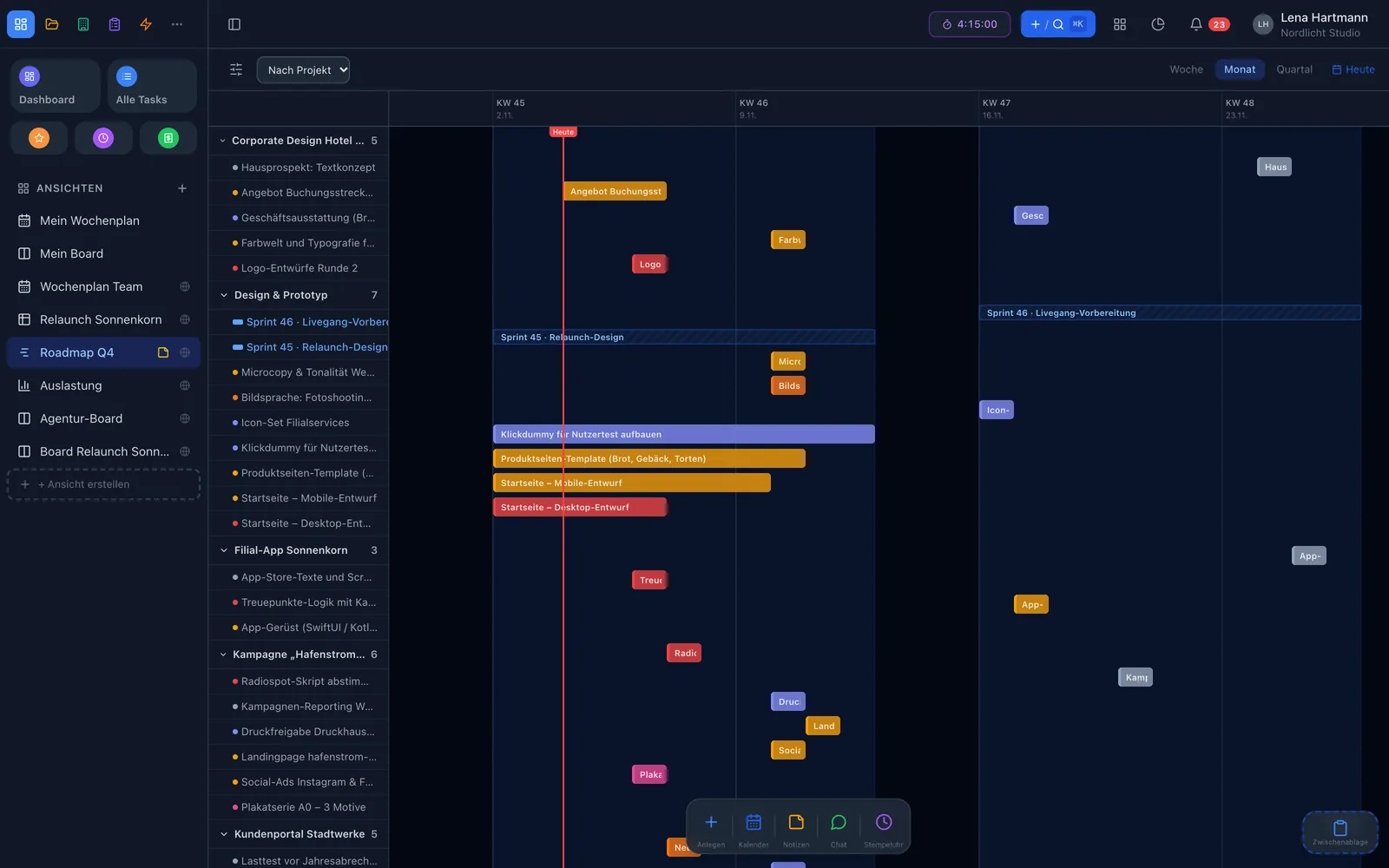
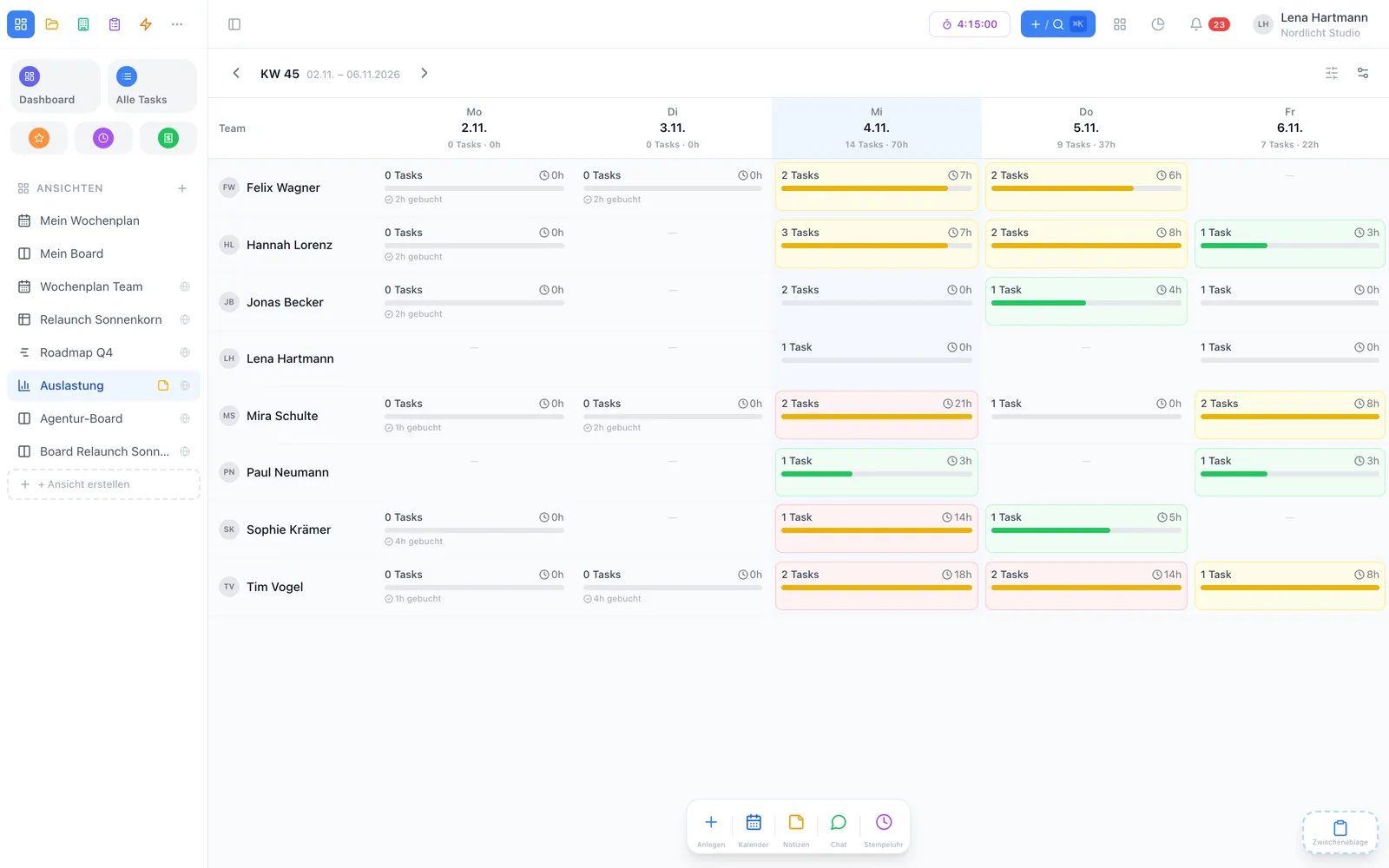
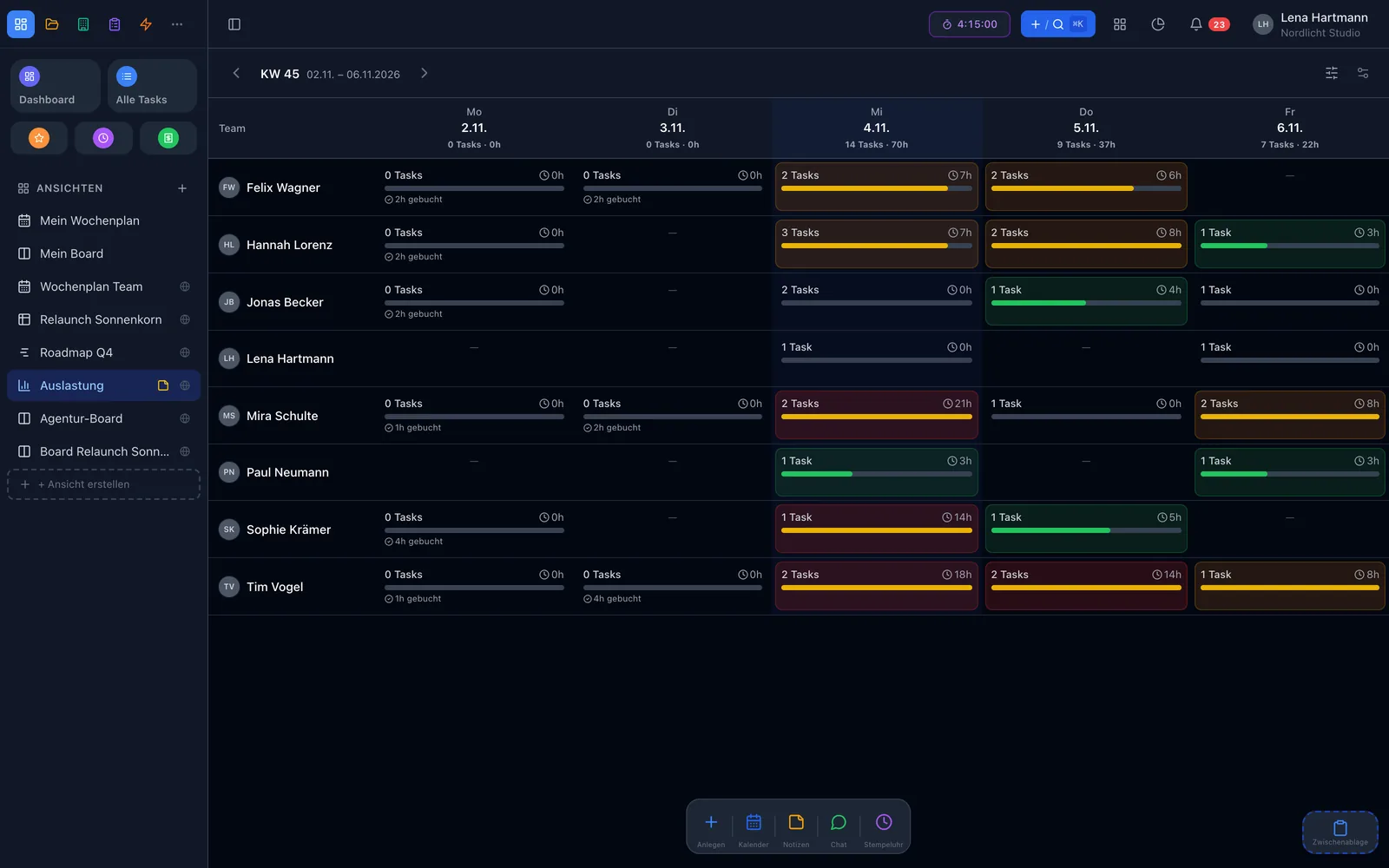
Project details
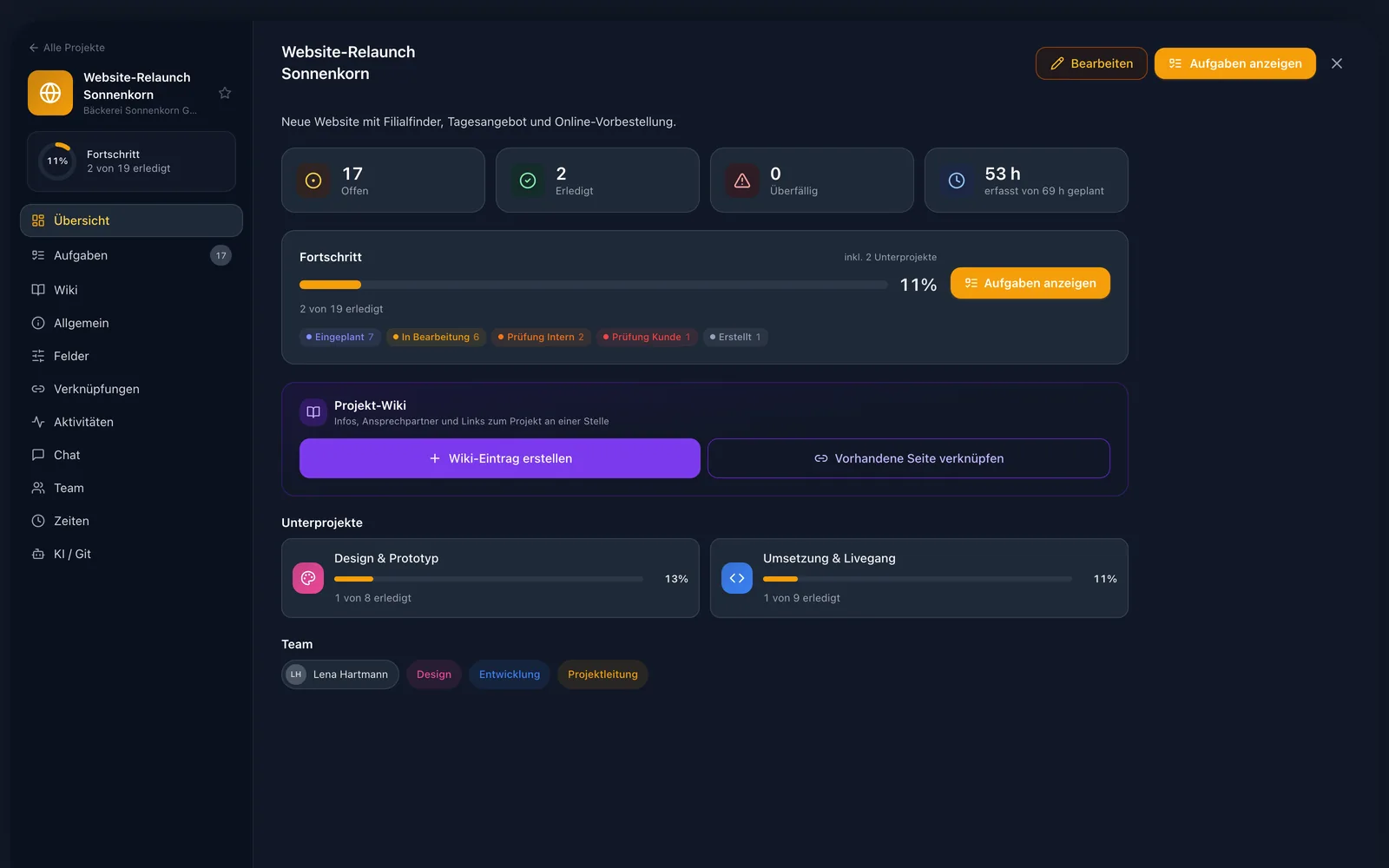
Open a project as a full page: sections on the left, content on the right. The overview shows the next open tasks including subprojects — overdue items and deadlines first. One click on “Tasks” takes you to the full list.
Time & billing
The “Time” tab adds up all bookings on the project’s tasks — per team member and per task, split into open and invoiced. Pick a period, export as CSV, done.
Example · website relaunch
Sample figures
Organisation
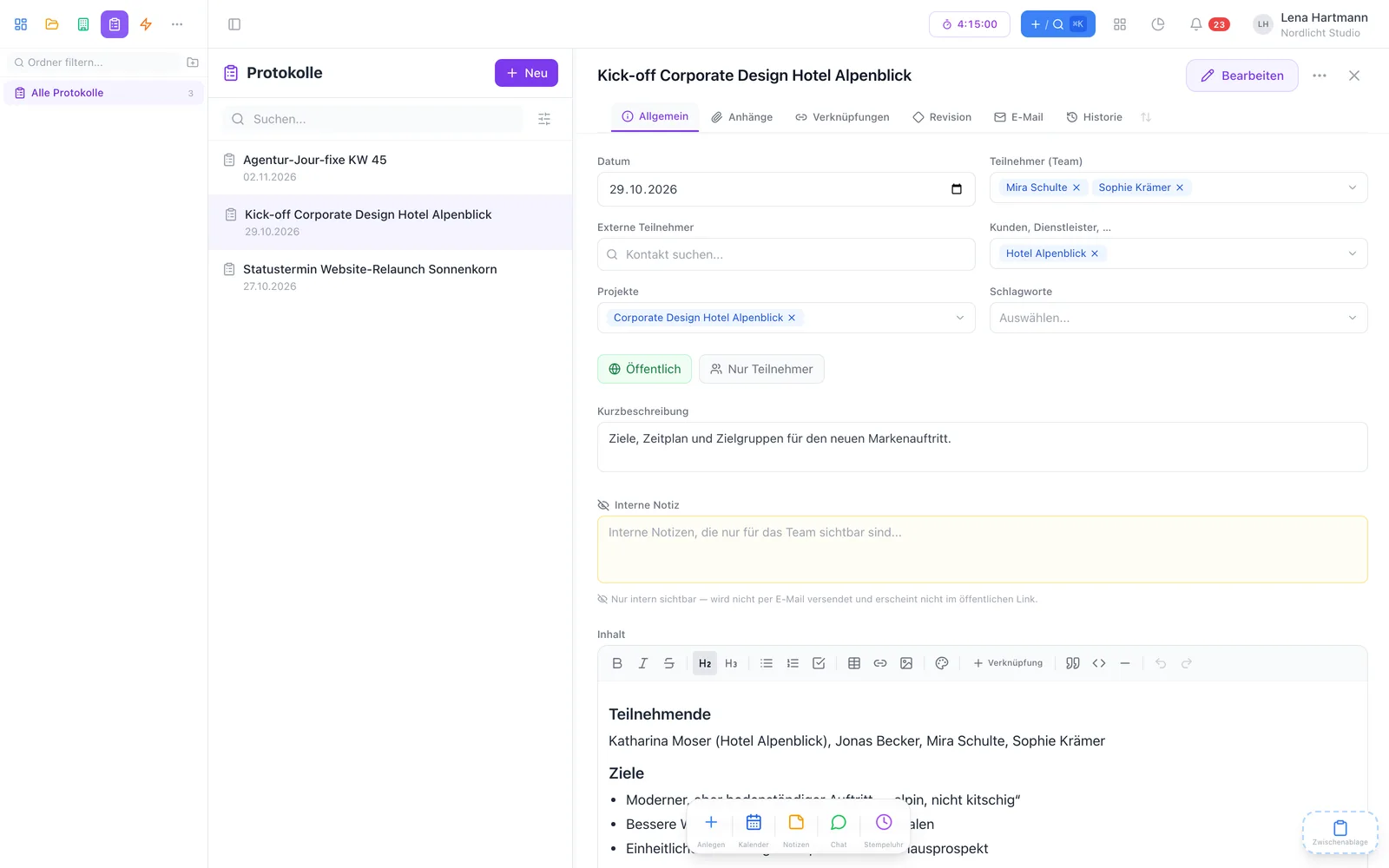
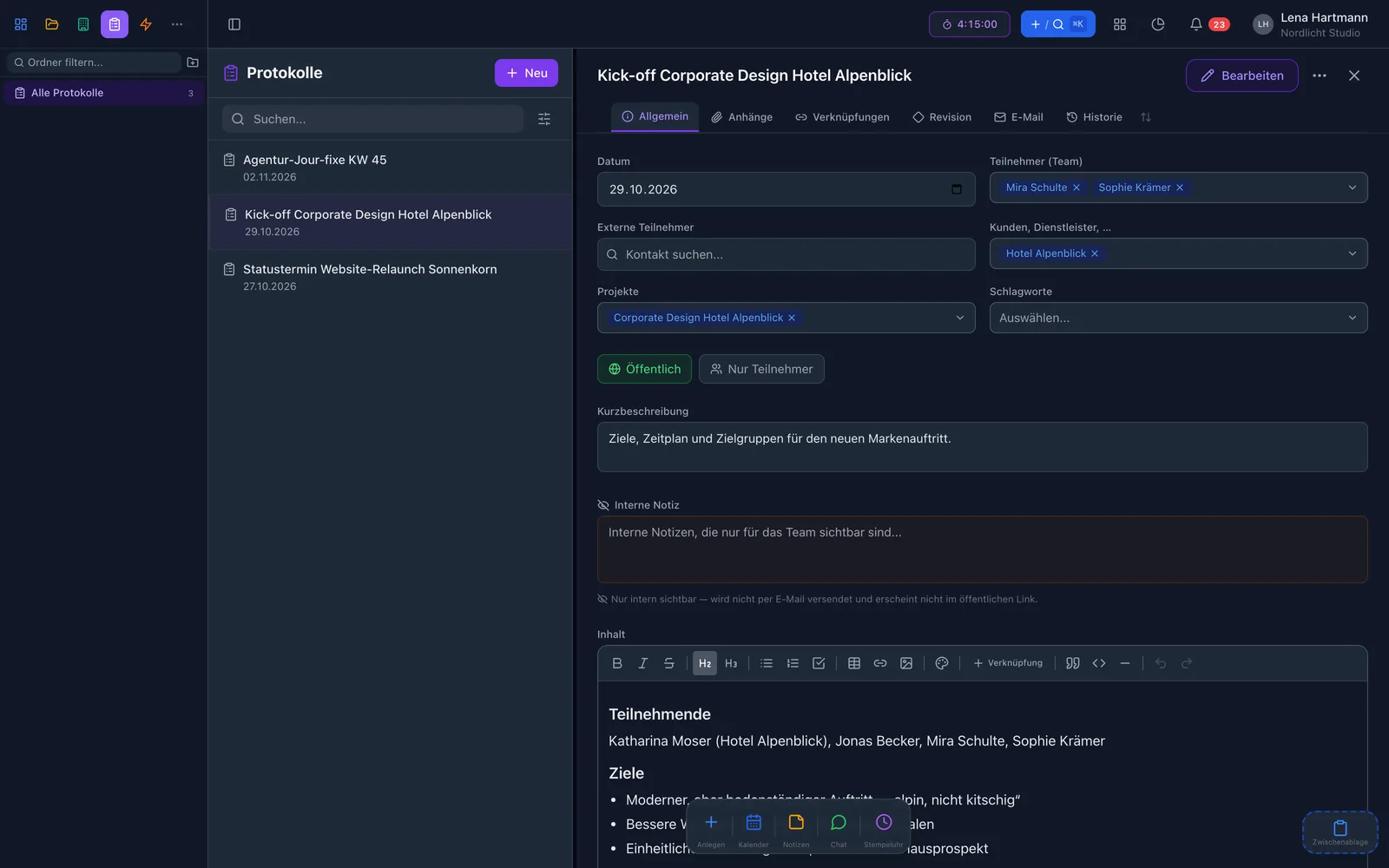
Split work into sprints with a start and end date, give a project a workflow with fixed steps and record meetings as minutes — the tasks from them land right in the project.
How to start
Pick a name, icon and colour, add members or groups — as a subproject if needed.
Create new tasks with #project in the title or assign existing ones.
See in the overview what is done, what is stuck and where the time goes.
FAQ
As many as you like — even on the free Start plan. You only pay for members from the third one on.
From the completed and open tasks of the project and all its subprojects, however deeply nested.
A private project is only visible to whoever created it. Otherwise project members — directly or through a group — and your team’s superadmins can see it.
Yes. A task can be assigned to several projects and then shows up in all of them.
Yes, the project page links a page from your workYoo wiki. Without the wiki everything else works as usual.
Fair & secure