Modules · Workflows

Processes that run themselves

Define which steps a task goes through, who takes over at each step and who may complete it. Approvals, reviews and order processing — no step gets forgotten.

Start free See examples

Workflows are included in every plan · 2 members free

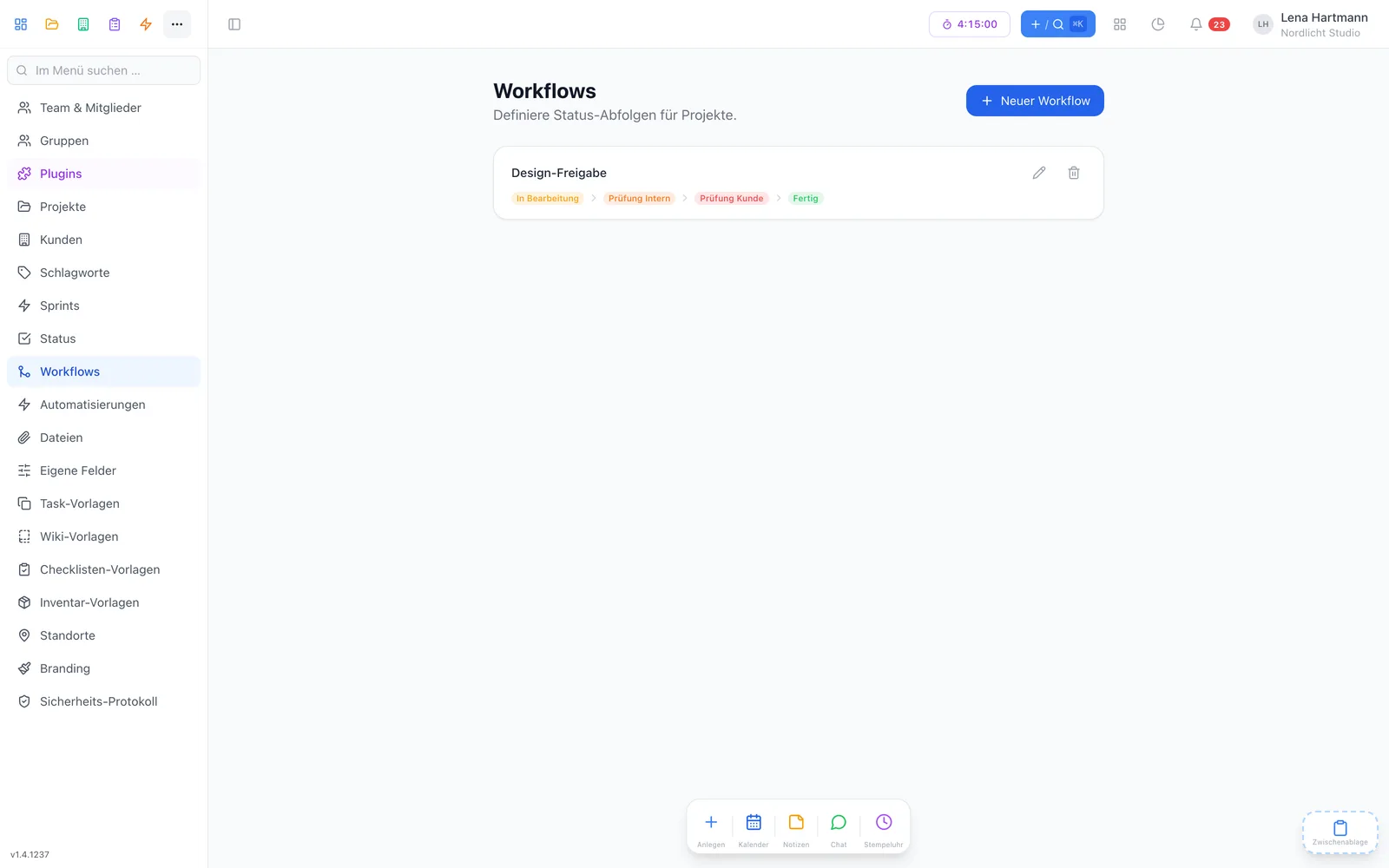
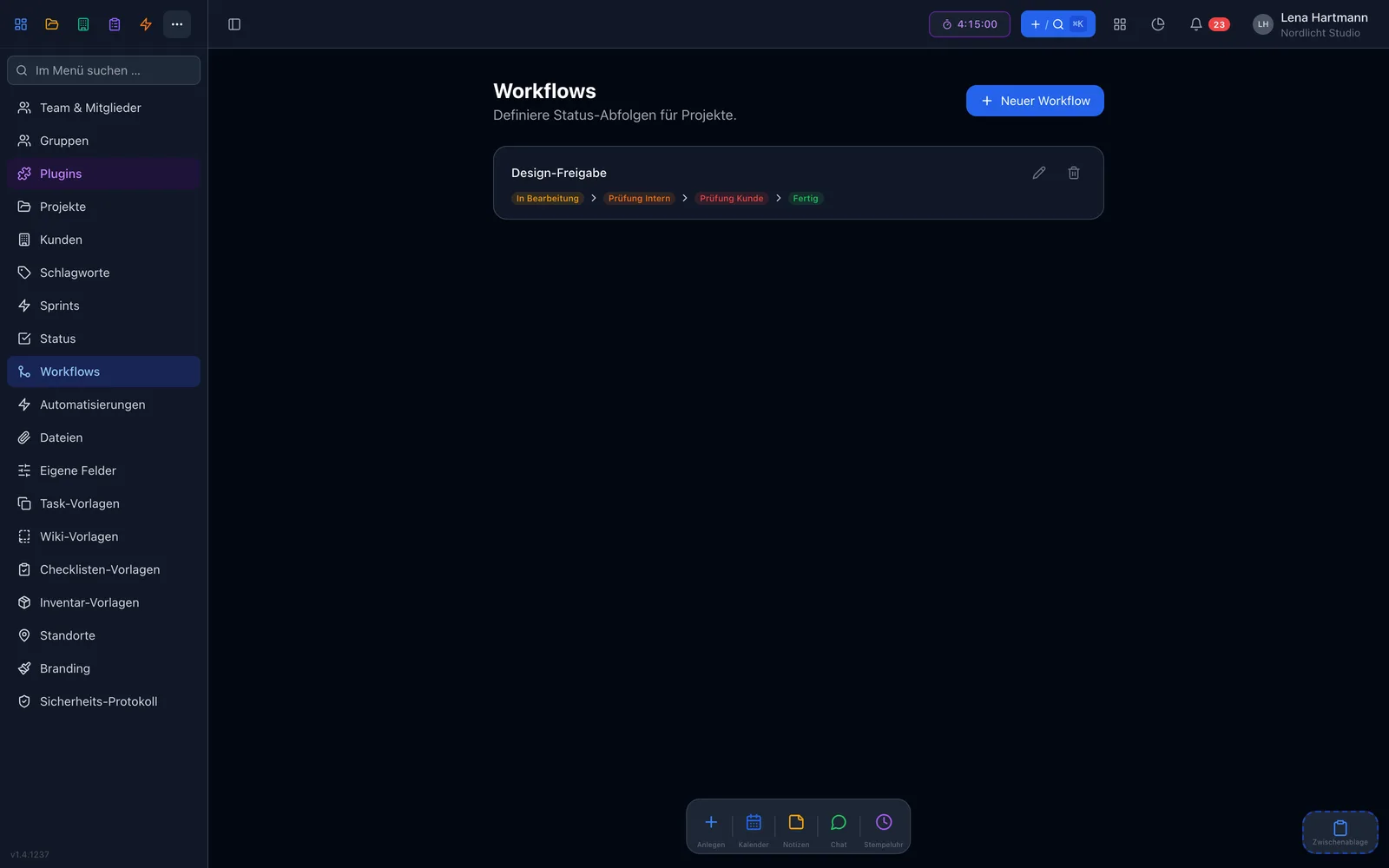
team.workyoo.com/admin/workflows
Workflow settings with steps and assignments Workflow settings with steps and assignments

At a glance

What workYoo workflows can do

Fixed steps

Every step is a status with a name and colour — in your order, with no shortcuts.

Branches

Allowed next steps with their own labels — such as “Approved” or “Back to copy”.

Automatic assignment

When the step changes, the right people or groups take over — as assignees and owners.

Completion rights

Decide per step who may move on: everyone, assignees, owners or both.

Board protection

On the Kanban board, the status can no longer be moved around the workflow.

Emergency override

Superadmins can always move a task on — no process gets stuck when someone is away.

Examples

Typical workflows from everyday work

Workflows fit every process with clear steps and responsibilities. Three examples to click through:

Brief

Editorial creates the task and describes the goal.

Copy

The copy group automatically becomes assignee.

Editing

On to sign-off — or “Back” to copy.

Sign-off & publish

Only the owner may tick it off.

Specification

Describe and agree on the requirement.

Implementation

Development takes over automatically.

Code review

A colleague reviews — or sends it back to implementation.

QA & deployment

Completion by assignees and owners only.

Order received

The request lands in the project as a task.

Quote

Sales is assigned automatically.

Customer approval

“Accepted” moves on, “Declined” goes back.

Completion & invoice

Accounting handles the last step.

Set up

Build workflows in minutes

In the settings you line up your statuses as steps, define the allowed next steps and store who takes over at which step. Then link the workflow to a project — done.

  • Steps built from your own statuses, sortable with arrows
  • Labelled transitions for branches
  • One workflow per project, as many workflows as you like in the team
  • New tasks start automatically at the first step
team.workyoo.com/admin/workflows
Workflow settings Workflow settings

Automation

The next step knows whose turn it is

When a task moves to the next step, the stored people or groups automatically become assignees and owners — either in addition to or instead of the previous ones. Anyone who may not complete the step sees the done button greyed out.

  • Assignment to people or whole groups
  • Replace or keep previous assignees
  • Completion right: everyone, assignees, owners or both
  • Superadmins can always override

Step “Editing”

AssigneesEditing group
OwnerEditor-in-chief
May completeOwner
Next“Sign-off” · “Back to copy”

Working together

Approved? Let’s move on.

Workflows mesh with other modules: on the board they protect the status, and with the automation plugin a task can, for example, jump to the next step automatically once an approval is granted.

  • Approvals on the task as a trigger
  • Status protection on the Kanban board
  • Notification as soon as it’s your turn
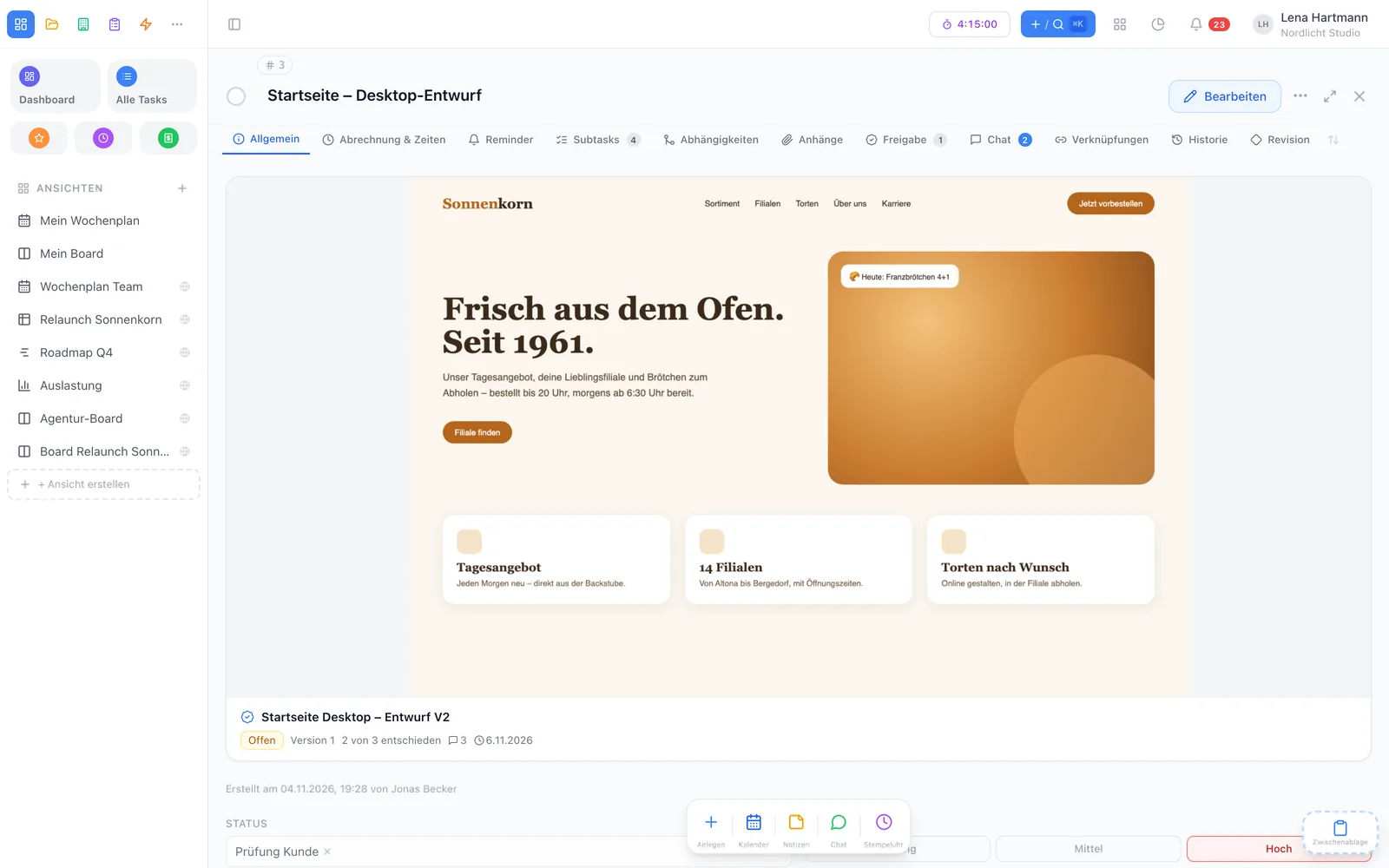
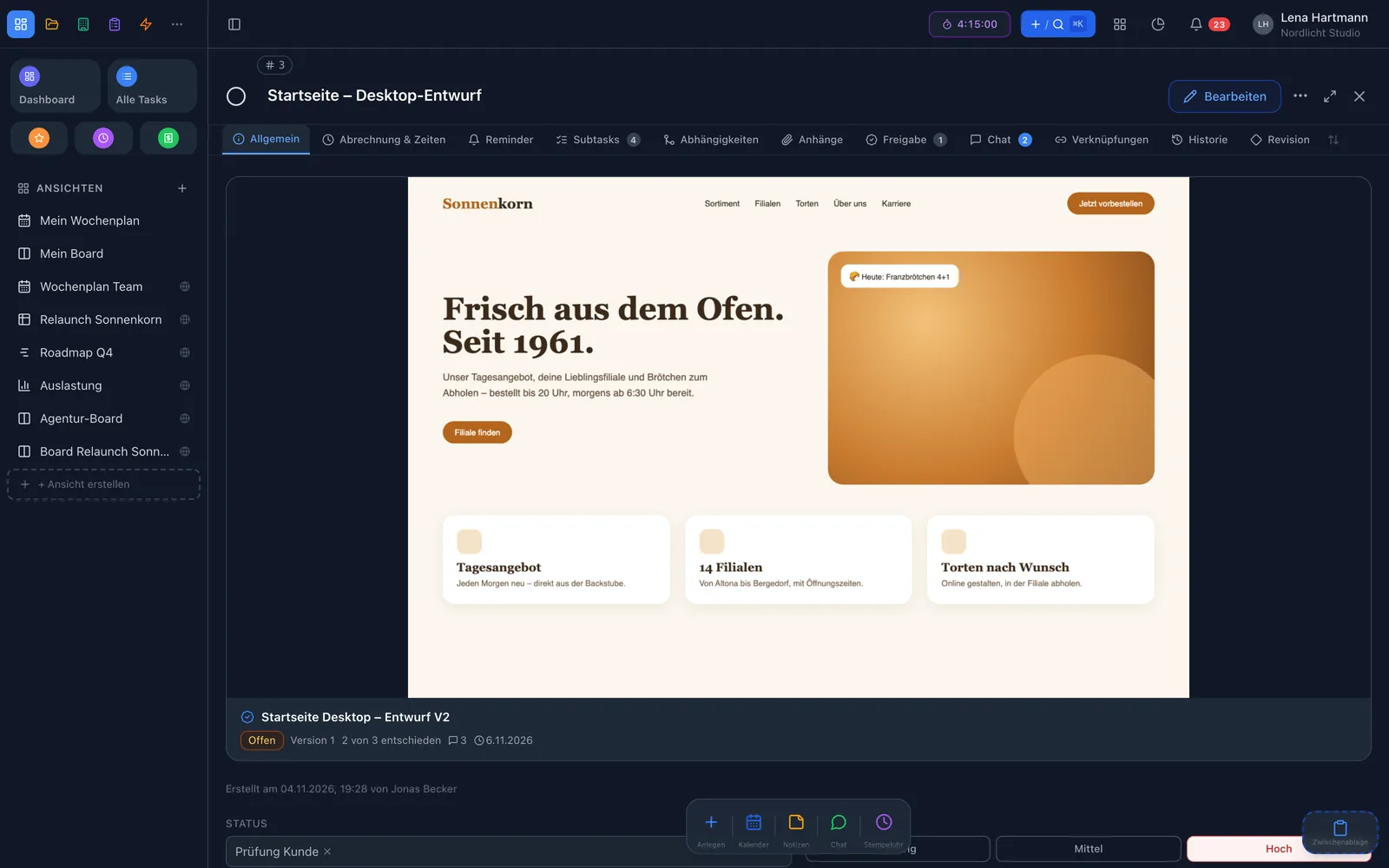
team.workyoo.com/tasks/…#approval
Approval on a task with pins Approval on a task with pins

Before · after

Processes that work — without chasing people

Without a workflow

  • “Has this gone to editing yet?”
  • Hand-overs by shouting across or by email
  • Steps get skipped
  • Anyone ticks things off whenever they like

With a workYoo workflow

  • The status shows where the task is
  • The next step assigns automatically
  • Only allowed transitions
  • Completion only by those entitled

FAQ

Frequently asked questions

Do workflows cost extra?

No, workflows are included in every plan — even in the free Start plan for two members.

Who can set up workflows?

Your team’s superadmins. They define steps, transitions, assignments and completion rights and link the workflow to a project.

Can I skip a step?

Only if the workflow allows that transition. In an emergency, superadmins can always move a task on.

What happens to subtasks?

Subtasks in a project with a workflow keep their workflow status. If the parent task is completed together with its open subtasks, they count as done without their status jumping.

Does a workflow apply to every task in the team?

No, only for tasks in the project it is linked to. Other projects use their own workflow or none at all.
Works great with

Your first workflow in minutes

Set it up for free and let the tasks do the work.

Start free See pricing