Modules · Integrations
Connect your work tools
Calendars, chat, helpdesk and your own software: workYoo fits into your tools — with a REST API, webhooks and plugins you only switch on when you need them.
2 members free · Cancel monthly
Modules · Integrations
Calendars, chat, helpdesk and your own software: workYoo fits into your tools — with a REST API, webhooks and plugins you only switch on when you need them.
2 members free · Cancel monthly
All connections
Every integration is a plugin an admin switches on individually — only what you need is active.
Calendar
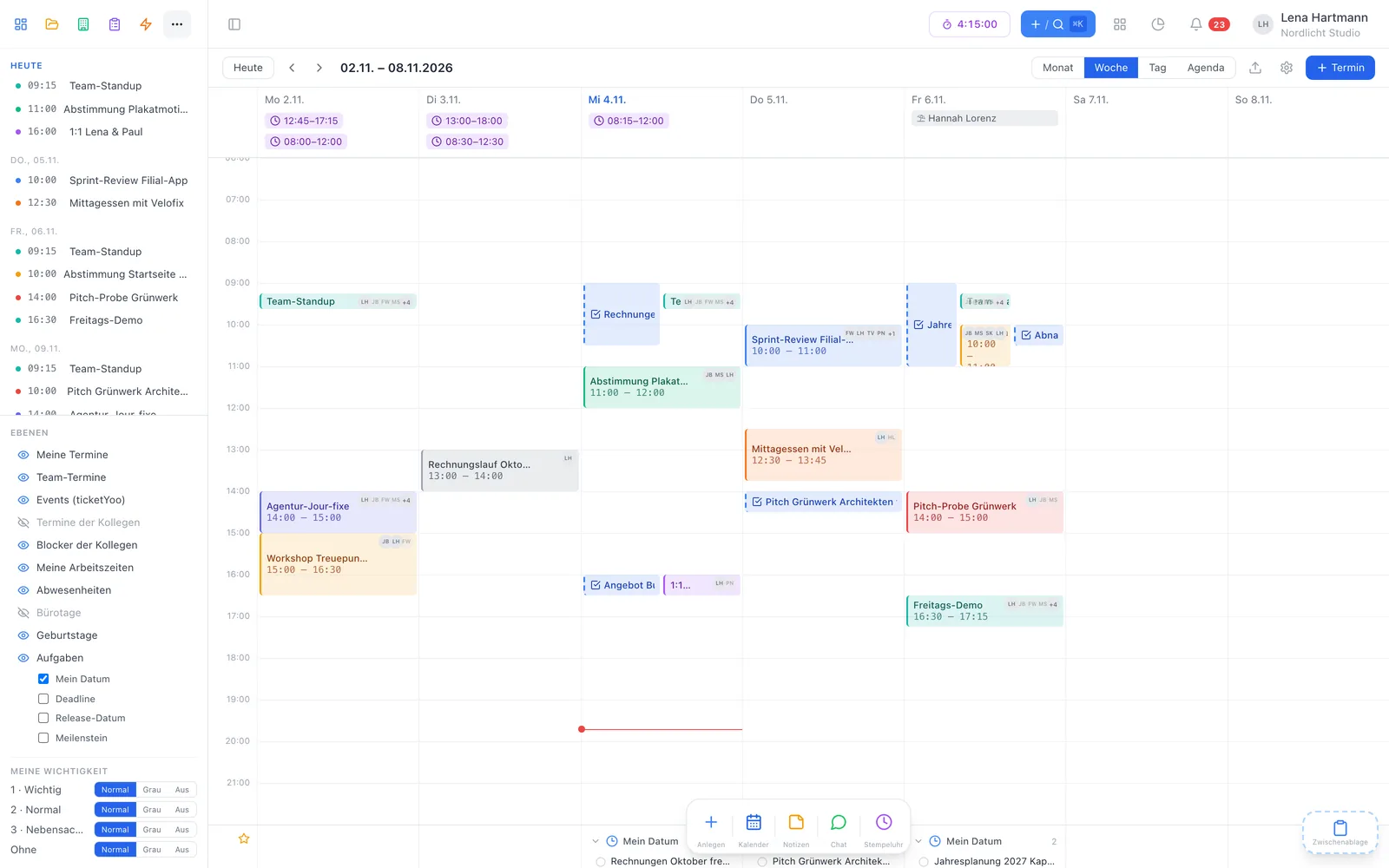
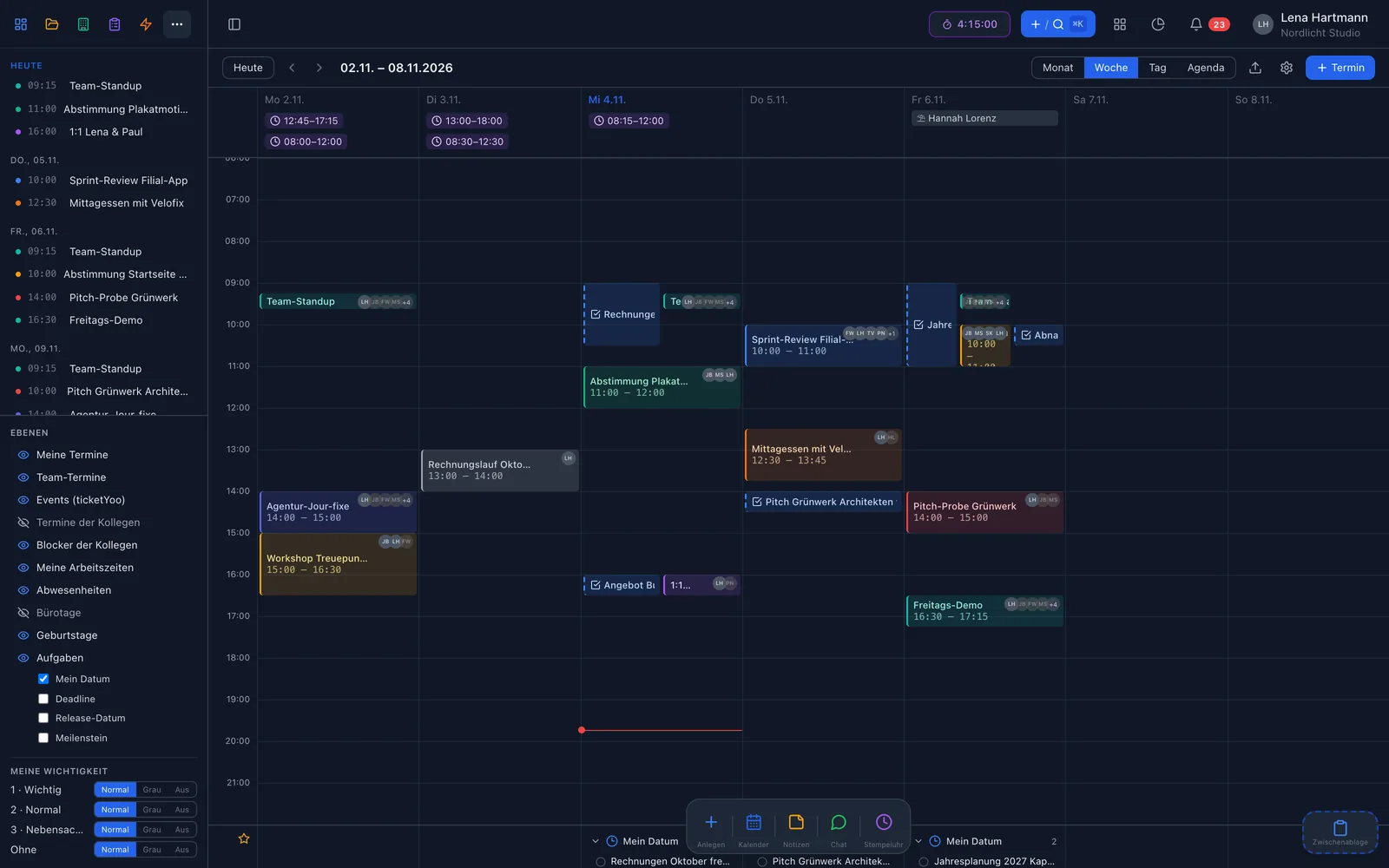
A personal calendar feed brings your dated tasks into Google Calendar, Apple Calendar, Outlook and any other iCal app. Every entry contains project, customer, status and a link to the task, plus a reminder one day before.
Chat & helpdesk
With the slash command you create tasks straight from Slack or Mattermost — with assignee, project, priority and description in one line. Tickets from Zammad arrive automatically as tasks in workYoo.
Public REST API
The public API gives access to tasks, projects, customers, contacts, minutes, wiki, documents, inventory, checklists and more. You authenticate with a bearer token, up to 120 requests per minute, and you can see your monthly quota in the admin area at any time.
Sign-in & more
With Microsoft Entra ID your team signs in with their existing Microsoft account. On top come tasks by email, public forms without login and the connection with ticketYoo, where events are managed as projects.
In three steps
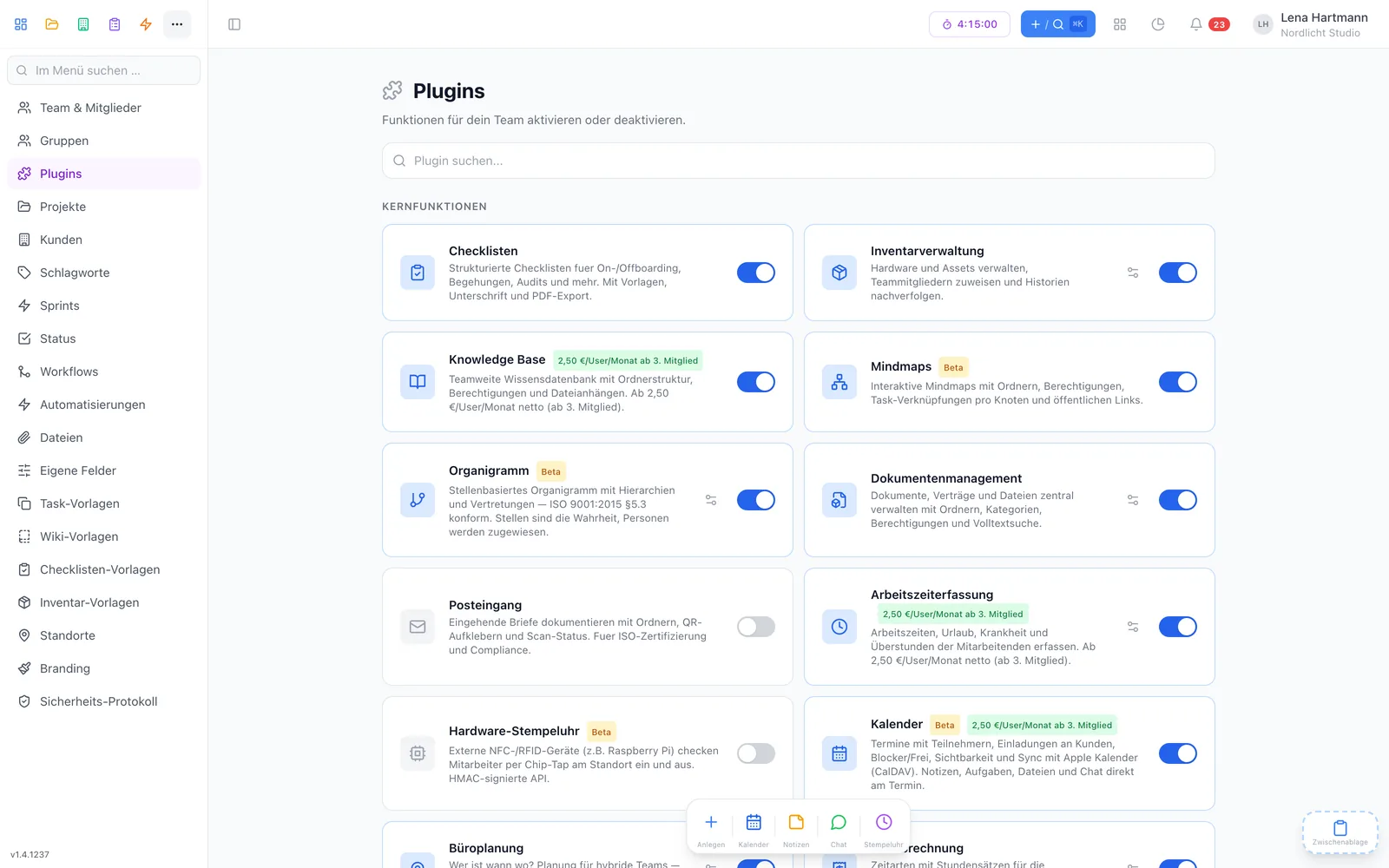
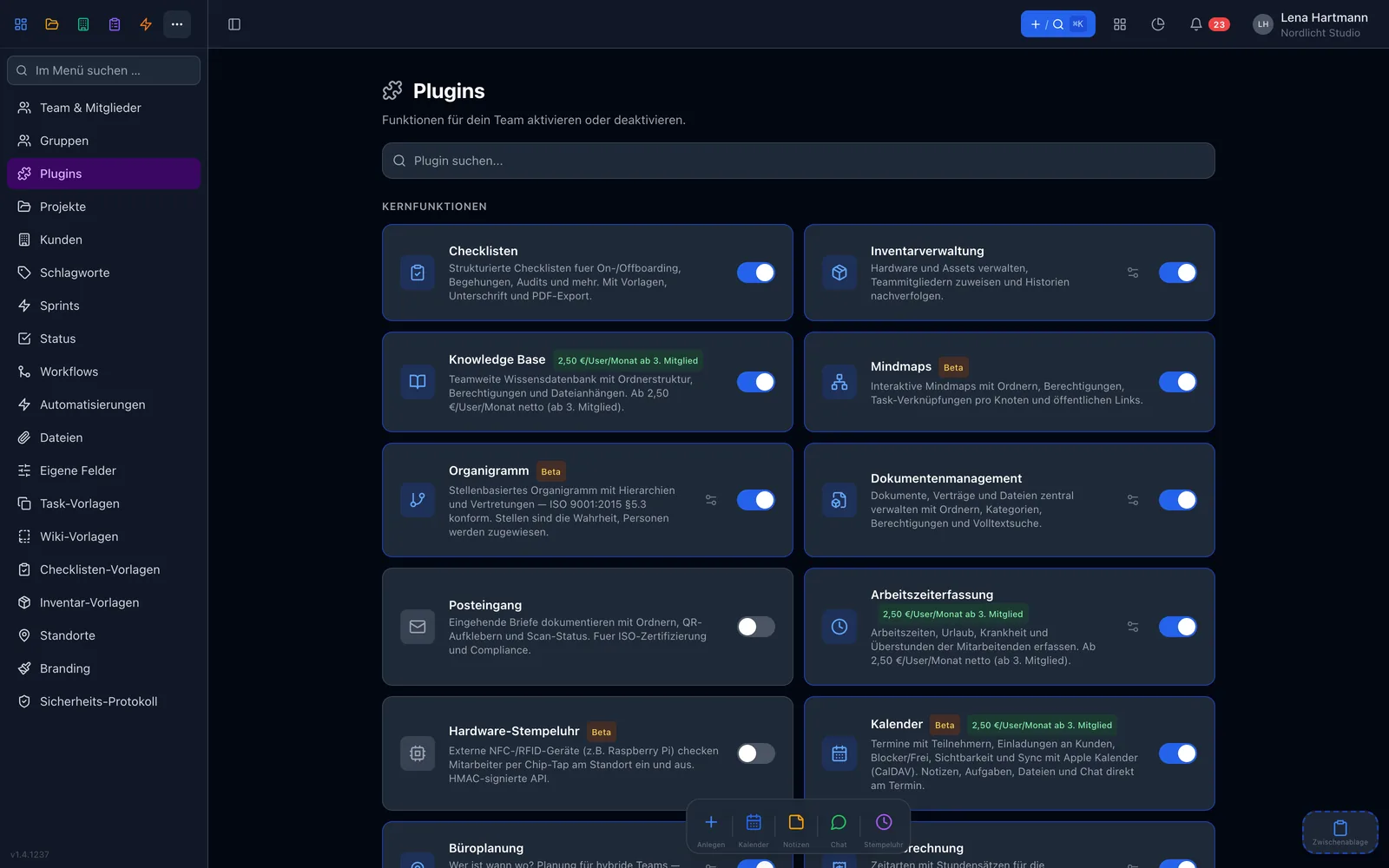
An admin activates the public API under Admin → Plugins.
Create an API key in the plugin dialog and keep it safe.
Send requests with the bearer token — the docs list all endpoints.
At a glance
FAQ
Most plugins are free. Microsoft Entra SSO and email to task cost €1.00 each per user and month from the 3rd member, net. The API includes 1,000 calls a month, 10,000 more cost €4.90.
The Slack and Mattermost integration creates tasks via slash command. For your own notifications use webhooks or automations that call a URL.
Webhooks only go to HTTPS addresses on the public internet and are signed with HMAC-SHA256 so you can verify their origin.
Yes, with Outlook, Google Calendar, Apple Calendar and any app that understands iCal subscriptions. For two-way events there is the calendar plugin with CalDAV.
In the docs on workyoo.com and in the public API plugin dialog.