Modules · Calendar
Manage events in workYoo or on your iPhone — they show up on both sides instantly. Invite colleagues and customers, let the replies collect themselves, and every event comes with notes, tasks, files and chat.
2 members free · from the 3rd member €2.50 per user and month, net
Highlights
Not yet another calendar next to the others — but the place where events, absences, office days and tasks come together.
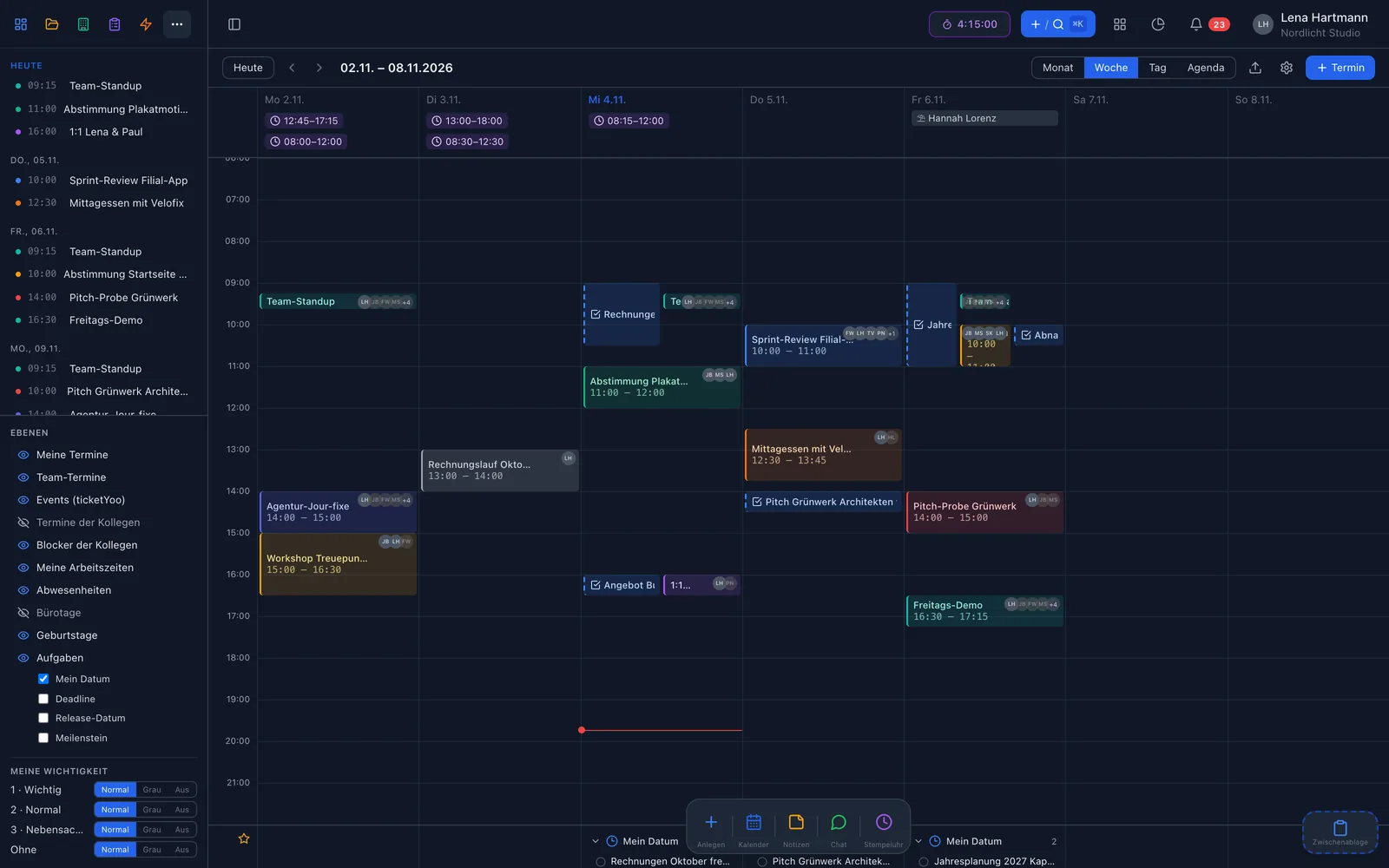
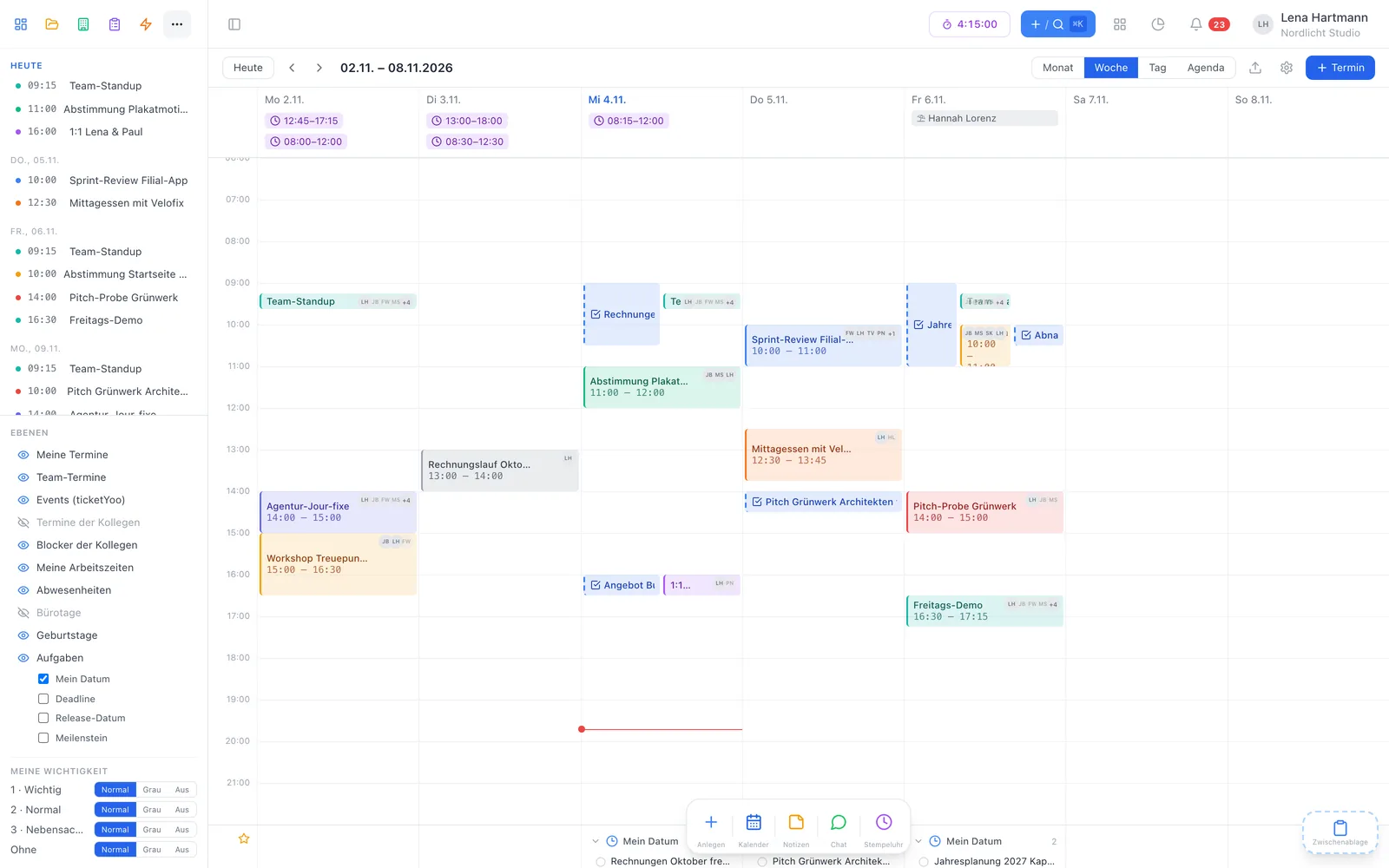
Your events, team events, colleagues, absences, office days, birthdays and tasks — each layer can be switched on or off.
workYoo is a CalDAV server itself. Whatever you create or move on your Mac, iPhone or Watch is in the team right away.
With RSVP buttons in Apple Mail, Outlook and Google, plus a reply link for everyone else. Replies land on the event by themselves.
Content, chat, files and links are visible to everyone who can see the event. “My notes” behind the lock stay with you.
Give events an importance from 1 to 3 and decide whether they show normally, greyed out or not at all — just for you.
Turn any event into a task or meeting minutes with one click — with a link back to the event.
Views
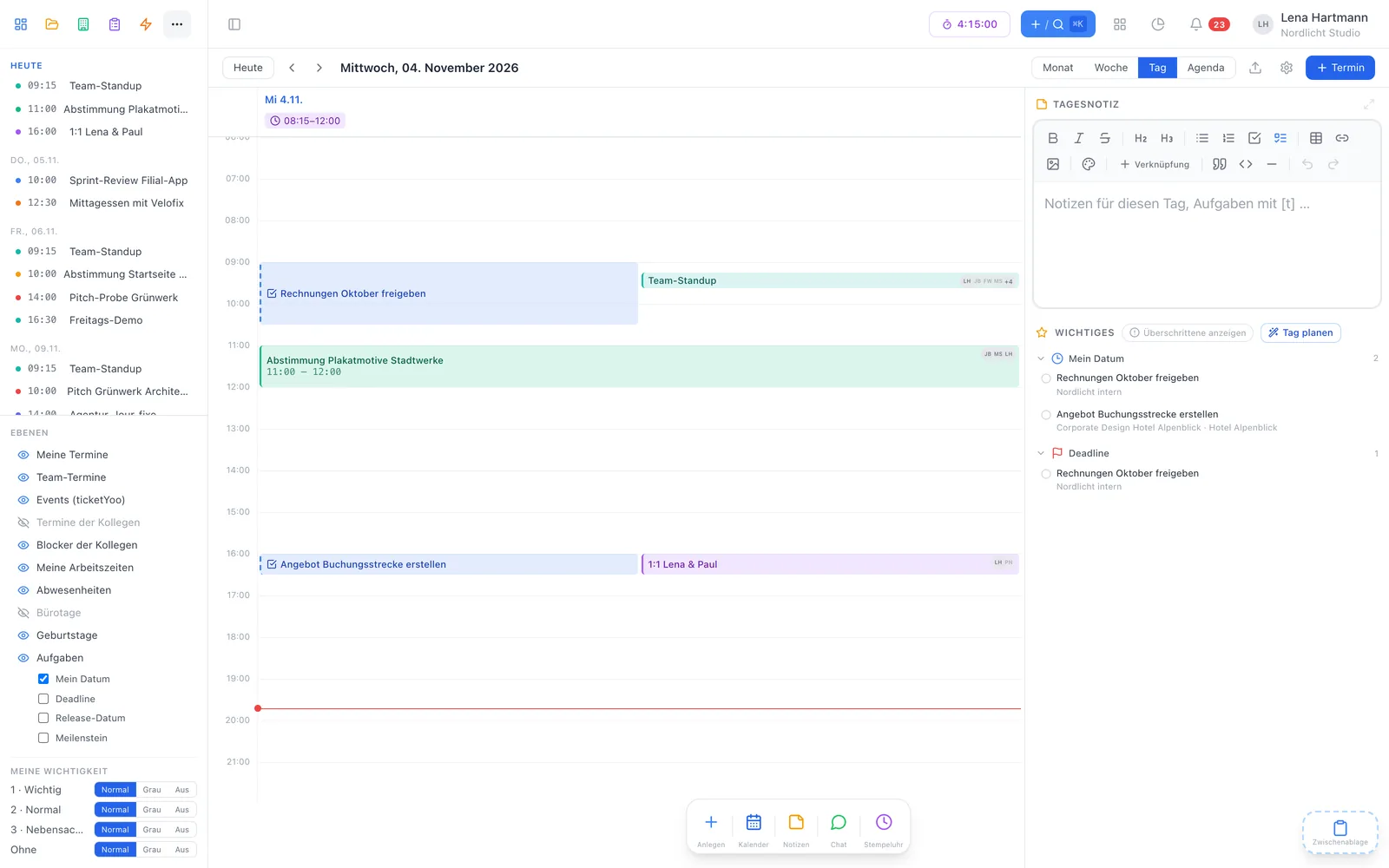
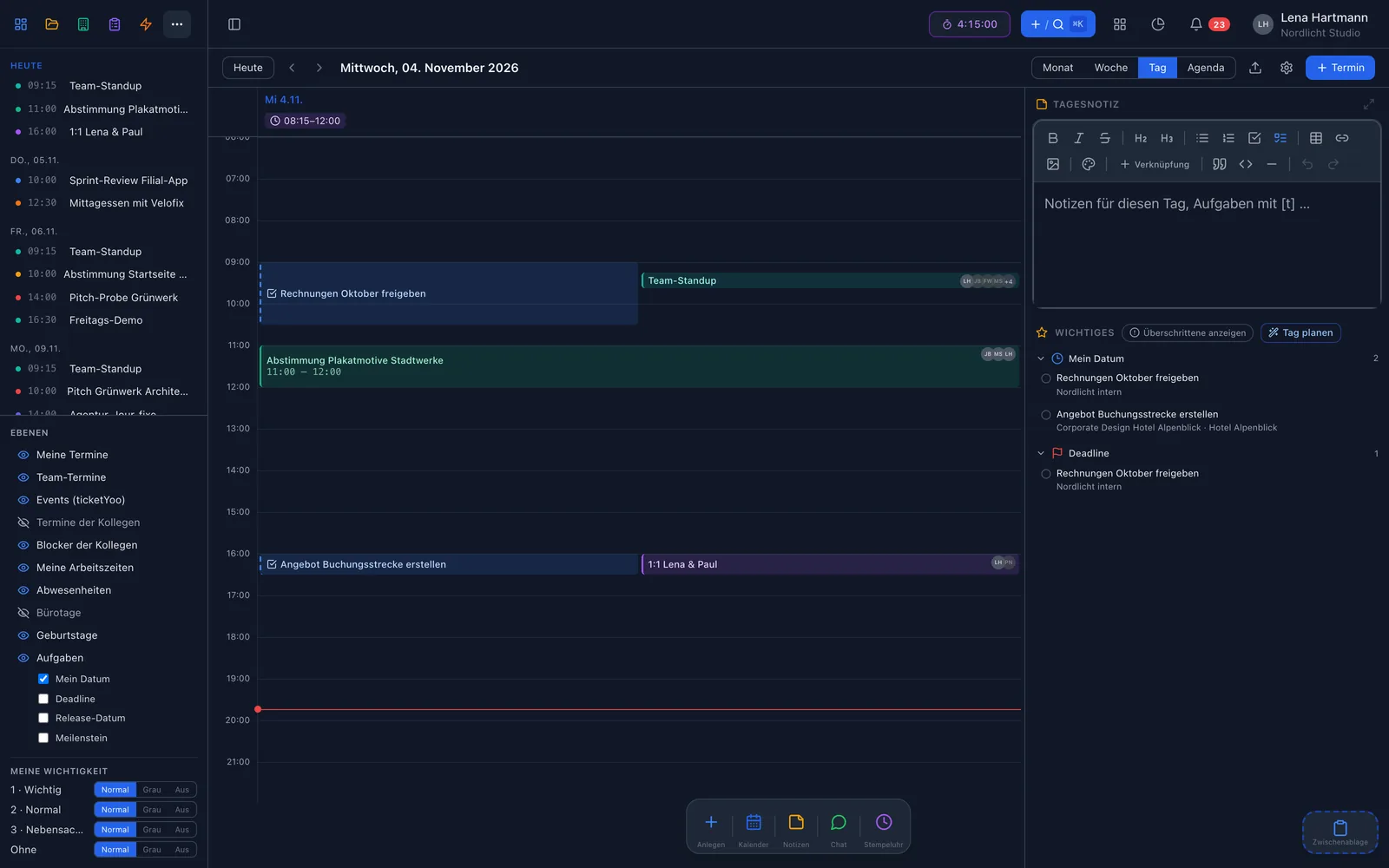
Month, week, day and agenda. In the day view, “Important” — your due tasks and follow-ups — and your day note sit on the right.


Apple Calendar
Instead of a feed that Apple fetches at some point, workYoo is a CalDAV server itself. You create an event on your iPhone — it is in the team. A colleague moves it in workYoo — your Mac shows the new time.
What goes on your device
Invitations
Invitations go out as real calendar invitations, so Apple Mail, Outlook and Google show the familiar RSVP buttons. Everyone else gets a reply link. Acceptances, declines and even free-text replies such as “does Thursday work better?” land on the right event.
Event detail
The content is an editor like in the wiki — with sections, images and task lines that create real tasks.
Plan & keep going
The scheduling assistant shows free slots for everyone involved — calculated from events, busy blocks and absences. In the day view you drag tasks straight into a time slot, or let “Plan my day” spread your open tasks across the free gaps.

Setup
No import, no export — one CalDAV account per device, then everything runs by itself.
Switch on the calendar under Admin → Plugins. Existing team events move over automatically.
Add a device in your profile. You get a username and an app password — shown only once.
Add a CalDAV account in Apple Calendar with server team.workyoo.com and the details from step 2. Done.
FAQ
Free for 2 members, from the 3rd member €2.50 per user and month, net — cancel monthly. CalDAV for any number of devices is included.
Yes, via CalDAV in both directions. Events you create or move there are in workYoo right away — and vice versa.
No. Private events only appear as “Busy” to others — without title, description or attendees.
Yes. They use the RSVP buttons in their email app or the reply link in the invitation. The link only shows title, time, location and organiser.
Yes, as their own layer. “My date” with a time becomes a time block, and you can add deadlines, releases and milestones. On your device there is a “Tasks” calendar for this.
Try the team calendar free with your team — Apple sync included.