Modules · Teamwork

Your team, always in sync

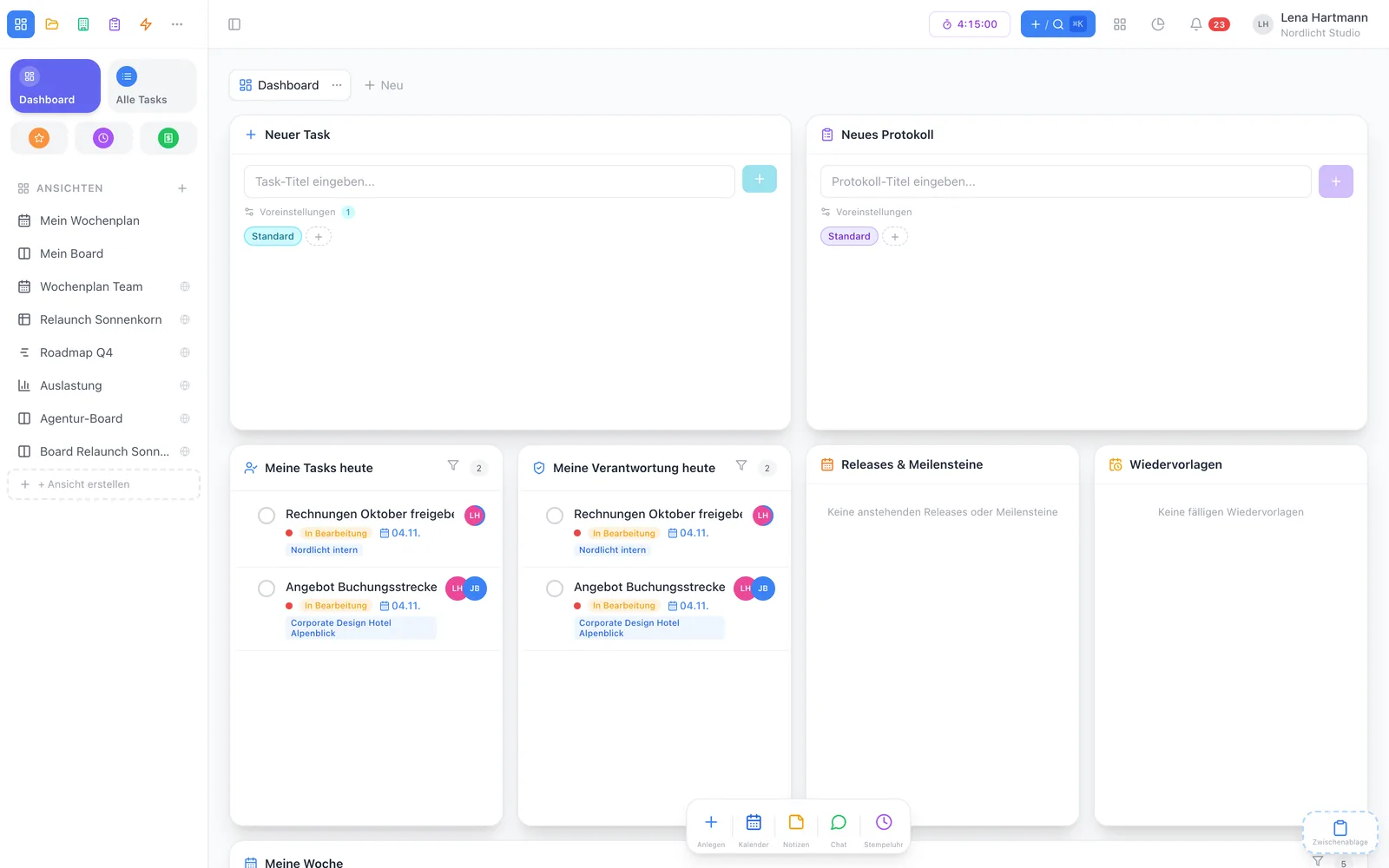
Changes reach everyone instantly, @mentions find the right person, and your dashboard shows what matters today. That is how office, remote and hybrid teams stay in step — without status meetings.

Invite your team & start See features

2 members free · No credit card required · Cancel monthly

team.workyoo.com
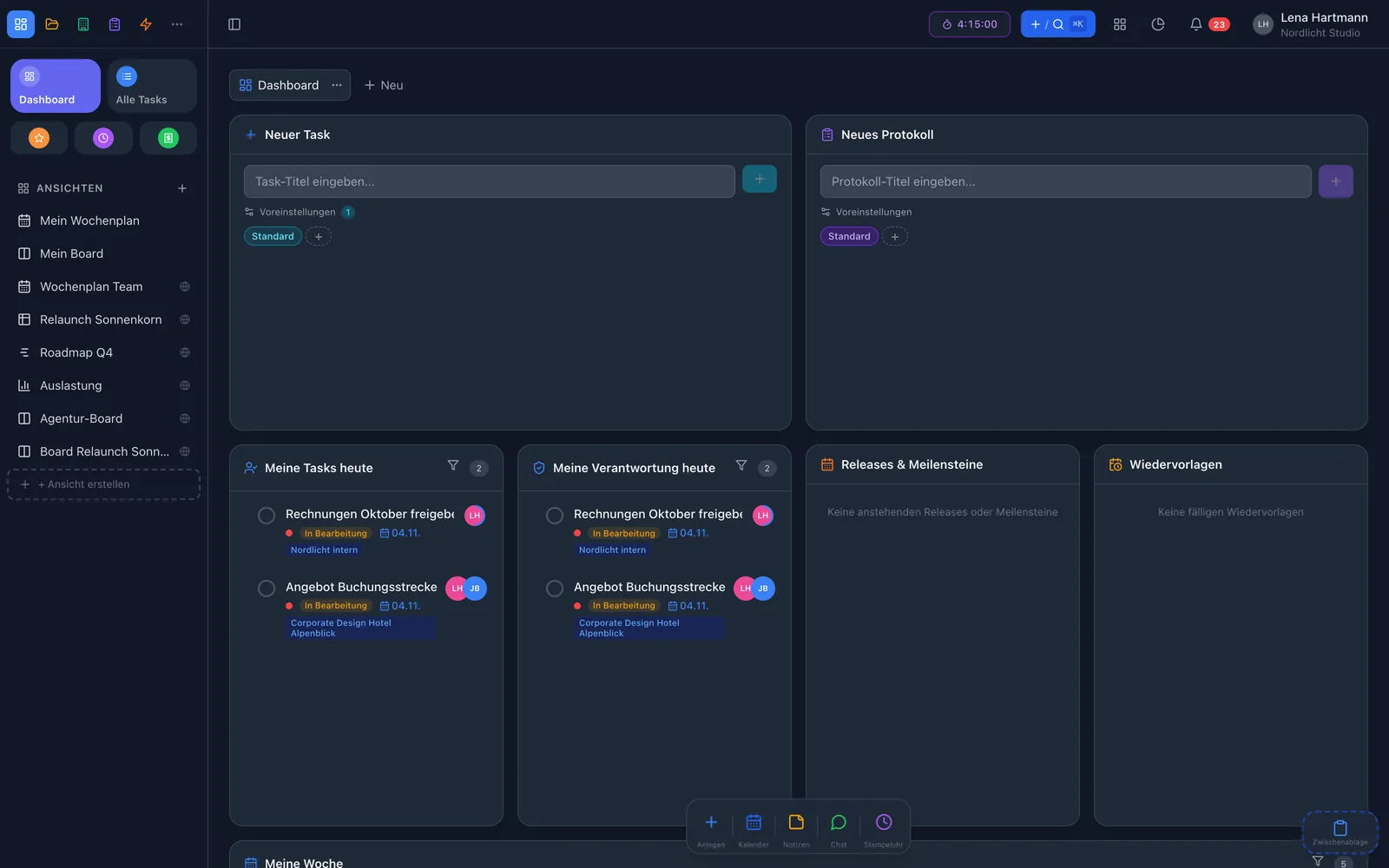
Personal dashboard with widgets Personal dashboard with widgets
Liveevery change reaches everyone instantly
1 loginfor all your teams
1 iconfor notifications, inbox and overview
3 waysbrowser, Mac app, iPhone

At a glance

How workYoo keeps your team together

Real-time updates

Status, comments, files — everything arrives instantly, no reload.

@mentions

Mention colleagues in a comment — they are notified right away, in the app and by email.

Personal dashboard

Widgets for your tasks, events, time and follow-ups — arranged the way you need them.

Who is editing right now?

A task that someone is editing is marked — no duplicate work.

Groups & roles

Superadmin, admin, member — plus groups for assignments and permissions.

Mac app

workYoo as its own app in the Dock, with notifications and automatic updates.

Real time

Everyone pulling together — live

Every change reaches everyone immediately: status changes, new comments, uploaded files. Nobody needs to reload or ask whether something is already done. And your dashboard brings together what matters to you today.

  • Live updates without reloading
  • Dashboard with widgets you choose
  • Shows who is editing which task
  • Chat on every task
team.workyoo.com/tasks
Task with comments and mentions Task with comments and mentions

Notifications

One icon for everything that concerns you

Behind the bell are three tabs: notifications, your inbox with every open task you are assignee or owner of, and “My overview” across all your teams. The number on the icon only shows what is really new.

  • Notifications, inbox and overview in one window
  • Blue count for news from your other teams
  • Set per type: by email, in the app or not at all
  • Mute individual projects
Jen mentioned you in “Trade-fair flyer”
Klaas assigned “Website relaunch” to you
Deadline tomorrow: Nordlicht quote

Sprints & teams

Plan sprints, structure teams

Sprints split work into manageable periods with a start and end date. Groups bundle people for assignments and permissions, and roles define who may manage what. Anyone working in several teams switches between them with one login.

  • Sprints with a time frame, as a filter in every view
  • Groups for assignment, folder and project permissions
  • Roles: superadmin, admin, member
  • Several teams with one account, data strictly separated
team.workyoo.com/views/workload
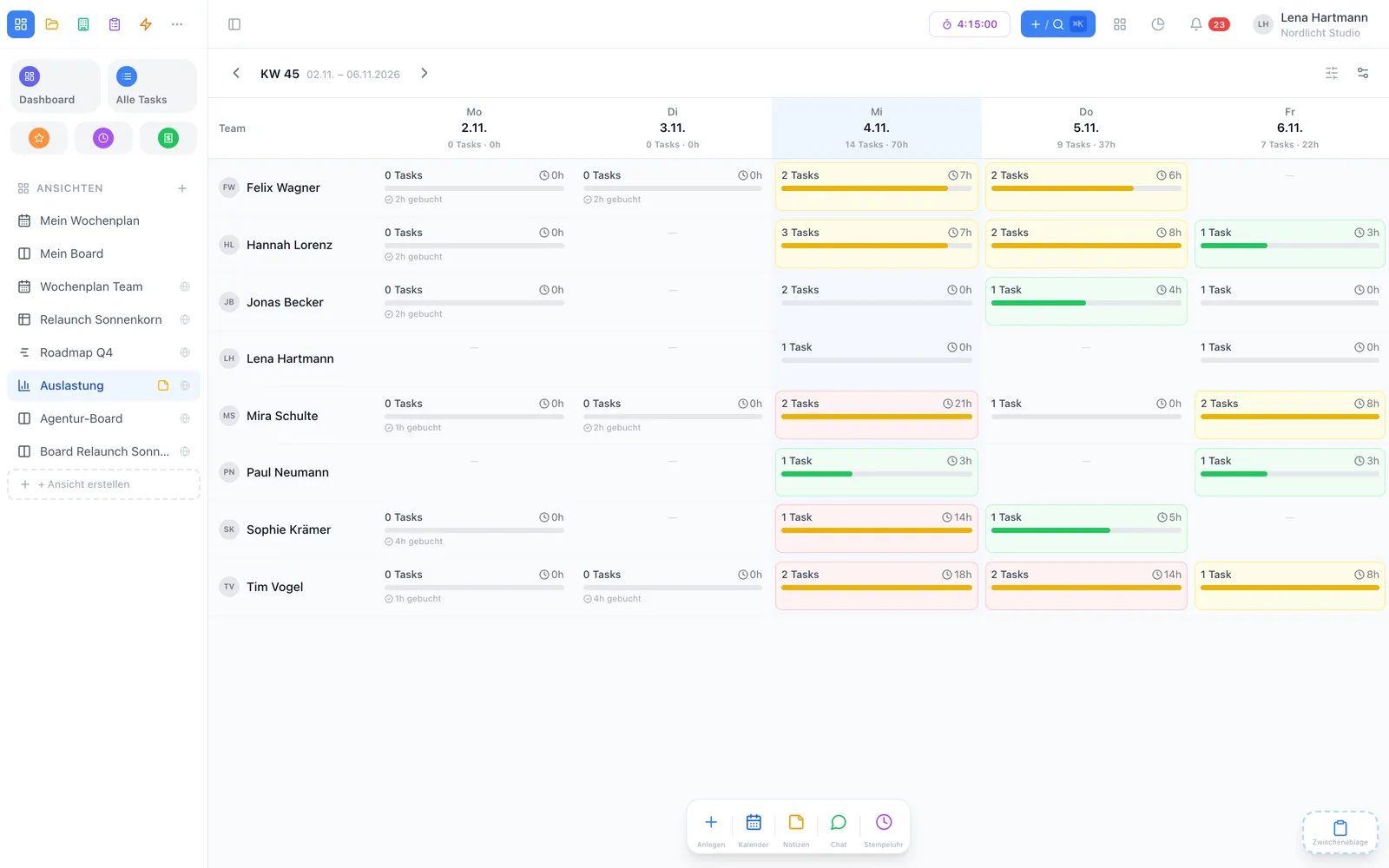
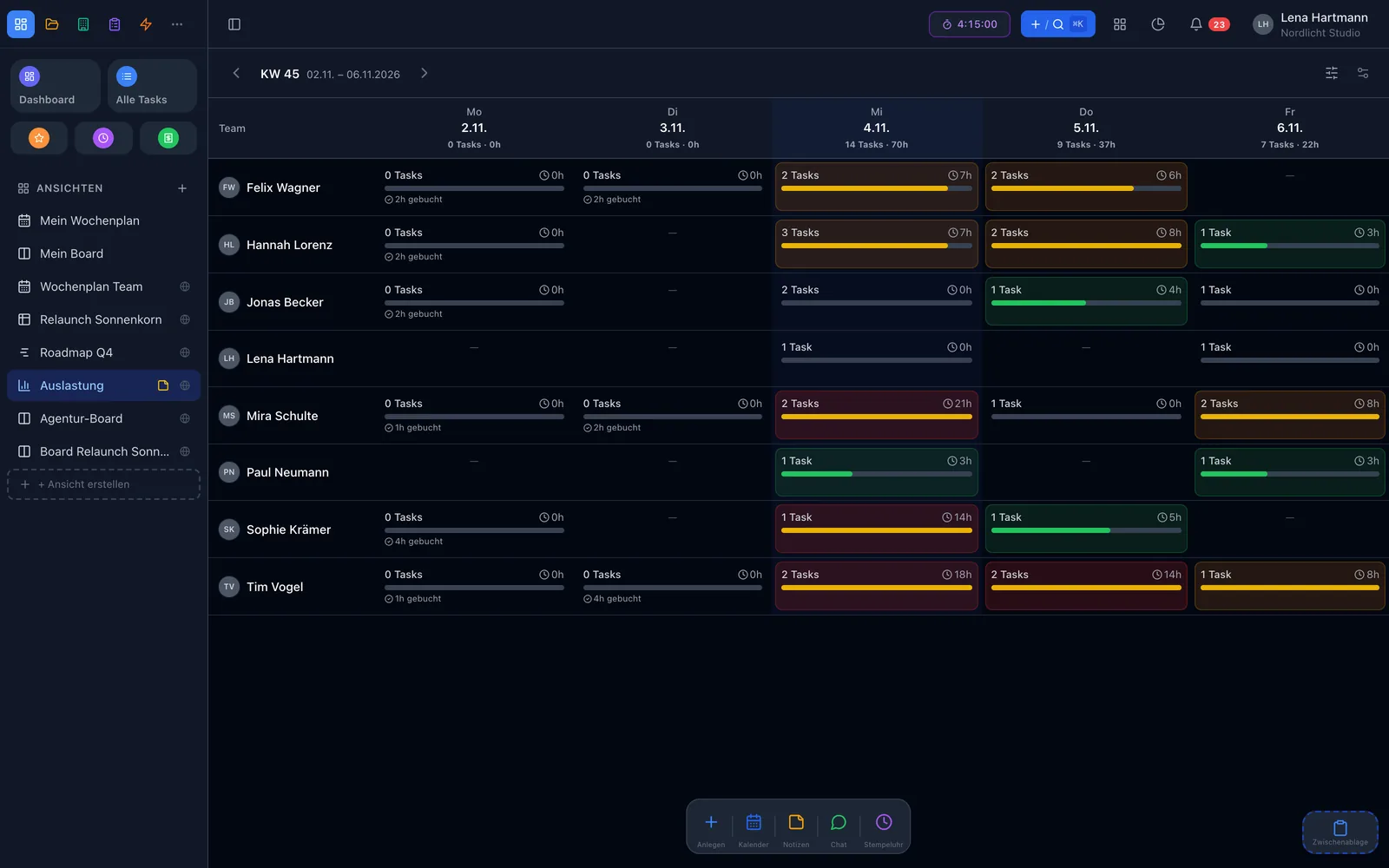
Team workload per person and day Team workload per person and day

Desktop & sign-in

Mac app and Microsoft sign-in

The Mac app brings workYoo to your desktop as its own program — with notifications even when no browser tab is open, and automatic updates. Companies using Microsoft 365 sign in with Microsoft Entra ID. And with workYoo GO you have tasks and time tracking on your iPhone.

  • Mac app for Apple silicon
  • Notifications without an open browser
  • Microsoft Entra ID (SSO) as a plugin, €1.00 per user from the 3rd
  • Two-factor sign-in via authenticator app

Wherever you are

Browserteam.workyoo.com
Mac appNotifications, auto-update
workYoo GOiPhone: tasks & time tracking

How to start

Your team in three steps

Create a team

Register for free — two members are free forever.

Invite colleagues

Invite by email, assign roles, form groups.

Get going

Create your first tasks, @mention colleagues — the rest happens live.

Chris

Chris · Customer success & support

Too many emails? In your profile under notifications, choose what arrives by email and what only in the app. You can also mute a noisy project there — the important alerts stay.

Collaboration

Tasks, comments, wiki and calendar

Collaboration doesn't happen in a single window. In workYoo everything is connected: tasks with comments and files, knowledge in the wiki and shared appointments in the calendar.

  • Tasks with assignees, owners, comments and attachments
  • Wiki for processes, how-tos and project docs
  • Calendar with team events, invitations and absences

Tasks → · Wiki → · Calendar →

team.workyoo.com/tasks
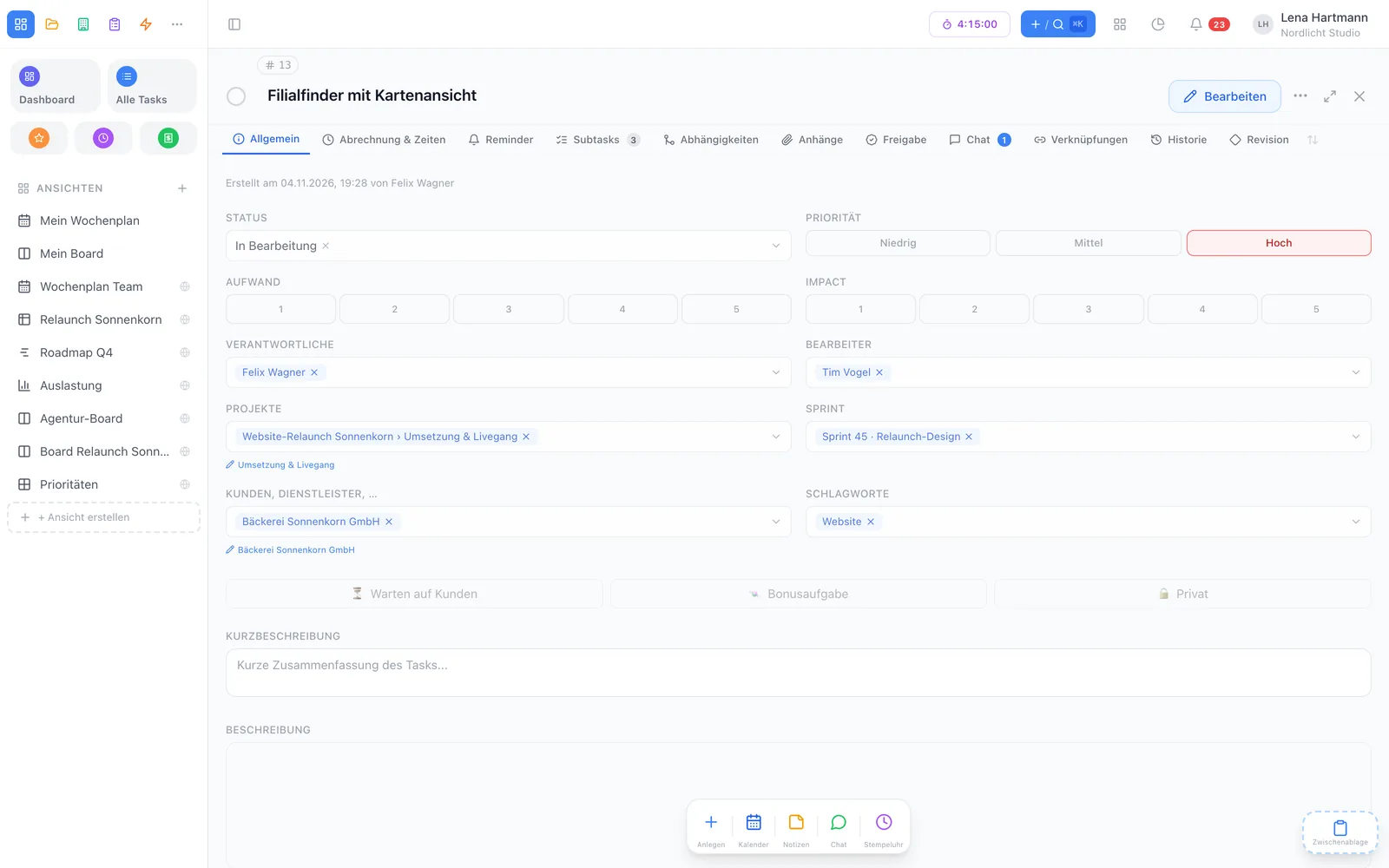
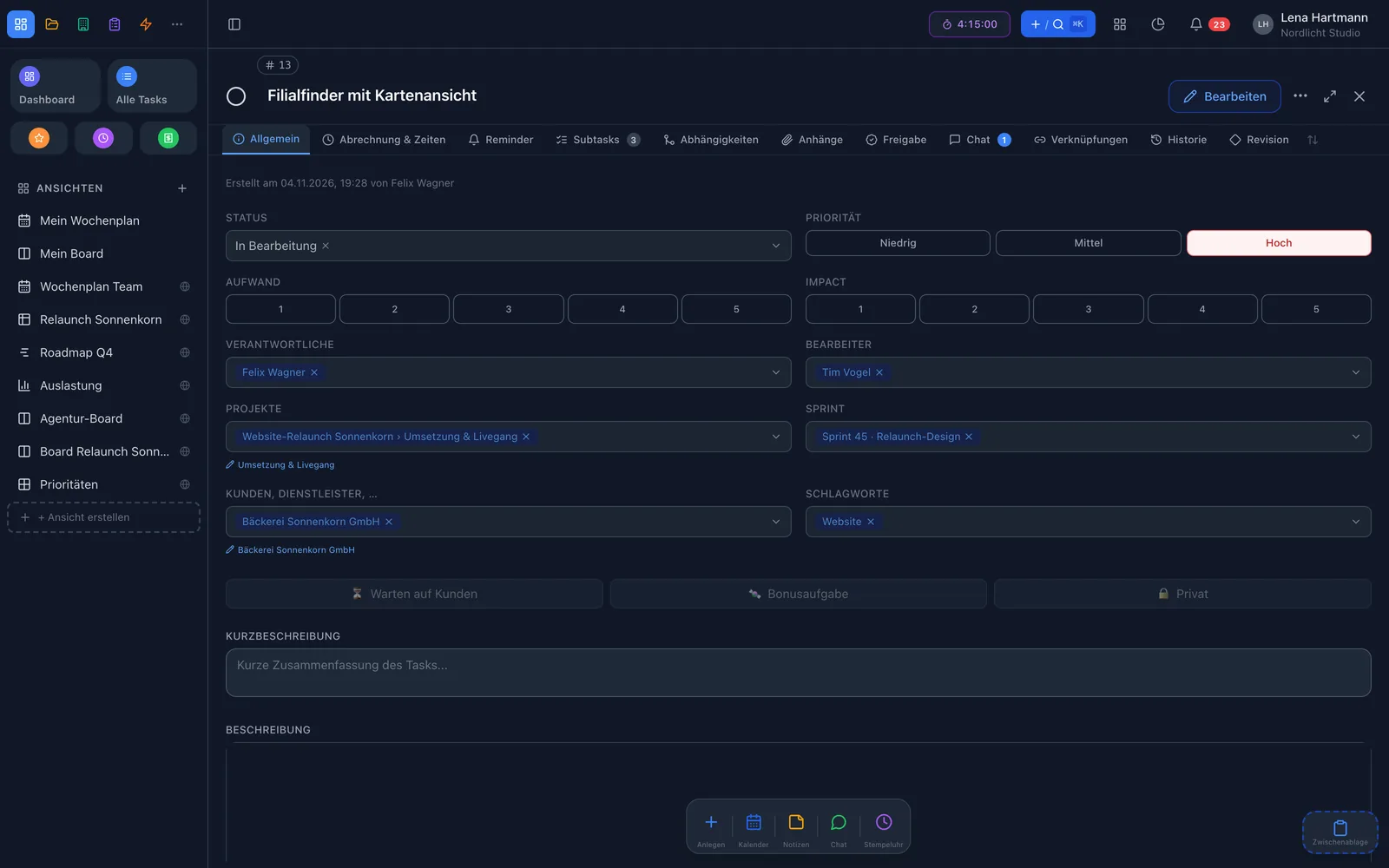
Task with comments in workYoo Task with comments in workYoo

FAQ

Frequently asked questions

What does workYoo cost for our team?

Two members are free forever. From the third member on, each additional member costs €3.50 net per month, cancellable monthly.

Can we work in several teams?

Yes. With one account you can be a member of any number of teams and switch with one click. The teams’ data stays strictly separated.

Which roles are there?

Superadmins manage the team with all settings, admins have extended rights, members work with tasks, projects and so on. Groups complement this for assignments and folder permissions.

Is there an app?

workYoo runs in the browser, as a Mac app and with workYoo GO on the iPhone. An Android app is planned.

Can we sign in with Microsoft?

Yes, via the Microsoft Entra ID (SSO) plugin for €1.00 per user and month from the third member, net.

Can I limit notifications?

Yes. In your profile you decide per type whether it arrives by email, in the app or not at all — and you can exclude individual projects for certain types.
Works great with

Fair & secure

Start small, grow fairly

0 €for 2 members — no time limit, no credit card needed
3,50 €per additional member per month (net), cancel monthly
🇩🇪Servers in data centres in Germany, DPA included
👋Personal support from the Code Piraten team — by email on weekdays

Your team deserves a tool that keeps up

Invite your team — 2 members are free forever.

Start free See pricing