Modules · Wiki

Knowledge that moves your team forward

Document processes, share know-how and find everything in seconds — with folders, permissions and a full history, right next to your tasks.

Start free See features

Plugin: €2.50 per user and month from the 3rd member, net
team.workyoo.com/kb
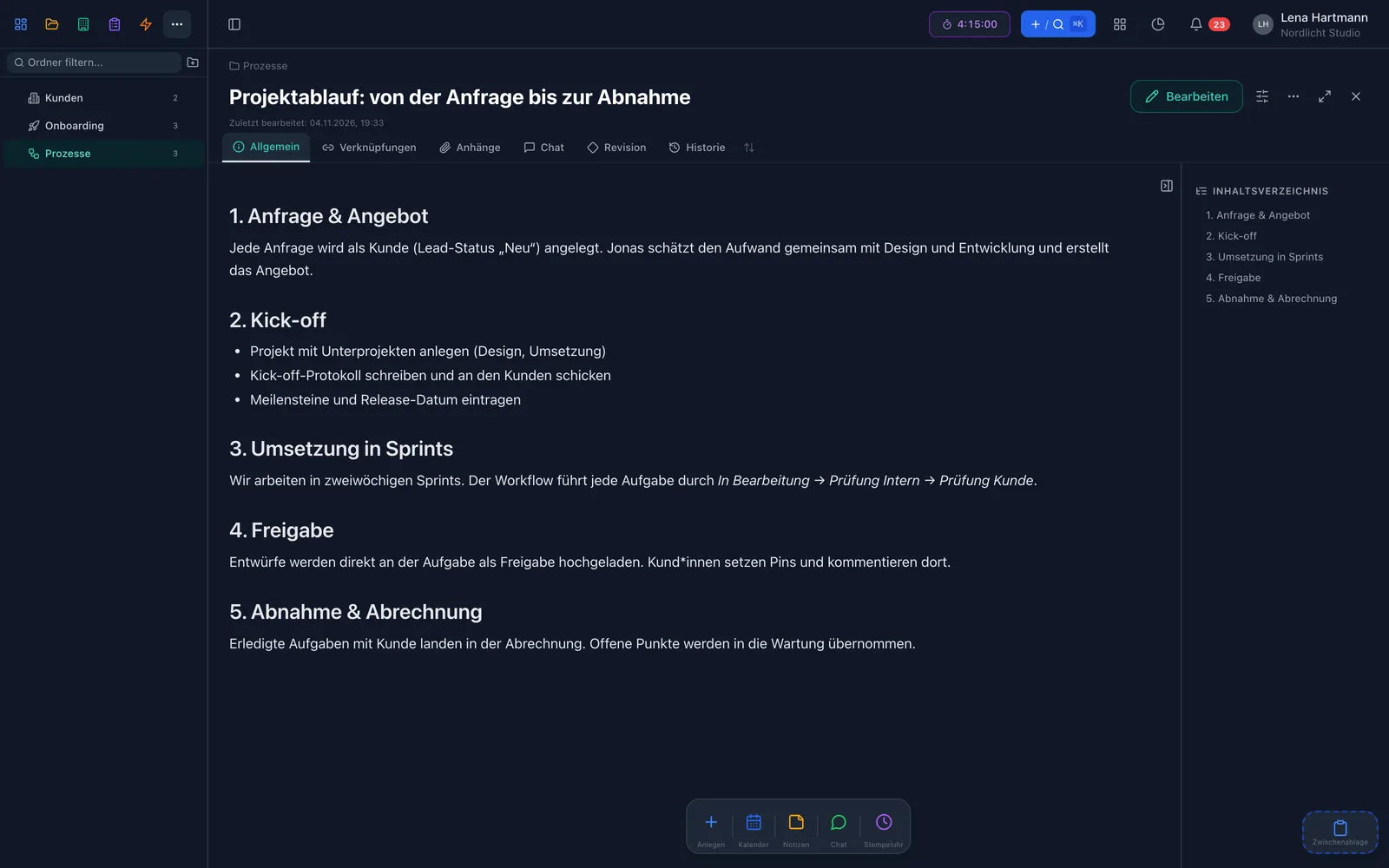
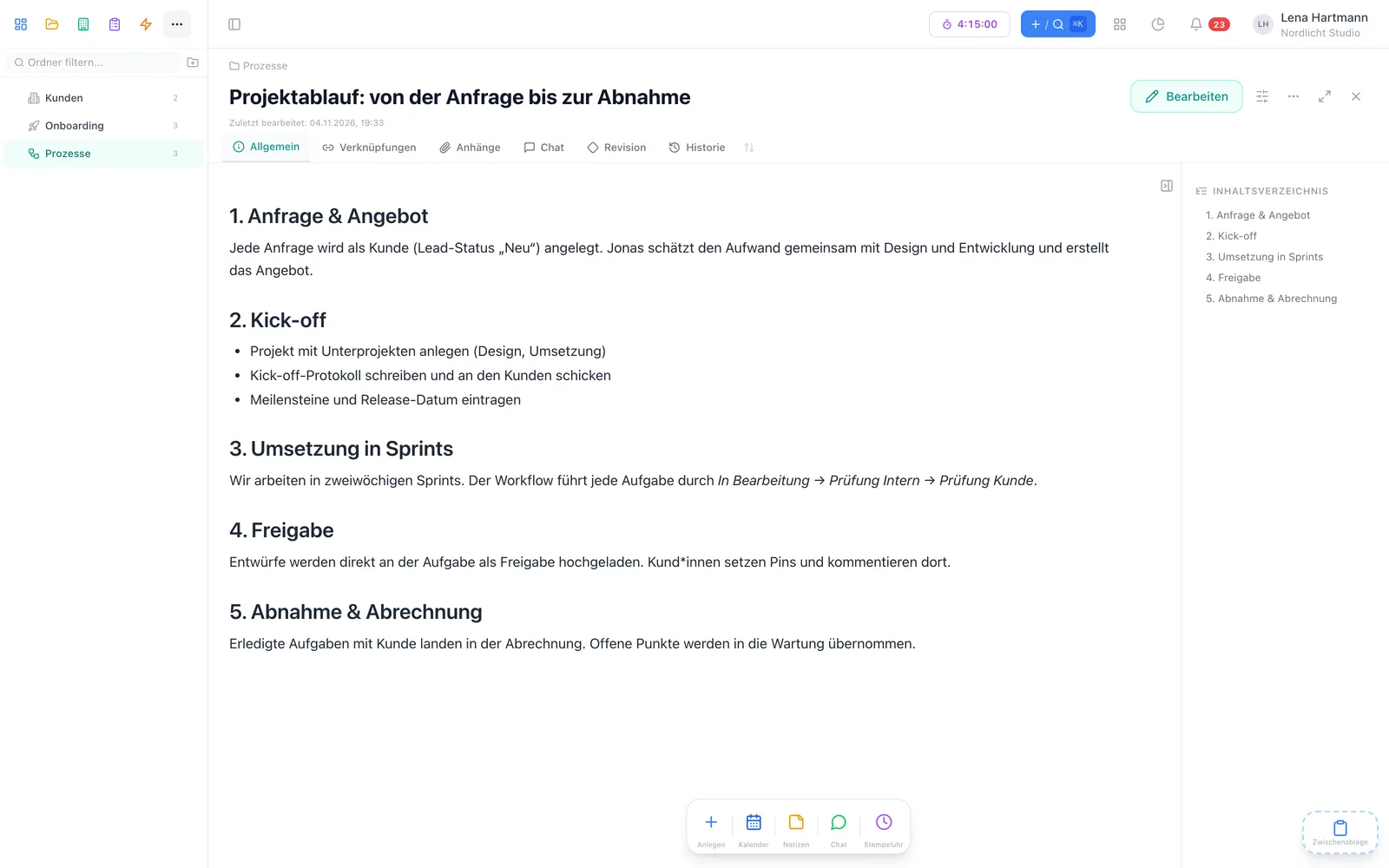
Wiki page with folder tree Wiki page with folder tree

Highlights

What makes the workYoo wiki special

Powerful editor

Tables, code blocks, captioned images, text colours and an automatic table of contents.

Folders with permissions

Nested as deep as you like, read and write rights per person or group.

One-click history

Every version is kept and can be restored — the current state is backed up first.

Tasks inside the text

Type [t] and a line becomes a real task you can tick off right in the wiki.

Public links

Share single pages without a login — for 7, 30 or 90 days or permanently.

Drag & drop import

Drop Word, RTF, TXT or Markdown files on a folder — and the wiki page is ready.

Editor

Pages people actually like to read

The editor turns notes into clean documentation: headings, tables, code blocks, captioned images, block quotes and task lists. In reading mode you can simply collapse long sections.

  • Tables, code blocks, captioned images
  • Automatic table of contents
  • Embed tasks, projects and customers inline
  • Collapse sections in reading mode

Everything good docs need

  • Headings, block quotes, text colours
  • Code blocks and tables
  • Captioned images
  • Task lines with [t]
  • Embedded tasks, projects, customers

Organisation

Folders and permissions the way you need them

Organise your knowledge in a folder structure without depth limits. For each folder you decide who may read and who may edit — individually or via groups. New subfolders inherit the parent folder’s permissions.

  • Unlimited nesting with folder icons
  • Separate read and edit rights
  • Permissions per person or group
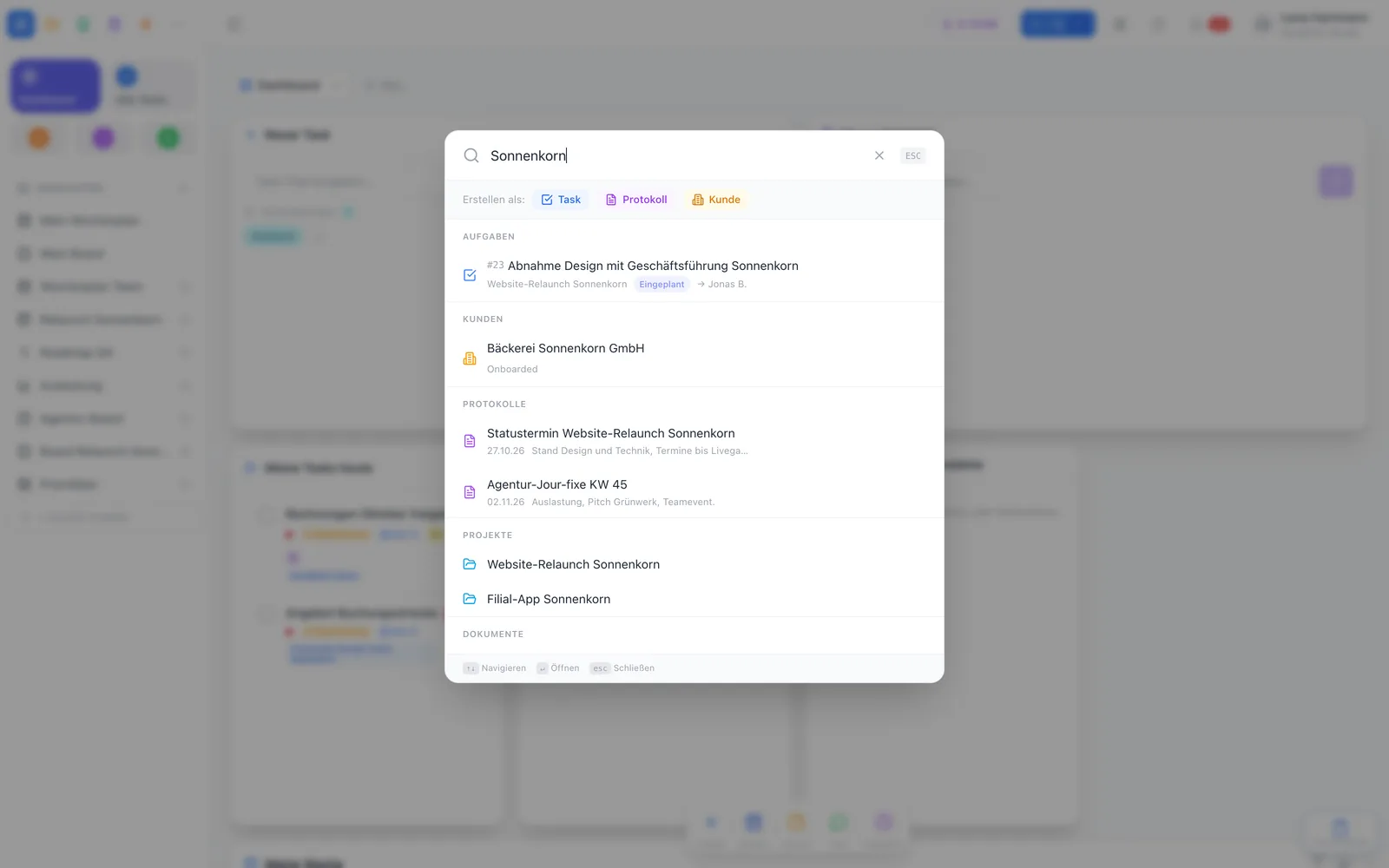
  • Search only shows what you may see

What your wiki could look like

  • Onboarding — readable by everyone
  • Processes — edit: team leads
  • HR — management only
  • Customer docs — group “project team”

Collaboration

Write together without chaos

While someone edits a page, it is locked for others — the live status shows who is working on it. Every page has comments, attachments up to 50 MB, and anyone watching a page gets an email when it changes.

  • Edit lock with live status
  • Comments on every page
  • Watch pages, get an email on changes
  • Links and backlinks between pages
team.workyoo.com/kb
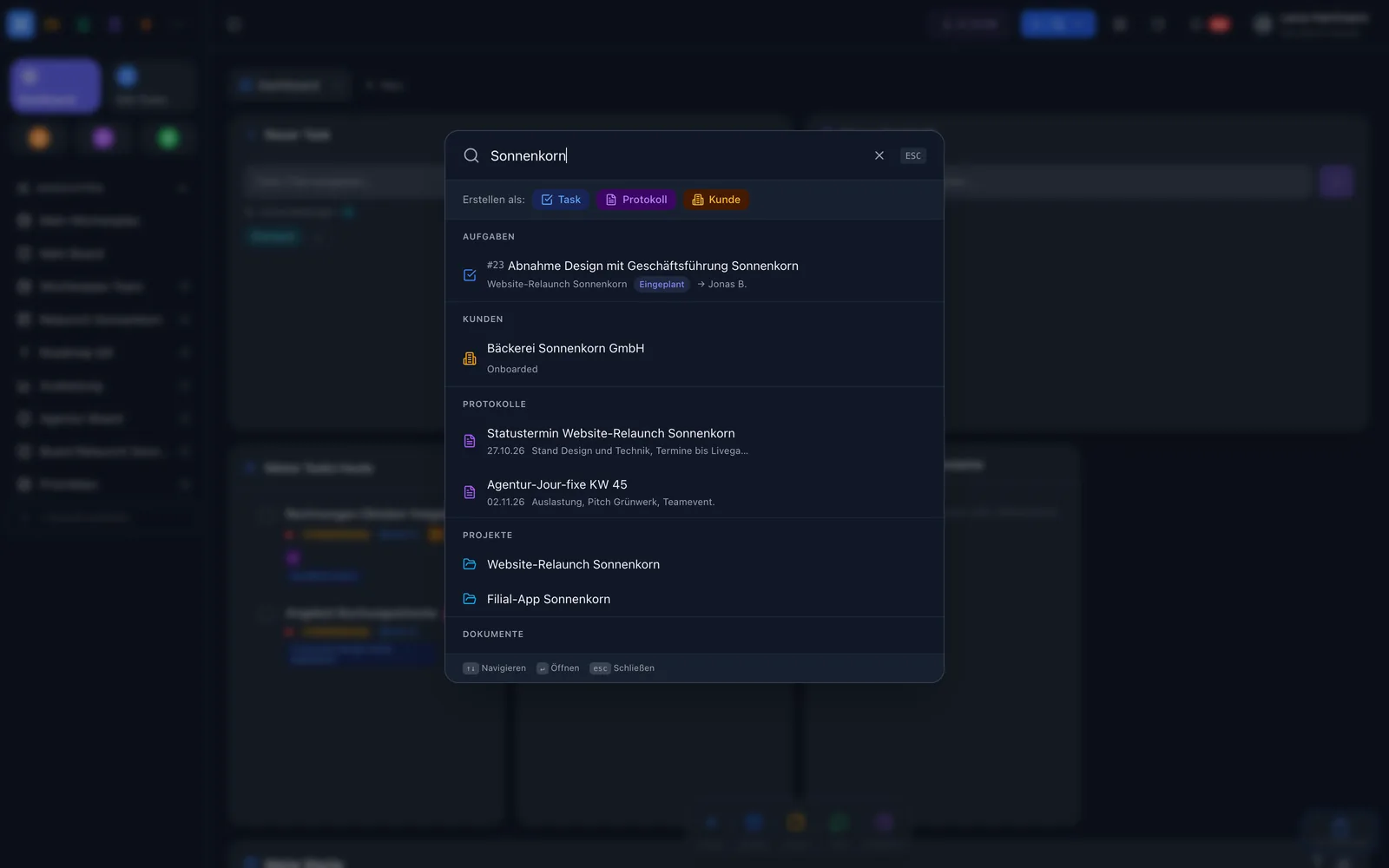
Global search finds wiki pages Global search finds wiki pages

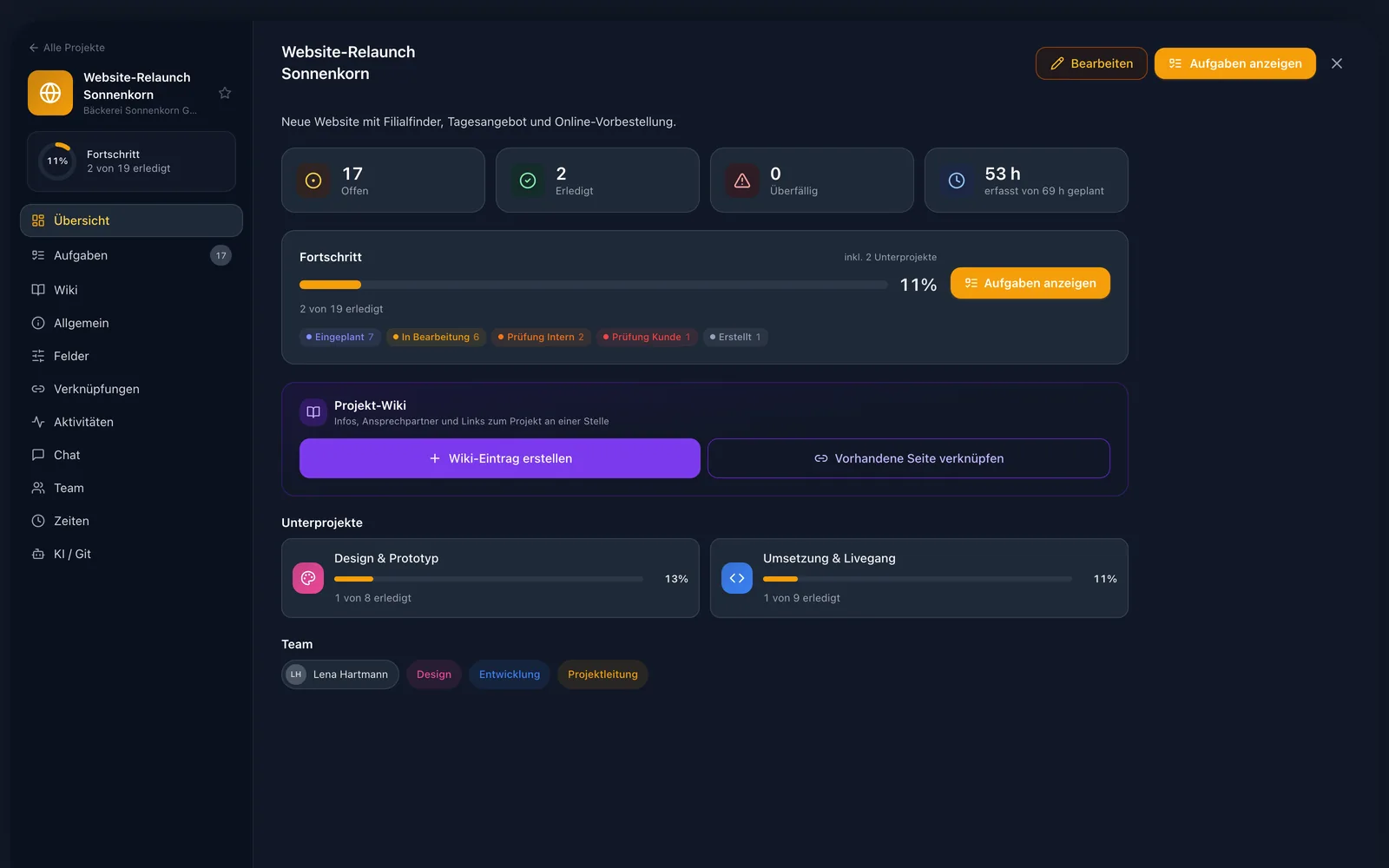
Project wiki

The docs belong to the project

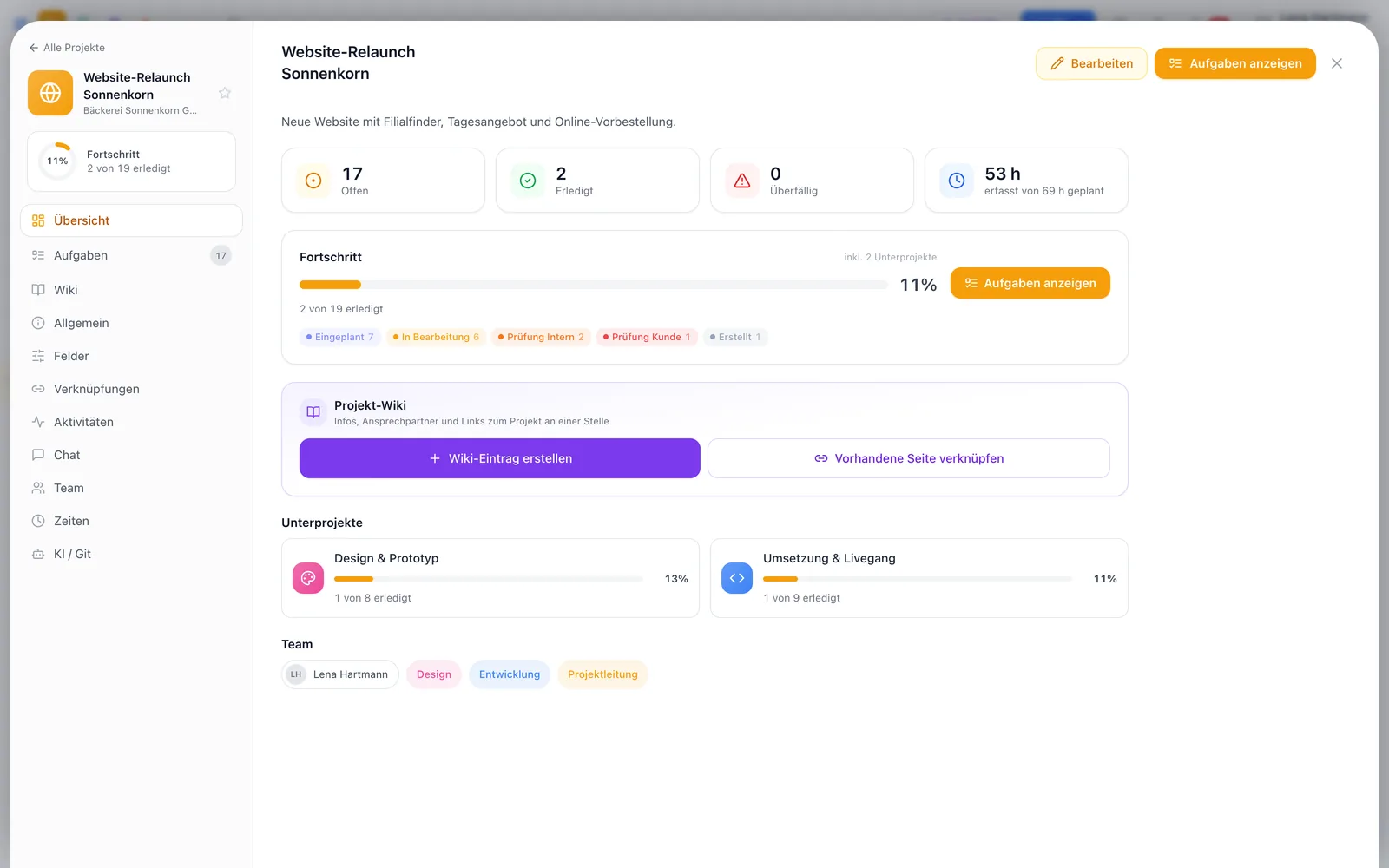
Every project can get its own wiki page. Create it right from the project details or link an existing one — and open it there with a single click.

  • Create the wiki entry from the project details
  • Link an existing page
  • Folder permissions still apply
team.workyoo.com/projects
Project details with project wiki Project details with project wiki

Import

From Word file to wiki page

Drop a file on a folder

Word (.docx/.doc), RTF, TXT or Markdown — several files at once, too.

workYoo converts it

The first heading becomes the title, the original is attached to the page.

Keep writing

From now on you maintain the page in the wiki — with history, permissions and search.

At a glance

The wiki in numbers

50 MBper attachment on a page
6file formats for import
4durations for public links
∞folder levels
Luca

Luca · Technical writing & support

My tip: create a wiki page for every project and link it in the project details. That way the documentation sits exactly where the tasks are.

All in one place

Wiki, documents and calendar

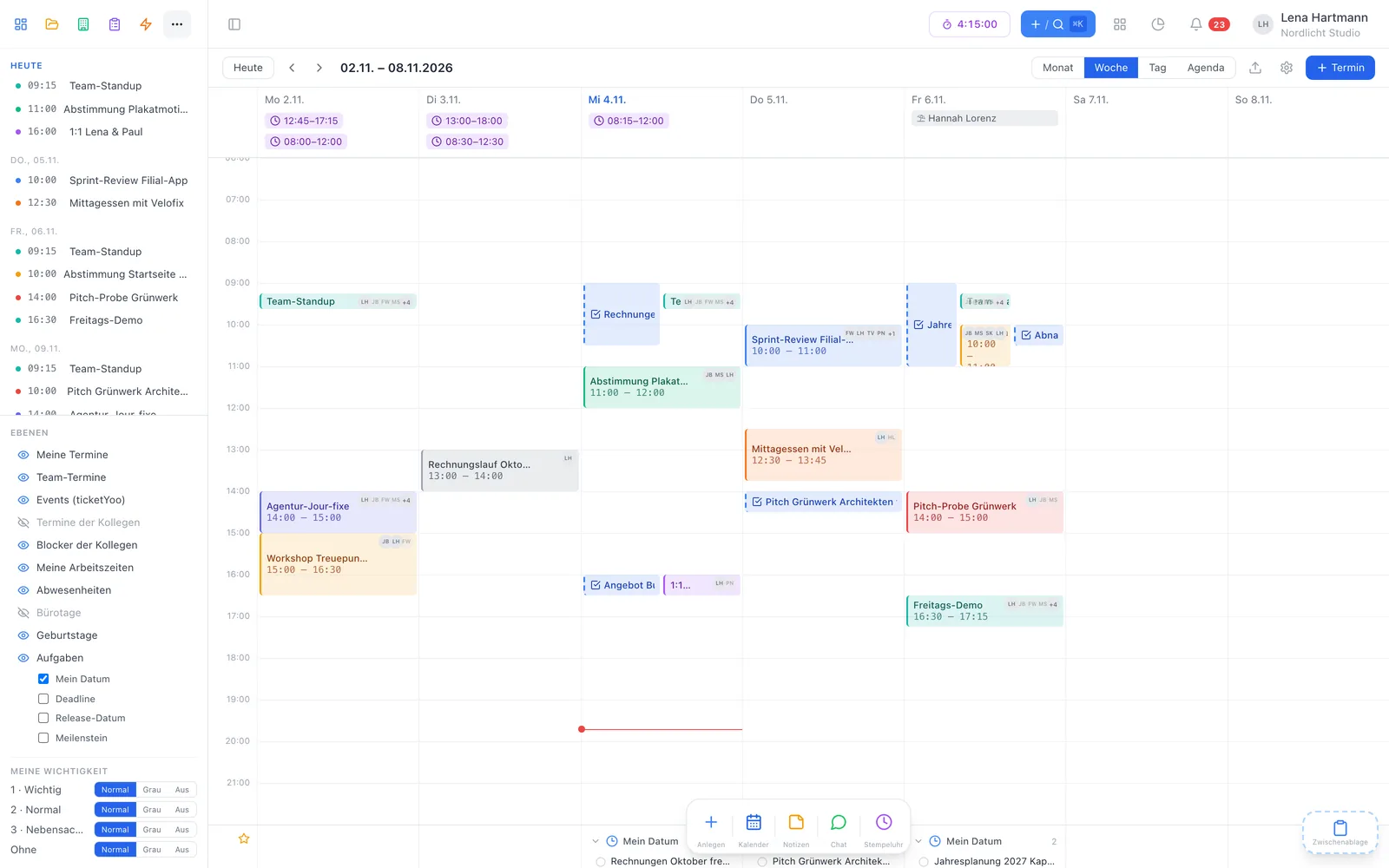
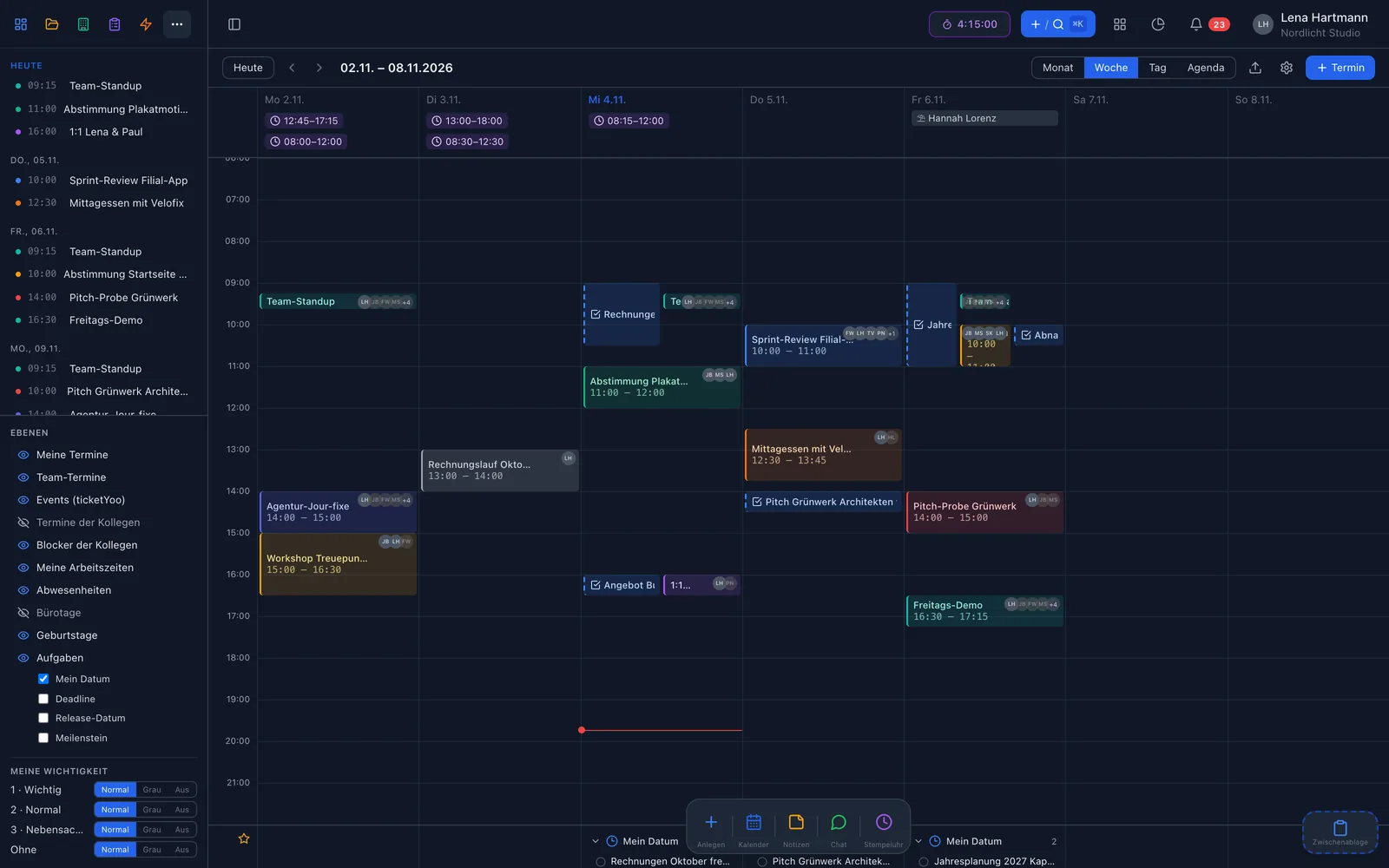
The wiki doesn't stand alone: contracts and files live in documents, appointments and meetings in the calendar — all in the same workYoo, linkable to tasks, projects and customers.

  • Wiki: pages, folders and permissions for your team knowledge
  • Documents: files in folders, with full-text search and follow-ups
  • Calendar: events, invitations and sync with Apple Calendar via CalDAV

More about documents → · More about the calendar →

team.workyoo.com/calendar
Calendar in workYoo Calendar in workYoo

FAQ

Frequently asked questions

How much does the wiki cost?

The wiki is a plugin at €2.50 per user and month, net, from the 3rd member. Two members are free, cancel monthly.

Can I bring in existing documents?

Yes. Drag Word, RTF, TXT or Markdown files onto a folder. workYoo creates pages from them and attaches the original.

Who can see which pages?

You decide per folder: read and edit rights for individual people or groups. Search and links respect them.

Can I share a page with customers?

Yes, via a public link without login — valid for 7, 30 or 90 days or permanently. The view is read-only.

Is an old version lost when someone overwrites something?

No. Every page has a history. You see who changed what and when, and restore earlier versions with one click.

Can we mirror docs from a Git repository?

Yes, via the public API with a key scoped to wiki sync only. Markdown from the repo becomes wiki pages with attachments and history.

Works great with

Fair & secure

Start small, grow fairly

0 €for 2 members — no time limit, no credit card needed
3,50 €per additional member per month (net), cancel monthly
🇩🇪Servers in data centres in Germany, DPA included
👋Personal support from the Code Piraten team — by email on weekdays

Ready for the Yoo!?

Try the wiki free with your team.

Start free See pricing