Modules · Documents
Documents you can actually find
Contracts, invoices and important files in one place — with folders, permissions, automatic text recognition and follow-ups so no deadline slips through.
2 members free · Cancel monthly
Modules · Documents
Contracts, invoices and important files in one place — with folders, permissions, automatic text recognition and follow-ups so no deadline slips through.
2 members free · Cancel monthly
Highlights
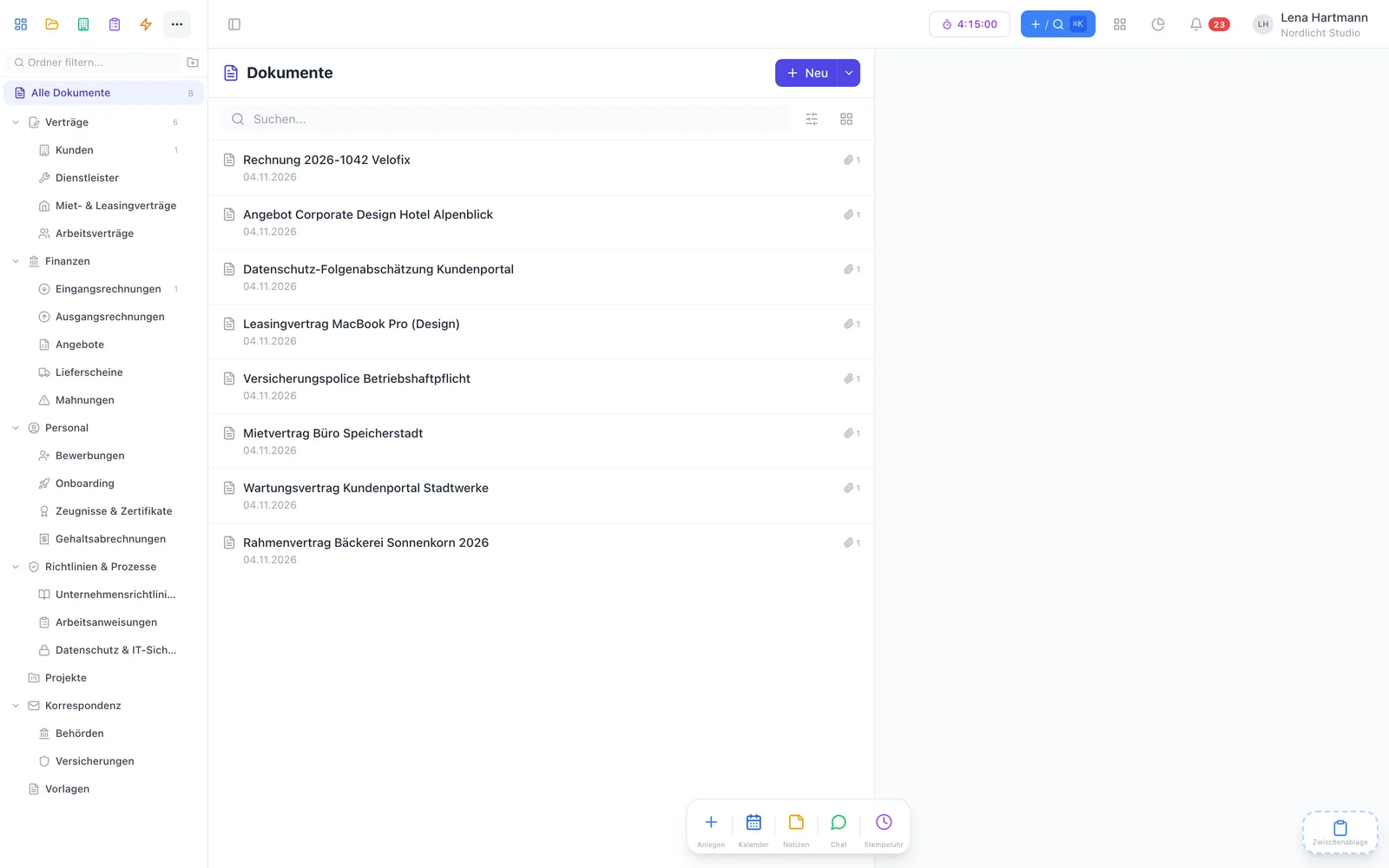
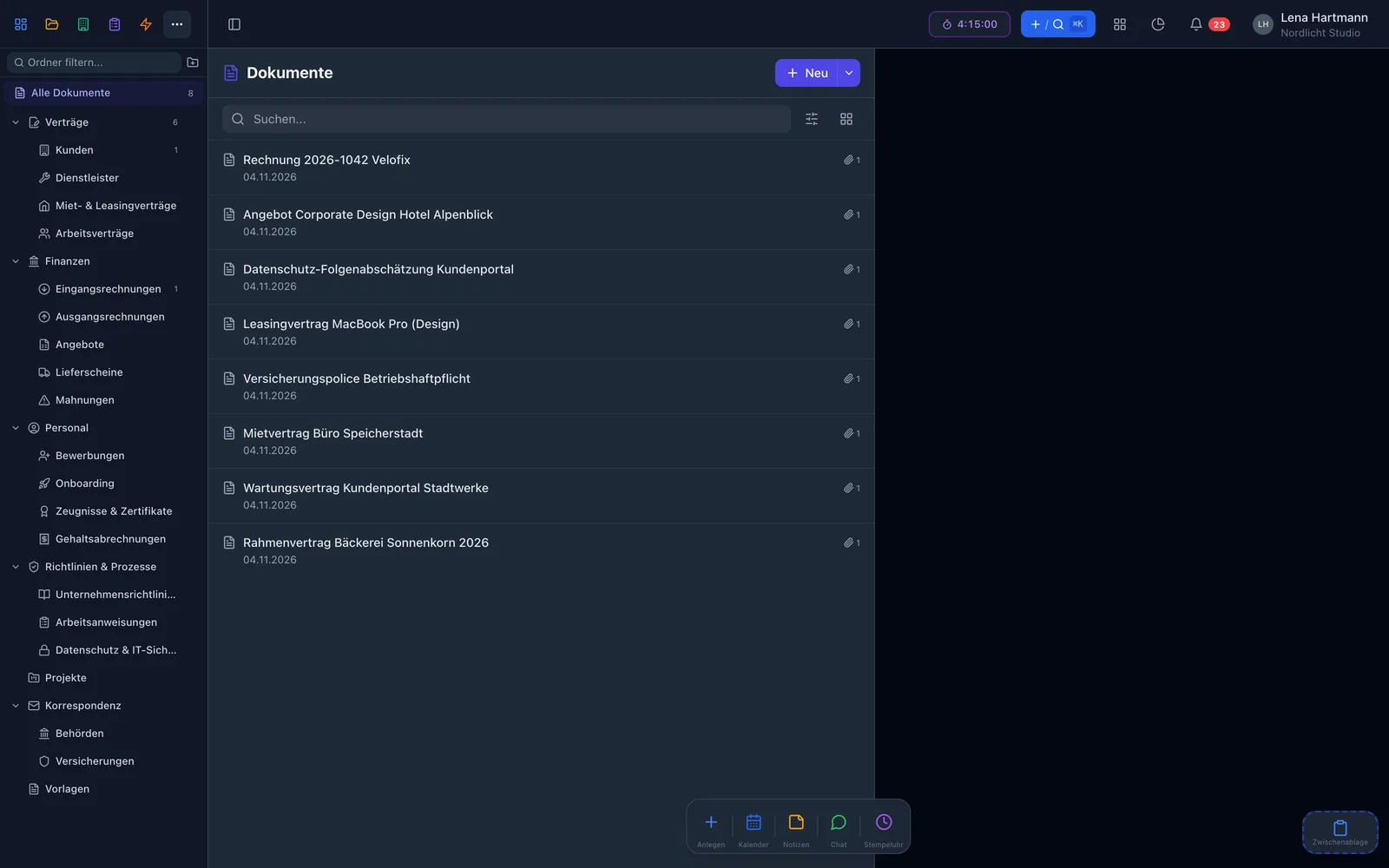
Read and write rights per person or group — everyone only sees what they may see.
Contract, invoice, quote and more — freely configurable per team.
Drag & drop files and the document is created automatically.
PDFs, Word files and images are read on upload — entirely on our server.
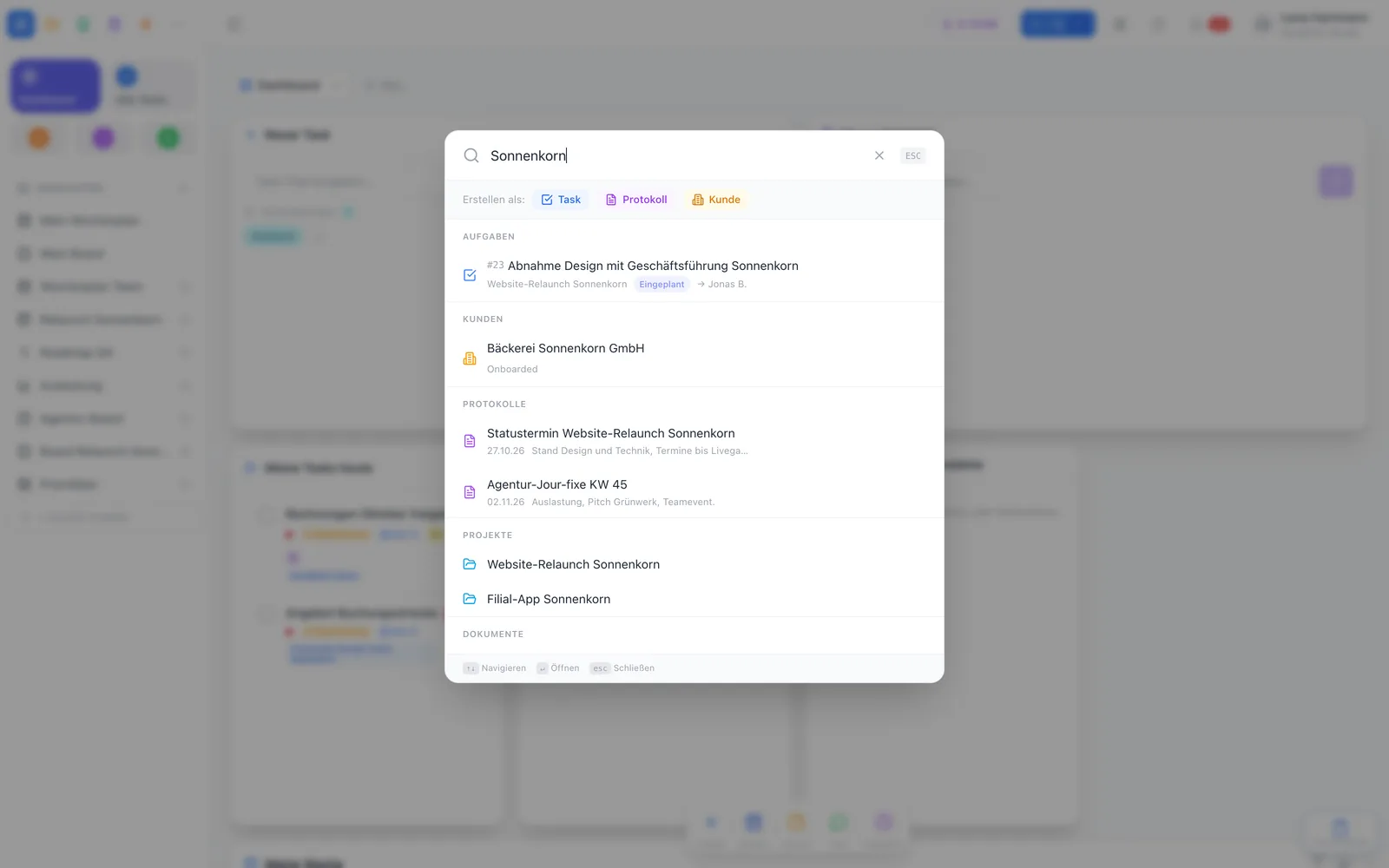
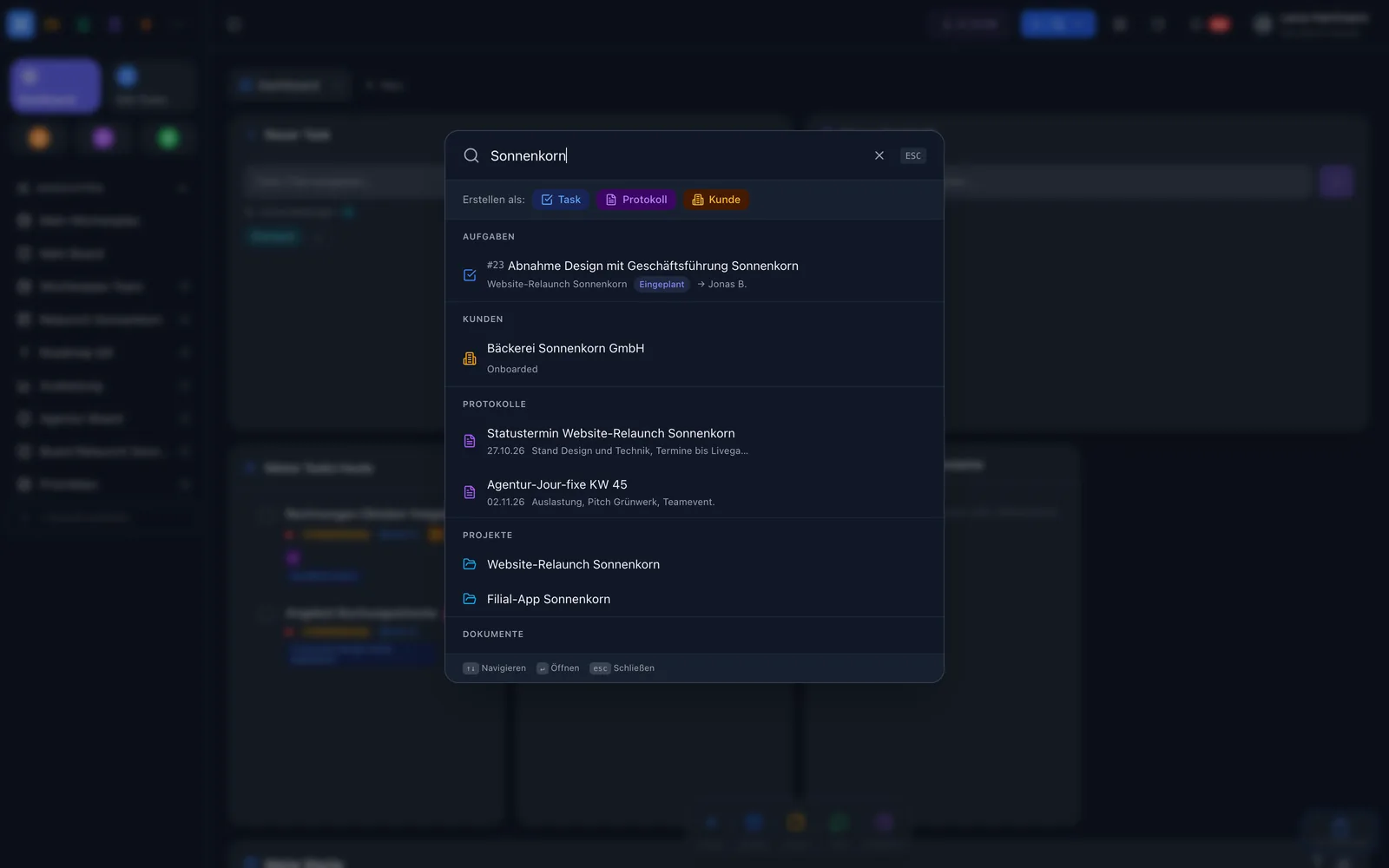
Global search (⌘K) also finds text inside files and scans.
Set a date and a note — workYoo reminds you by email and on the dashboard.
Organisation
File documents in hierarchical folders with icons and grant read and write rights per person or group. Each team sets up its own categories.
OCR & search
On upload, workYoo recognises the text in PDFs, Word files and images — in German and English, using open-source libraries right on our server. No cloud service ever sees your files.
Reminders
Set a follow-up date with a note on a contract. workYoo reminds you by email in good time and shows due documents in the dashboard widget. With an owner per document it is clear who takes care of it.
Collaboration
Discuss documents right in the chat with @mentions, attach as many files as you like and extend every document with custom fields — such as term, contract partner or cost centre.
Before · after
FAQ
The plugin itself is free. You only pay for members from the 3rd and for storage if needed: 25 MB are free, each 100 MB package costs €2.50 net per month.
PDFs, Word files (DOCX) and images such as PNG or JPG. The recognised text goes into the global search.
No. Text recognition runs with open-source libraries on our server in Germany. Files are stored encrypted and scanned for viruses first.
You set a date and a note. When it is due, you get an email and the document shows up in the follow-up dashboard widget.
Yes, with read and write rights per folder — for individual people or groups.