Modules · Mail room
Every letter, fully documented
Log incoming post in an orderly way — with folders, QR labels and customer links. Made for ISO evidence and built right into workYoo.
2 members free · Cancel monthly
Modules · Mail room
Log incoming post in an orderly way — with folders, QR labels and customer links. Made for ISO evidence and built right into workYoo.
2 members free · Cancel monthly
Highlights
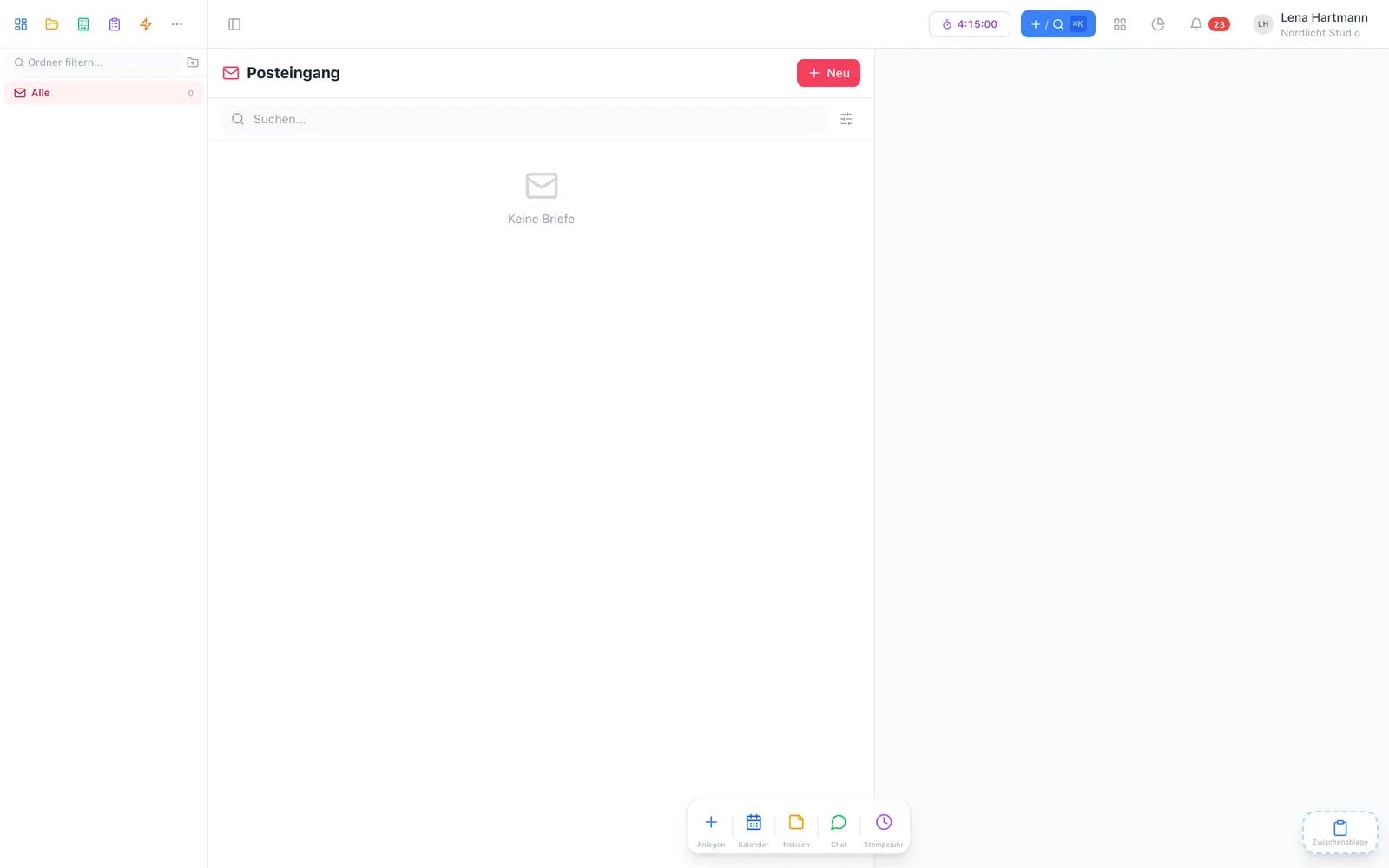
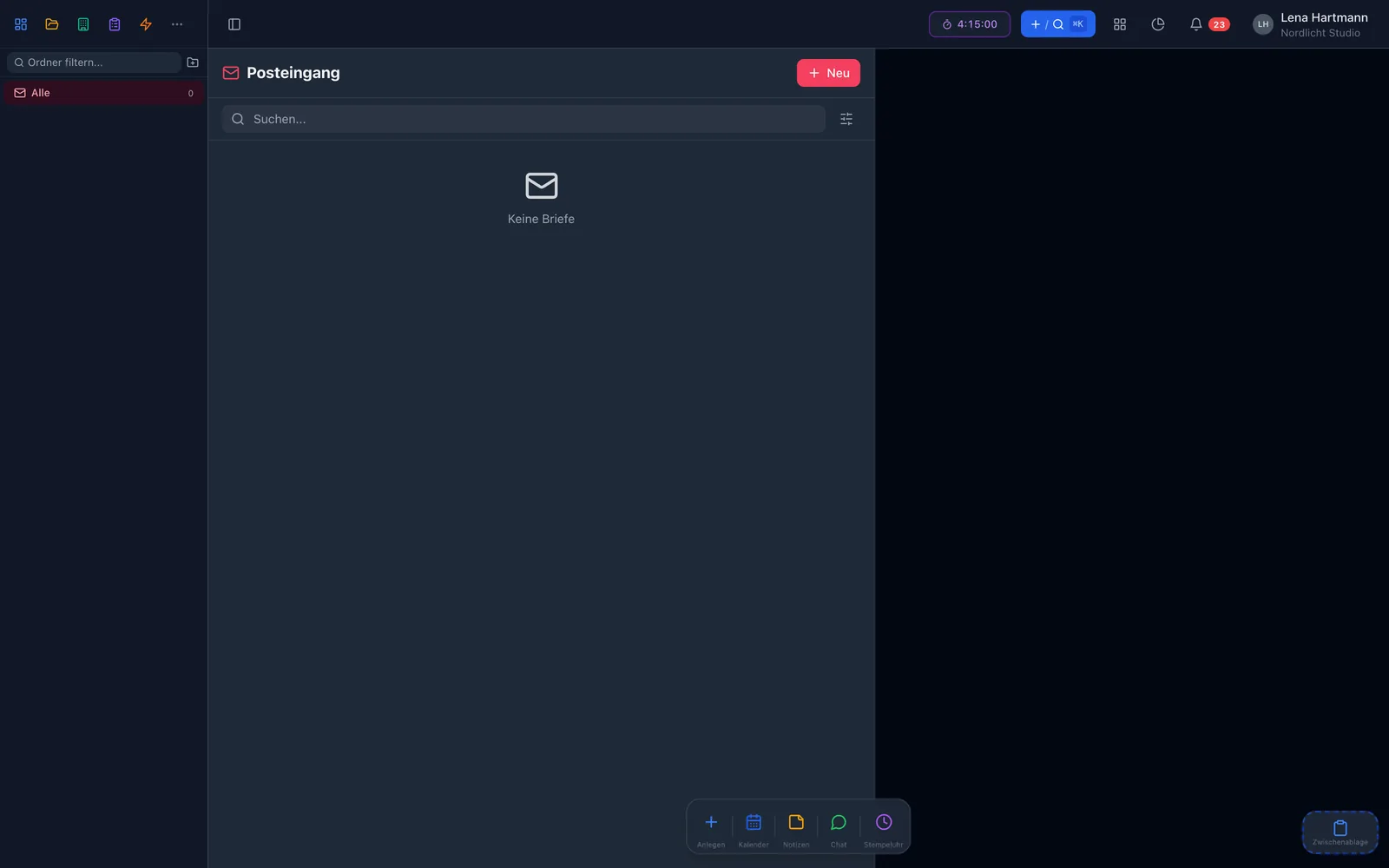
Invoices, authorities, contracts — nested, with icons and permissions.
Print a label per folder, stick it on, scan it — and the letter is logged.
Search suggests matching customers, free text works too.
A tick shows which letter has already been scanned and filed.
Scans are attached to the entry in encrypted form.
Letters show up in ⌘K search and can be linked to tasks and minutes.
How it works
A QR label per folder in 29 × 90 mm format for your label printer.
Label on the letter, scan the QR code with your phone — the entry form opens.
Folder, today’s date and handler are prefilled; add sender and scan.
Folders
Sort incoming post into folders — invoices, authorities, contracts and more. Subfolders, custom icons and permissions per folder make sure everyone sees the right post. workYoo creates default folders automatically.
QR code
Every folder has its own QR label. The code leads straight to the entry form in the right folder, with date and handler prefilled. The label also has space for handwritten notes.
Senders
Link letters directly to your customers. The sender search suggests matching customers — or you type in a free-text sender. That way you see at a glance which customer sent what.
Compliance
Every letter gets a received date, a handler and a scan status. Scans are attached encrypted — so at the next audit you can show what arrived when.
FAQ
The mail room is a free plugin. You only pay for members from the 3rd and, if needed, extra storage for scans.
The labels come as a PDF in 29 × 90 mm format — suitable for common label printers.
No. The search suggests customers, but you can always enter a free-text sender.
It provides the evidence: received date, handler, scan status and attached scan for every letter, searchable and with permissions per folder.
Yes, letters can be linked to tasks and minutes — for example when a letter needs a reply.