Modules · Checklists
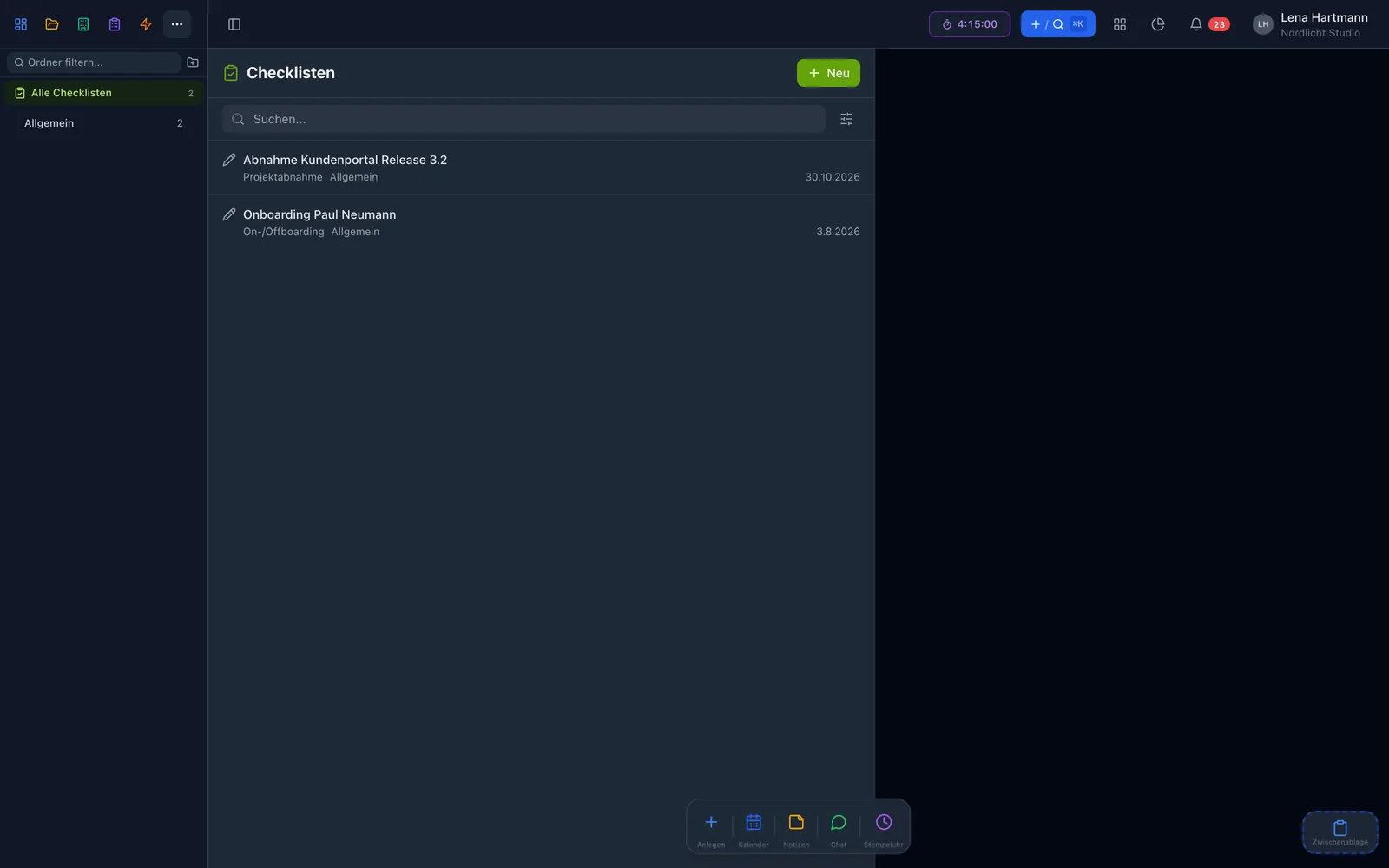
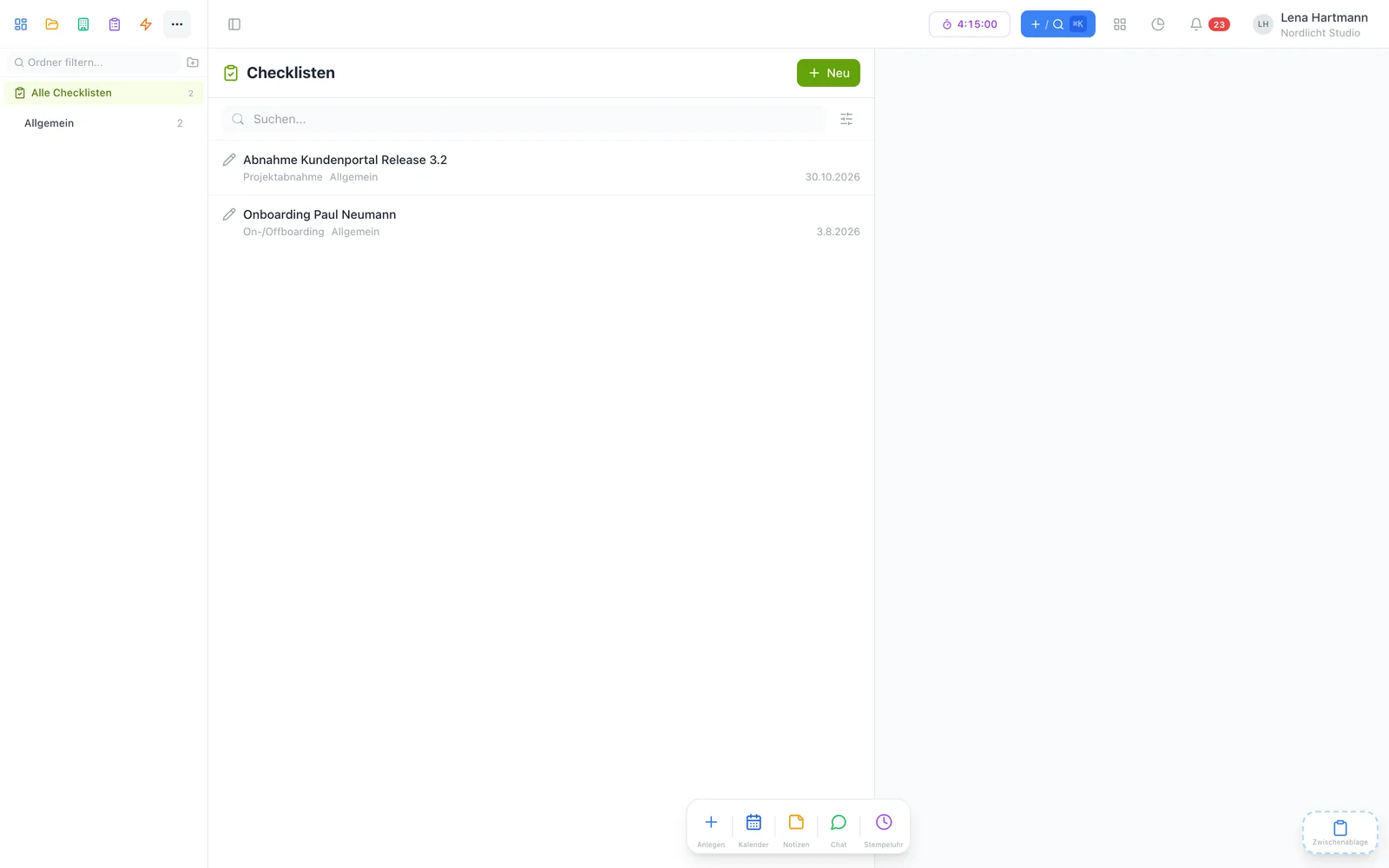
Build a template, fill it in, sign it right on the device and file it as PDF — for onboarding, vehicle handovers, sign-offs and audits. With inventory links, right inside workYoo.
Free plugin · 2 members free · Cancel monthly
Highlights
Arrange fields by drag & drop, side by side or full width — every run stays consistent.
With name and signature right on the device. After that the record is fixed, timestamp included.
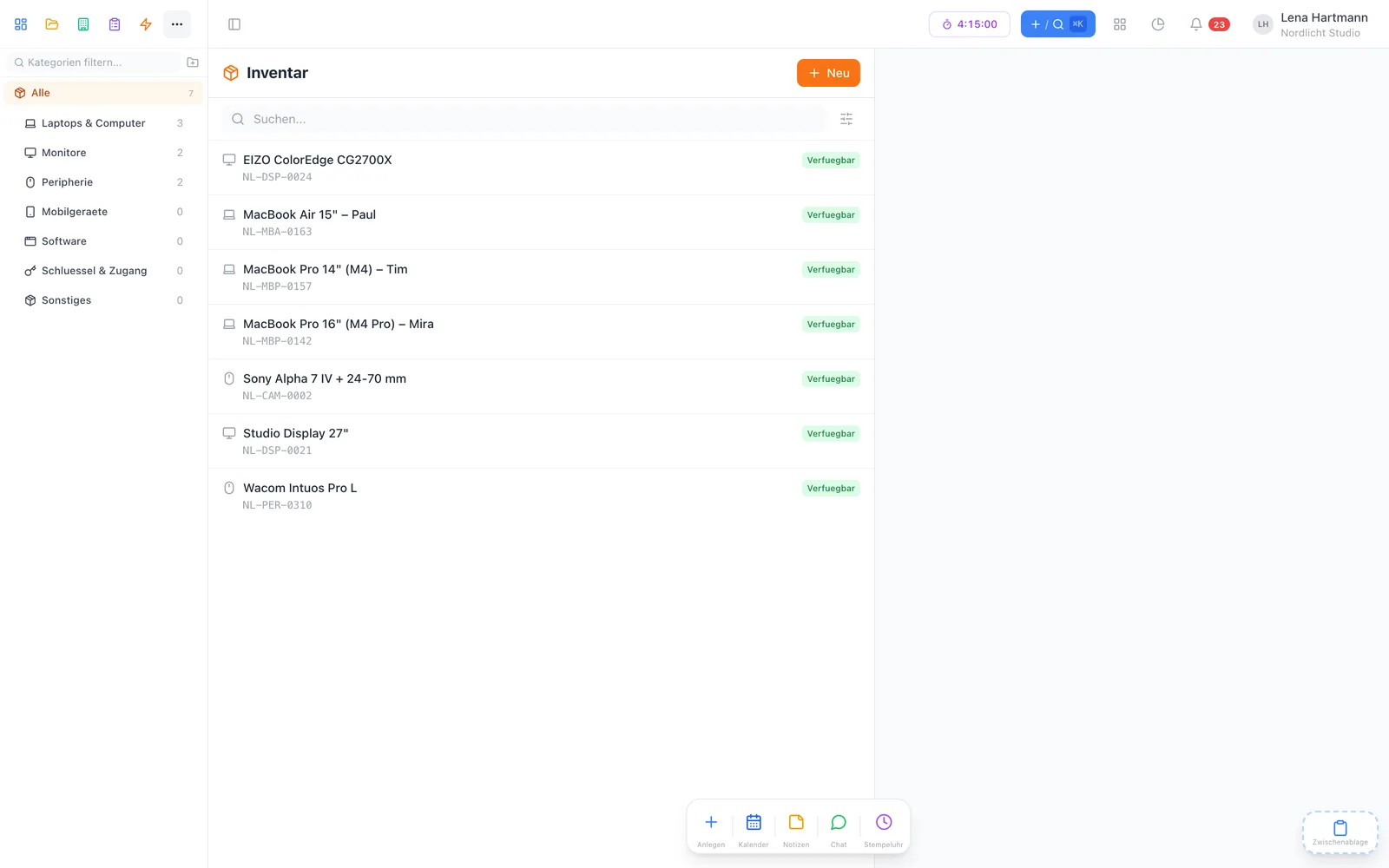
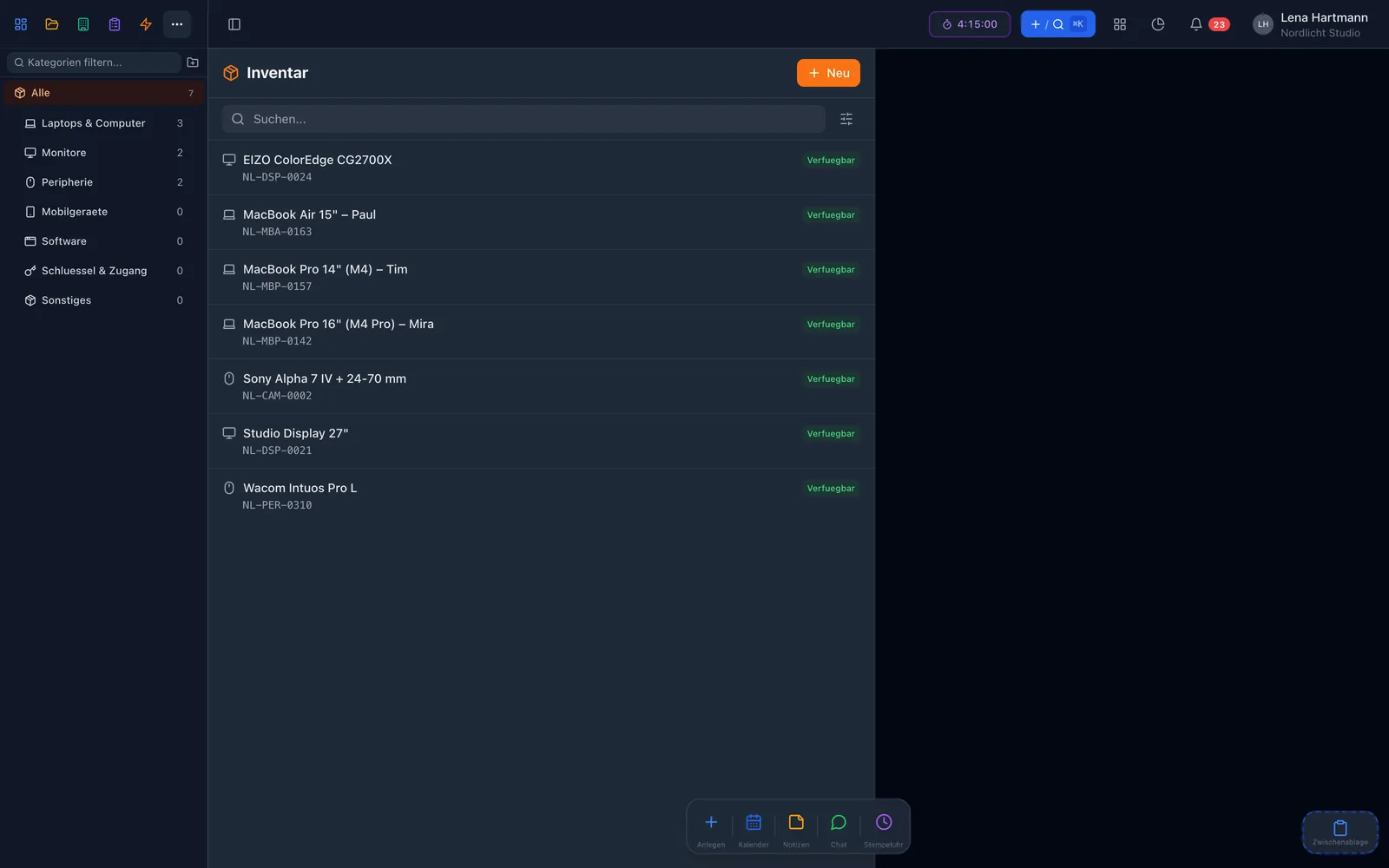
An inventory field picks the exact device — so it is clear which laptop was handed out.
If something changes after signing, a new version is created — the old one stays traceable.
Add a date and a note to the checklist — it then shows up in your follow-ups on the dashboard.
File checklists in folders and decide per folder who may see and edit them.
Templates
A template consists of sections and fields. New checklists are created from the template — so no item is ever missed. To get started, five ready-made templates are waiting for you to adapt.
Field types
Signature
Handover, sign-off or safety check: whoever completes the checklist signs by touch or mouse. From then on it is fixed and cannot be changed unnoticed.

Inventory
Link inventory items directly to the fields of a checklist. During onboarding it is recorded which laptop, monitor and phone were handed out — and during offboarding, what came back.

How it works
Adapt one of the ready-made templates or build your own with sections and fields.
On the computer or a tablet — tick boxes, pick devices, attach photos.
Add the signature and the checklist is fixed — the PDF is one click away.
FAQ
The plugin is free. You only pay for regular members: 2 are free, from the 3rd each costs €3.50 per month, net.
Not directly — it is fixed. You create a new version, and both states remain viewable.
Templates and folders are managed by team admins. You decide per folder who can see and edit which checklists.
No. Without inventory you just use the other field types — with inventory you also get the device picker in the field.
Yes. The PDF export contains all fields and the signature.