Modules · Inventory
Know who has what
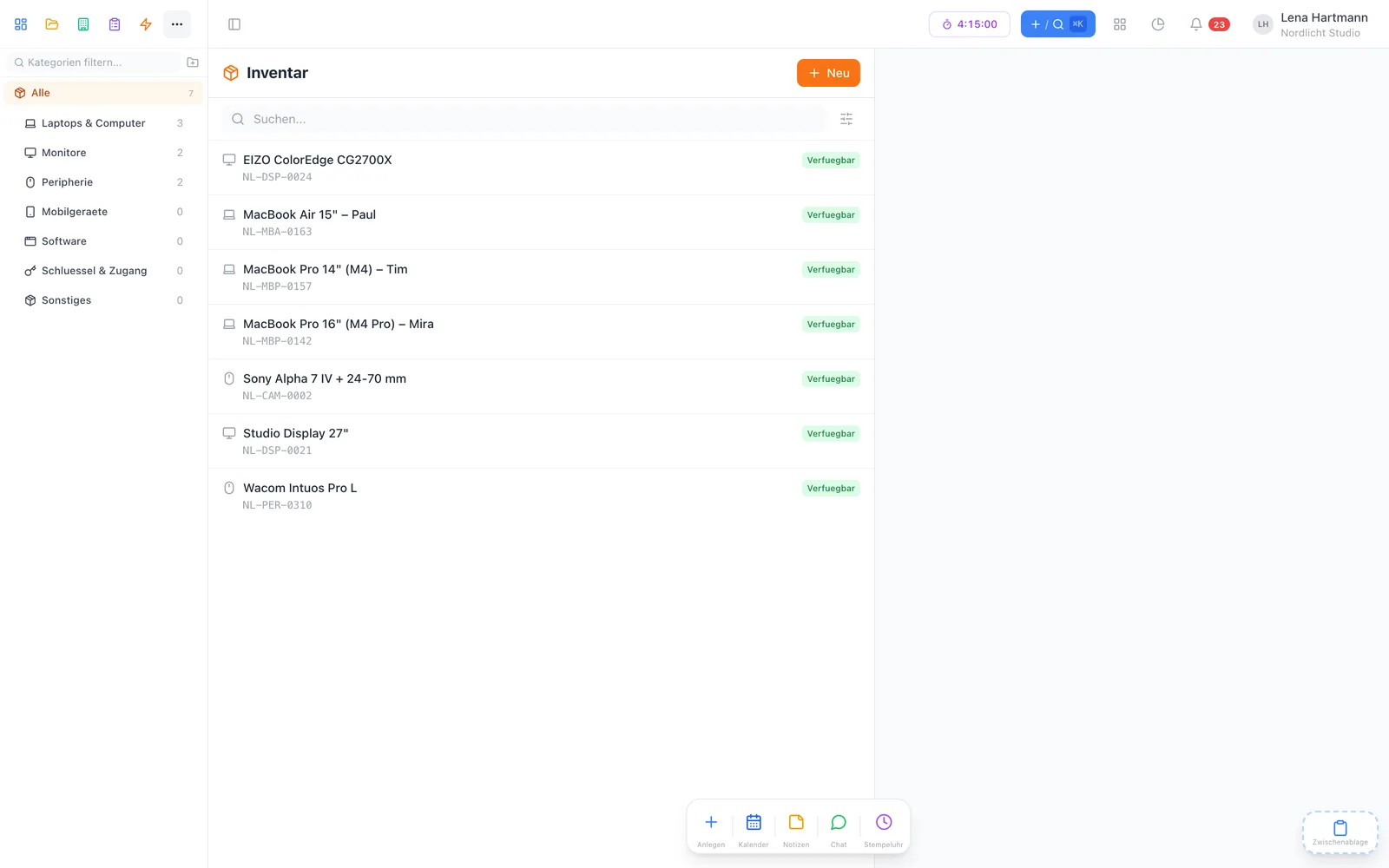
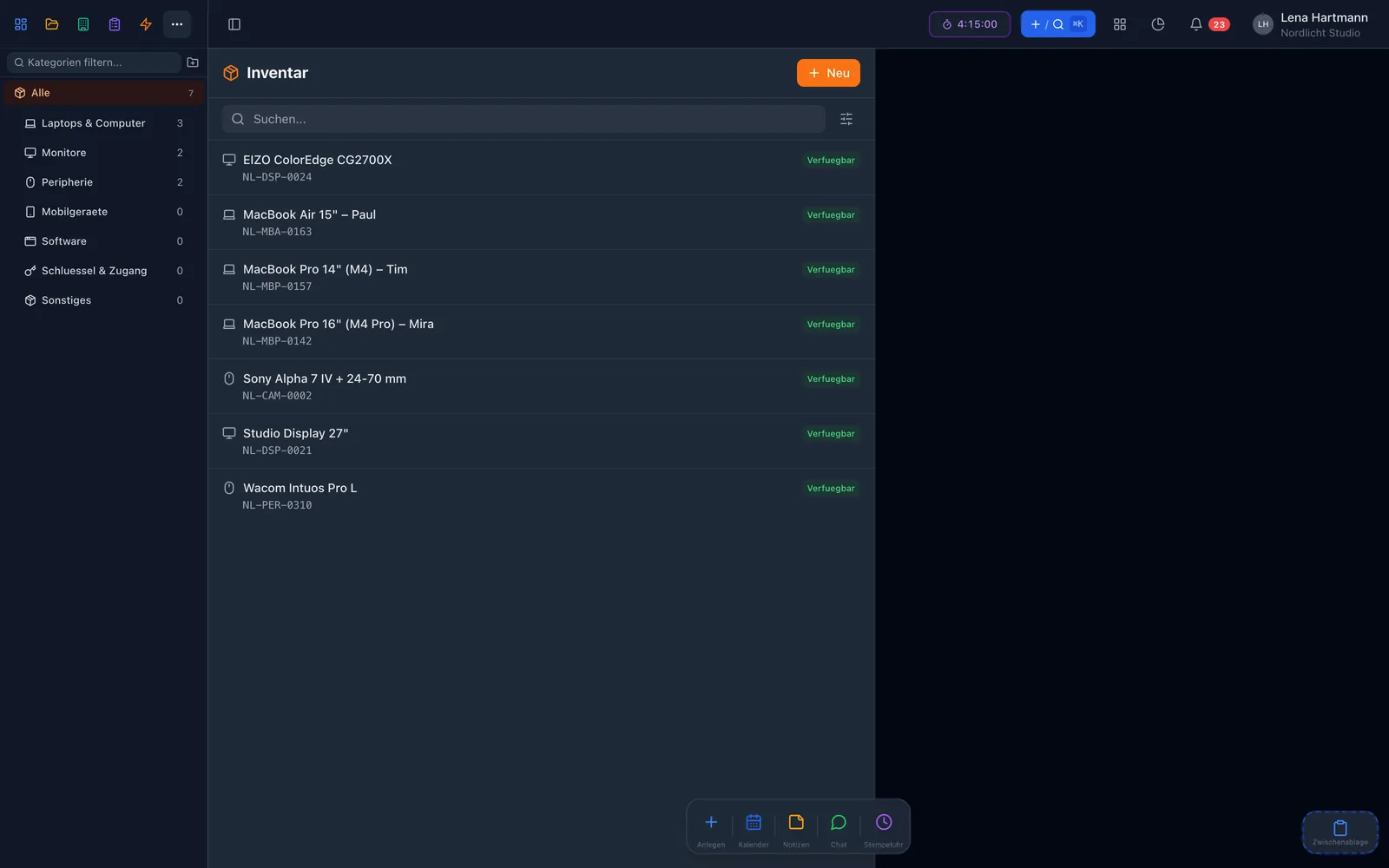
Manage devices, equipment and work materials in one place — with categories, status, serial numbers and assignments. Right in workYoo, next to tasks and checklists.
2 members free · Cancel monthly
Modules · Inventory
Manage devices, equipment and work materials in one place — with categories, status, serial numbers and assignments. Right in workYoo, next to tasks and checklists.
2 members free · Cancel monthly
Highlights
From IT to tools to office furniture — freely defined, with their own icon.
Available, assigned, partially assigned, maintenance, retired, lost.
Hand items out to team members, with quantities for consumables.
Serial number, manufacturer, purchase price, purchase date and image.
Set a date and a note for the next inspection or maintenance.
Every change to an item stays traceable.
Categories
Organise your inventory in categories — from IT equipment to tools to office furniture. Each category gets its own icon, and the list can be filtered by it.
Status
Every item has a status. Assign it to someone and the status changes automatically. Coloured badges show at once what is available and what is in maintenance.
Assignments
Assign items to individual team members and keep track of what has been handed out to whom. With quantities you can manage consumables too — workYoo checks availability.
Integration
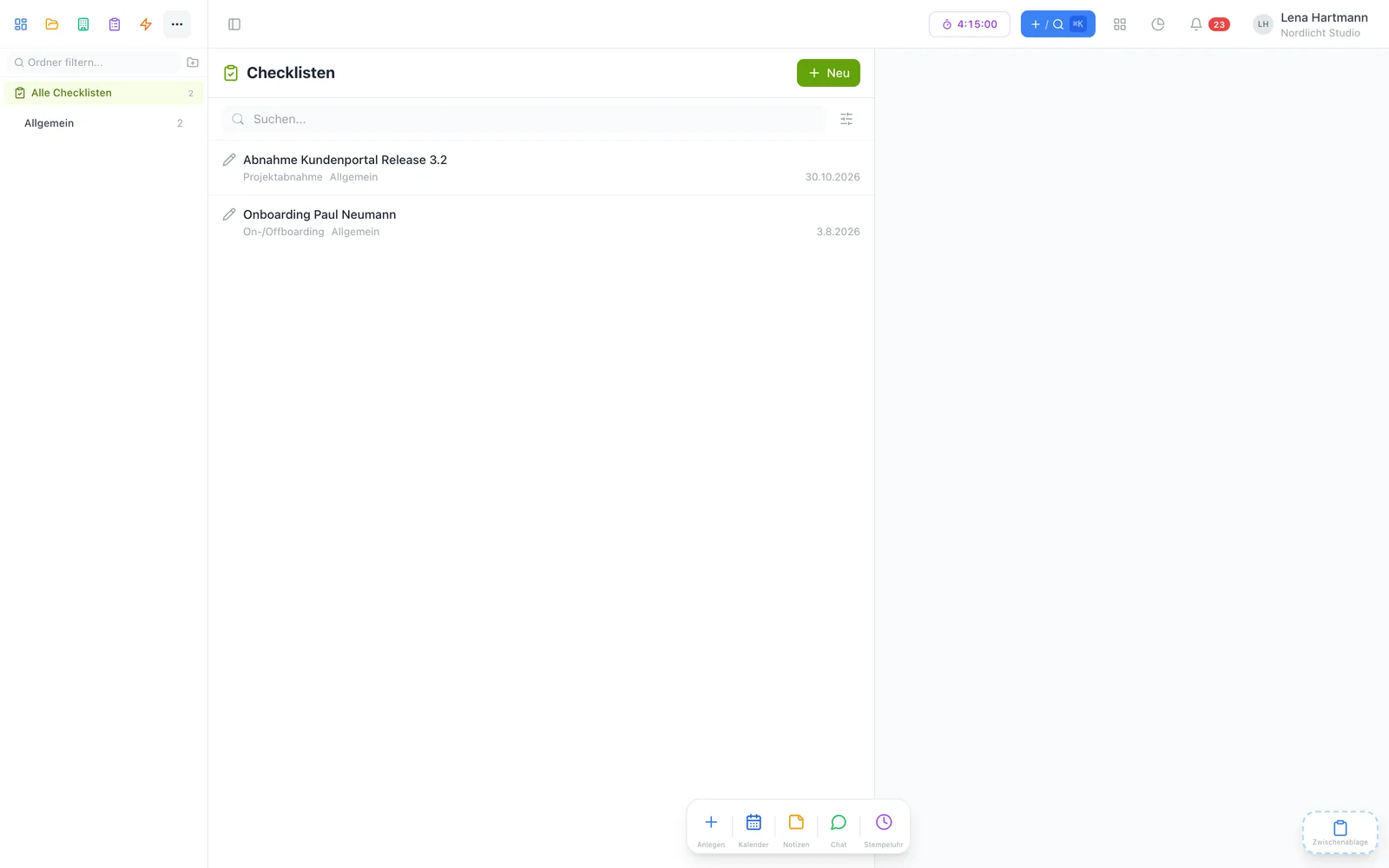
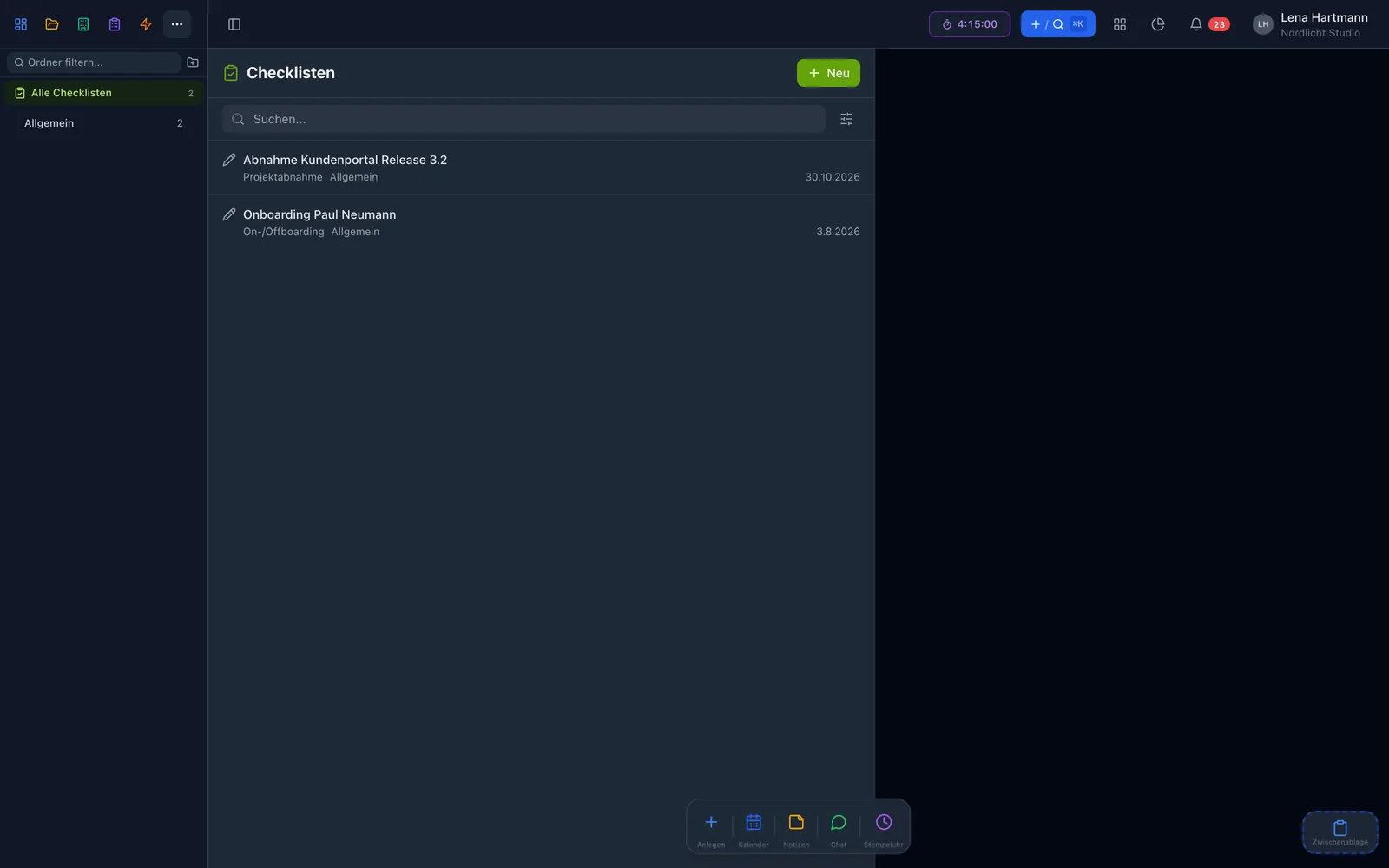
Link items directly to checklists. That way you document maintenance, inspections and handovers seamlessly — including a signature if the checklist asks for one.
At a glance

Klaas · Development
My tip: link every device you hand out to a device handover checklist. Then it is clear at return what belongs to it.
FAQ
The inventory plugin is free. You only pay for members from the 3rd and, if needed, extra storage.
Yes. With quantities you hand out partial amounts, and the status then shows “partially assigned”.
Name, category, serial number, manufacturer, purchase price, purchase date, image, notes and custom fields.
Set the status to “maintenance”, link a checklist and add a follow-up for the next date.
Yes, the item history shows who changed what and when.