Modules · CRM
Every customer with their whole story
From the first enquiry to ongoing account care: activities, notes and follow-ups at a glance — right in workYoo, without another tool.
2 members free · Cancel monthly
Modules · CRM
From the first enquiry to ongoing account care: activities, notes and follow-ups at a glance — right in workYoo, without another tool.
2 members free · Cancel monthly
Highlights
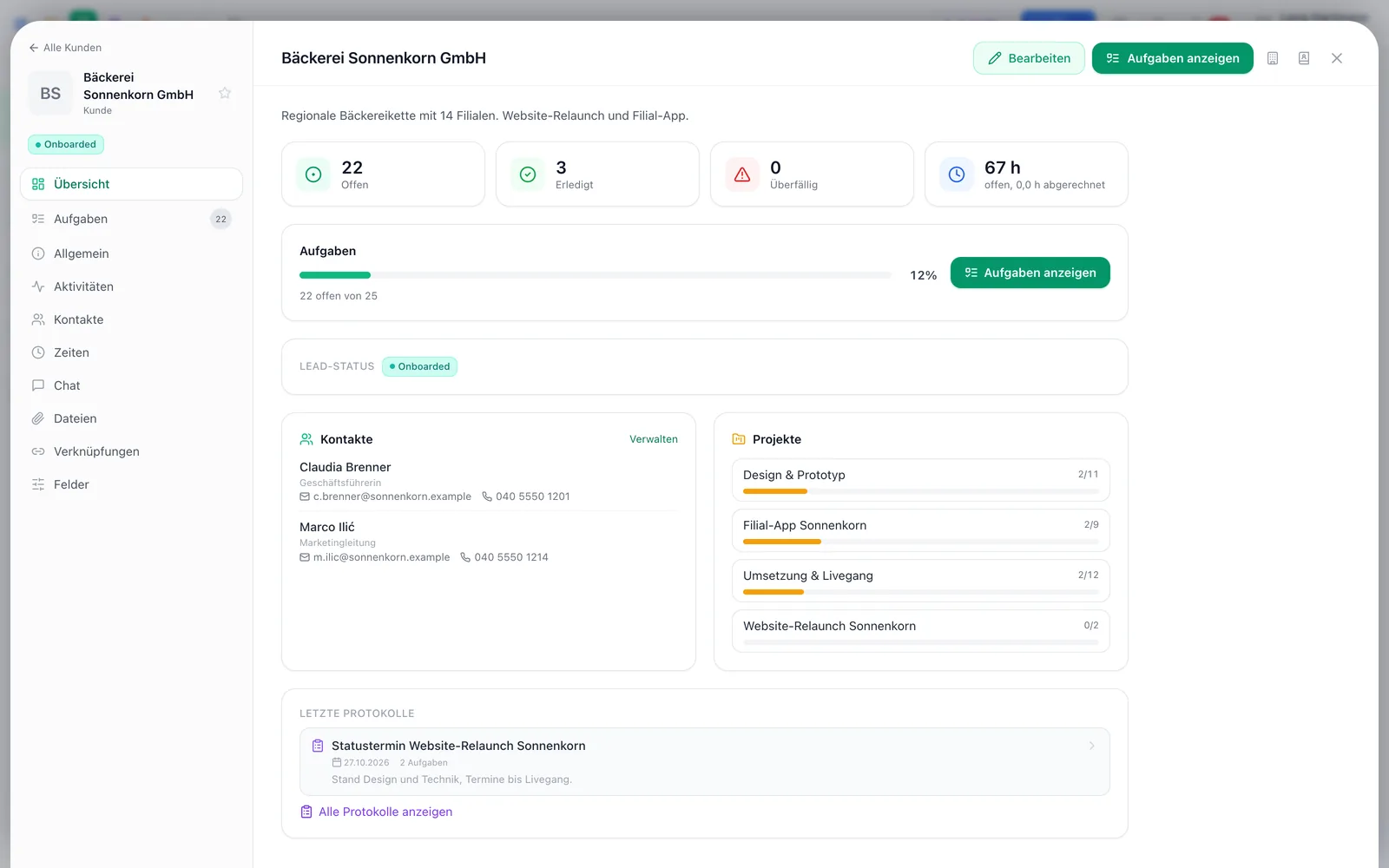
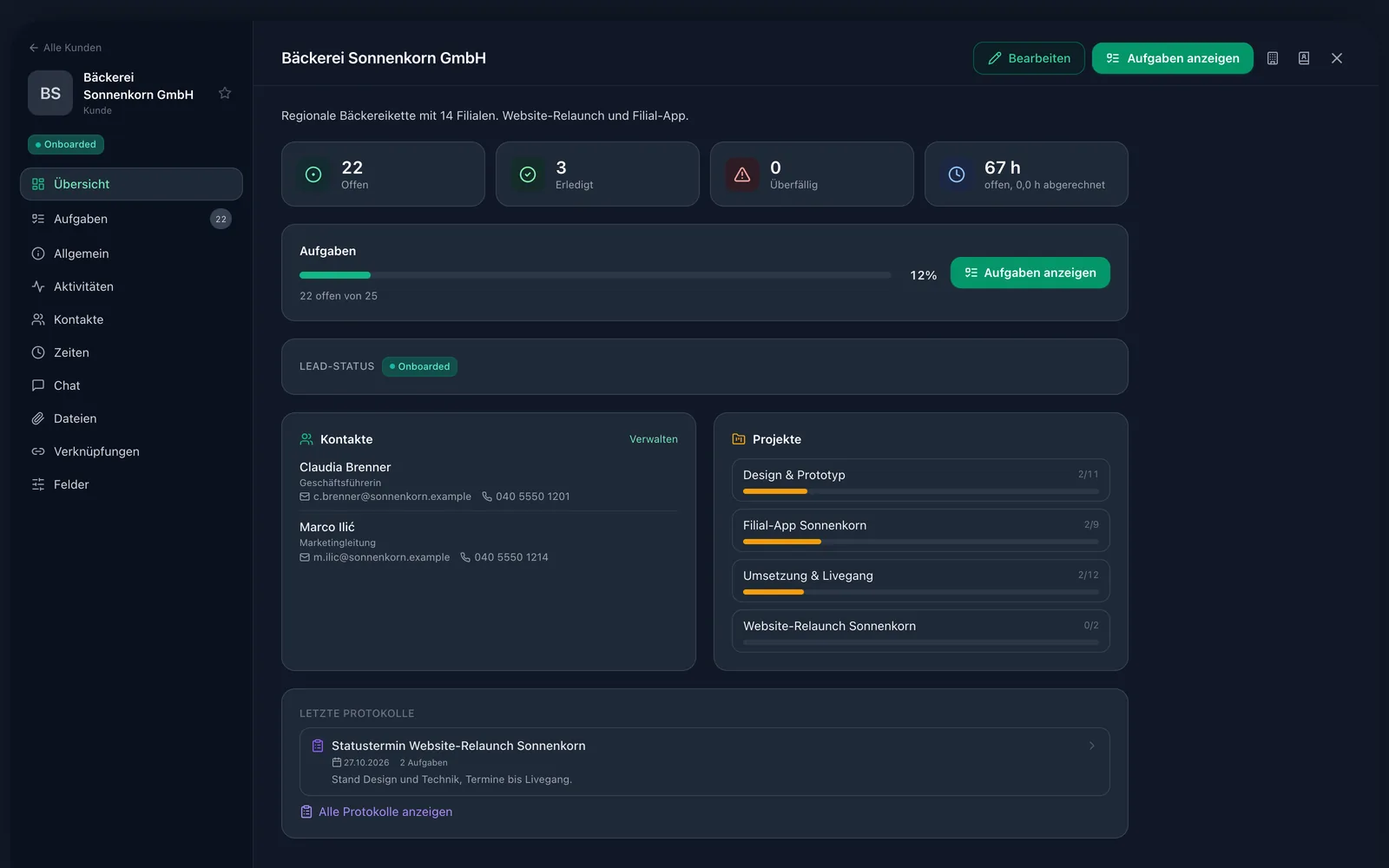
From lead to prospect to existing customer — configurable for your team.
Tasks, minutes, time entries, files and notes in chronological order.
Set a date and a note; overdue ones are marked red.
Seven field types for customers and contacts — without a line of code.
Projects, tasks, minutes, wiki pages and documents on the customer.
The sidebar search and global search (⌘K) cover custom fields too.
Timeline
The activity timeline shows everything in chronological order: tasks, minutes, time entries, files and notes. Filter by type, write notes right into the timeline and load older entries on demand.
Follow-ups
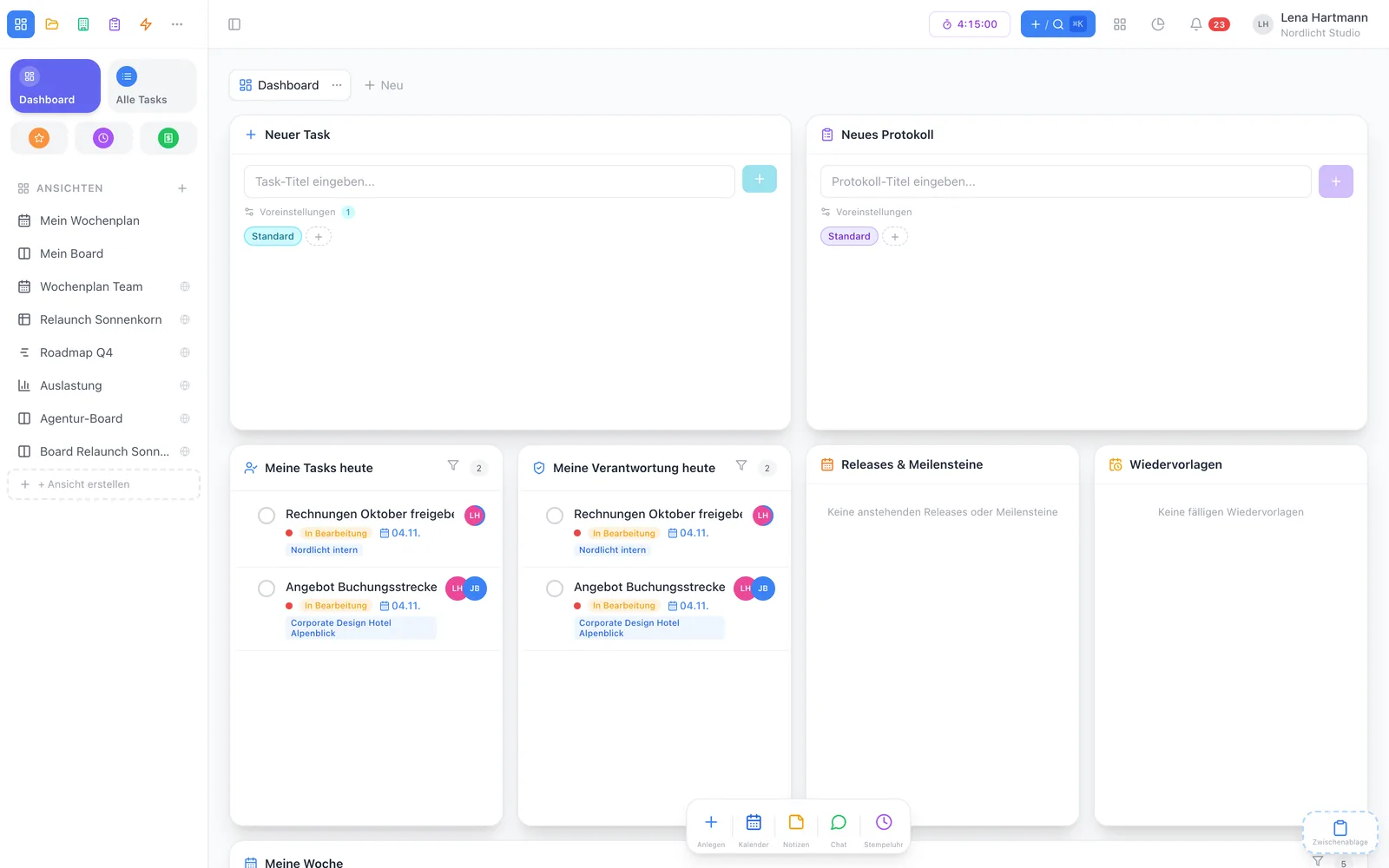
Capture important info as a note and set a follow-up with a date and a reminder note. Overdue follow-ups are marked red — in the customer sidebar and in the dashboard widget.
Links
Customers are linked to projects, tasks, minutes, wiki pages, documents and files. Attach contracts from document management straight to the customer — without jumping between tools.
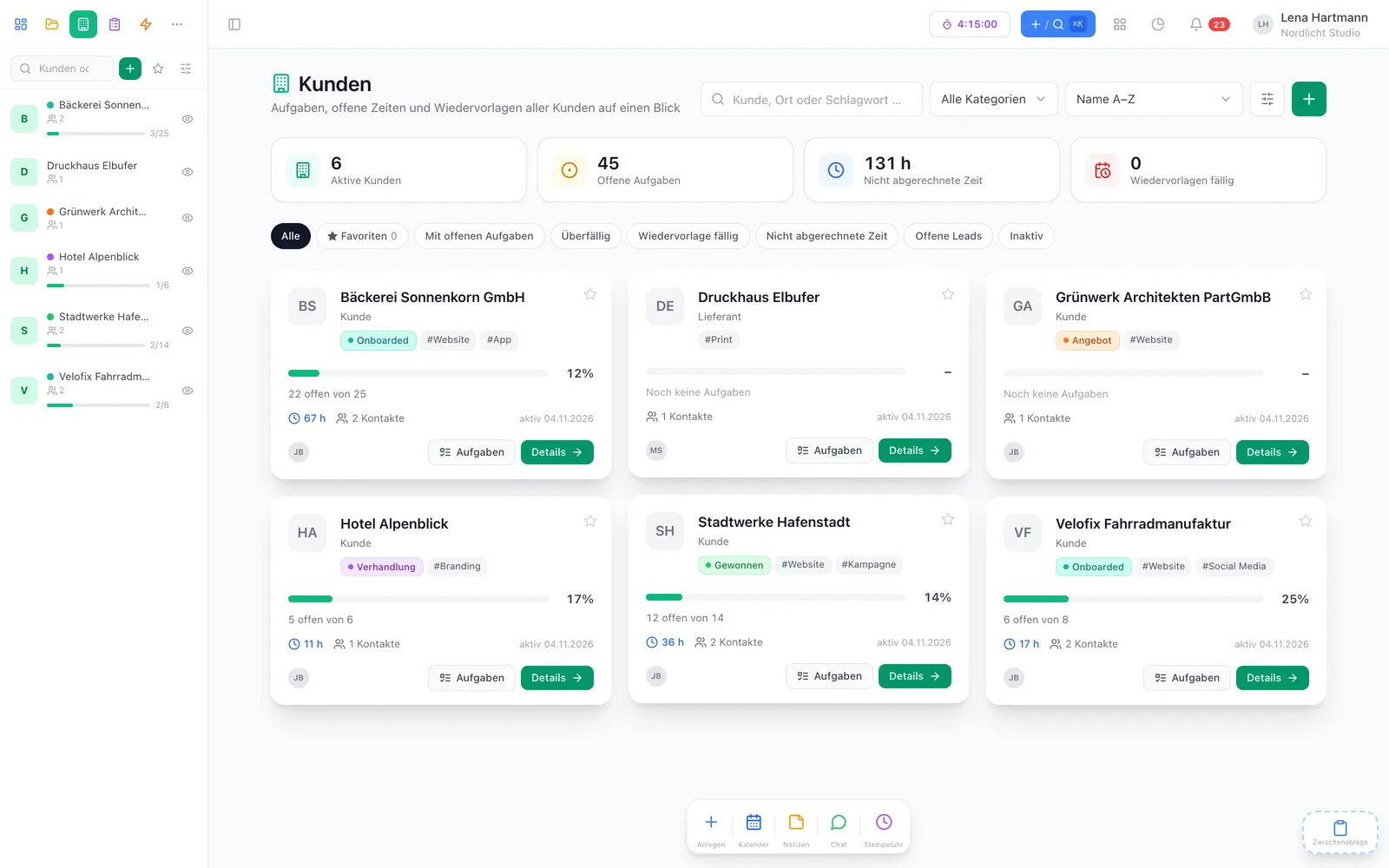
Customisation
Create custom fields for customers and address-book contacts, group them into sections and fill them in right in the customer dialog. Values save automatically and can be found with global search.
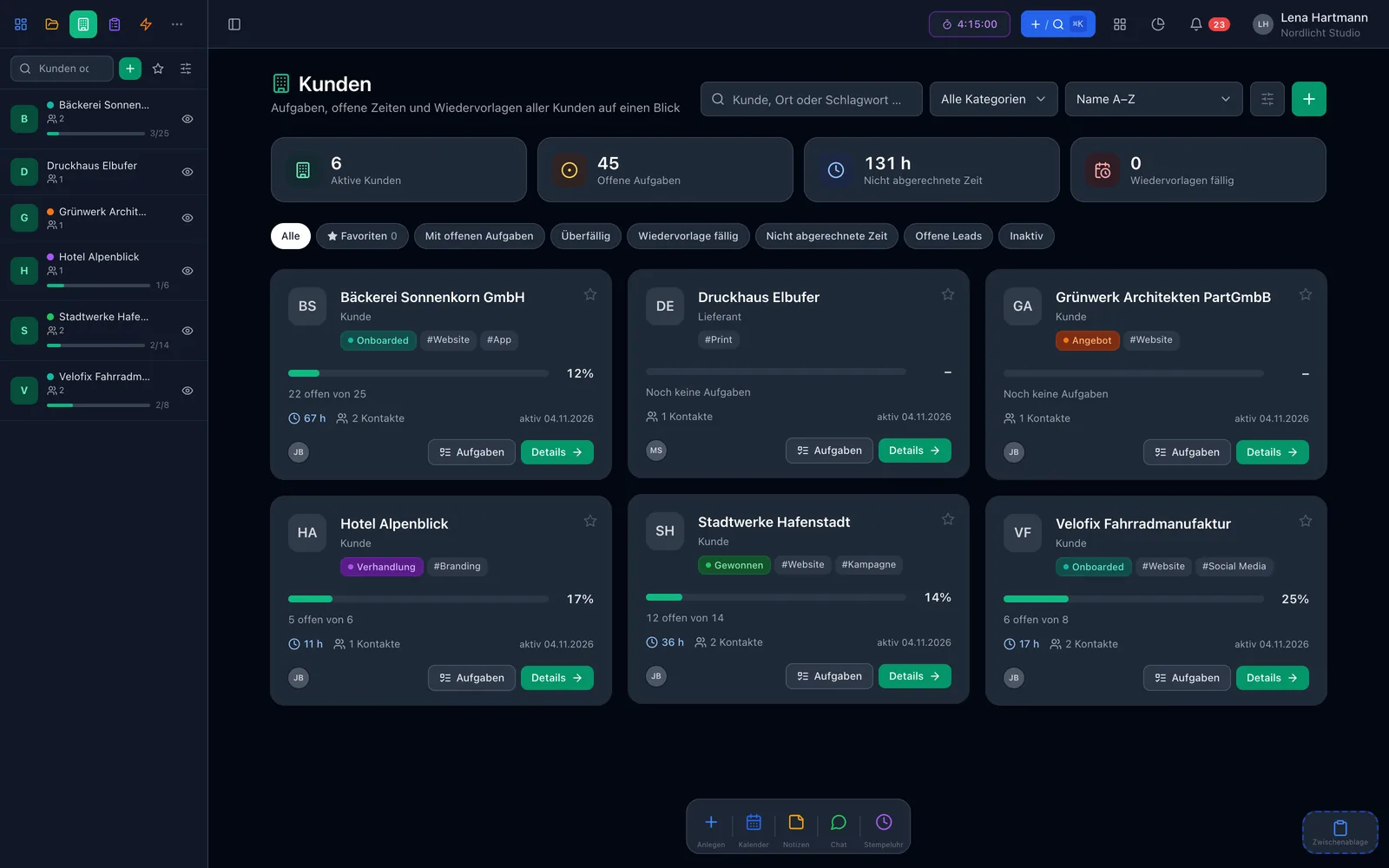
Before · after
FAQ
Yes. Customers, contacts, lead status, timeline, follow-ups and custom fields are part of the core features — two members are free.
Yes, the lead status is configurable for your team — from first contact to existing customer.
Text, rich text, number, date, single and multiple choice, and checkbox — for customers and address-book contacts.
Due and overdue follow-ups appear in the dashboard widget and with a coloured badge in the customer sidebar.
Time entries belong to tasks with a customer. The customer overview shows unbilled time, billing runs through time tracking.