What does the plugin cost?
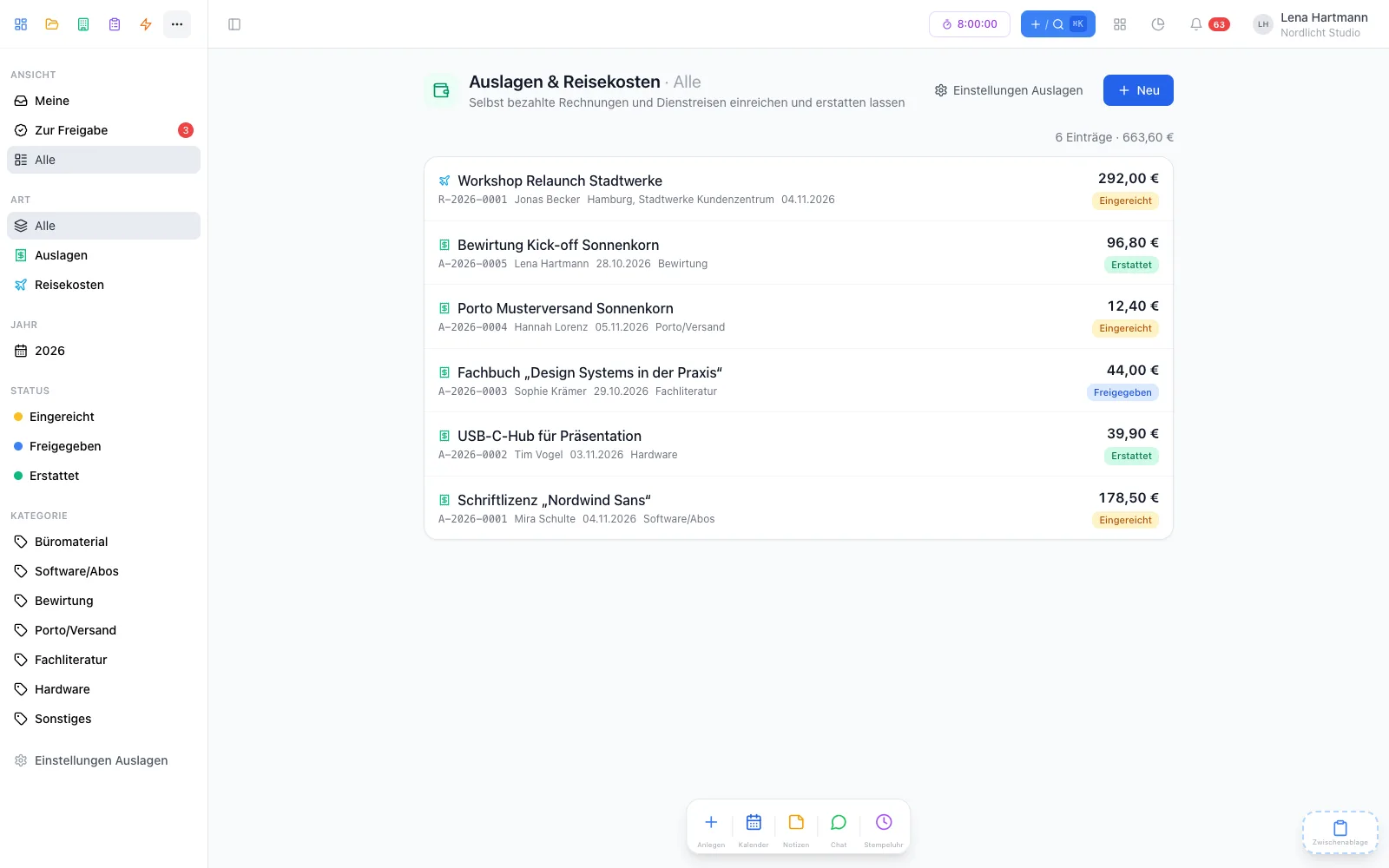
Nothing. “Travel & expenses” is free and can be activated for the whole team under Admin → Plugins.
Who can see which receipts?
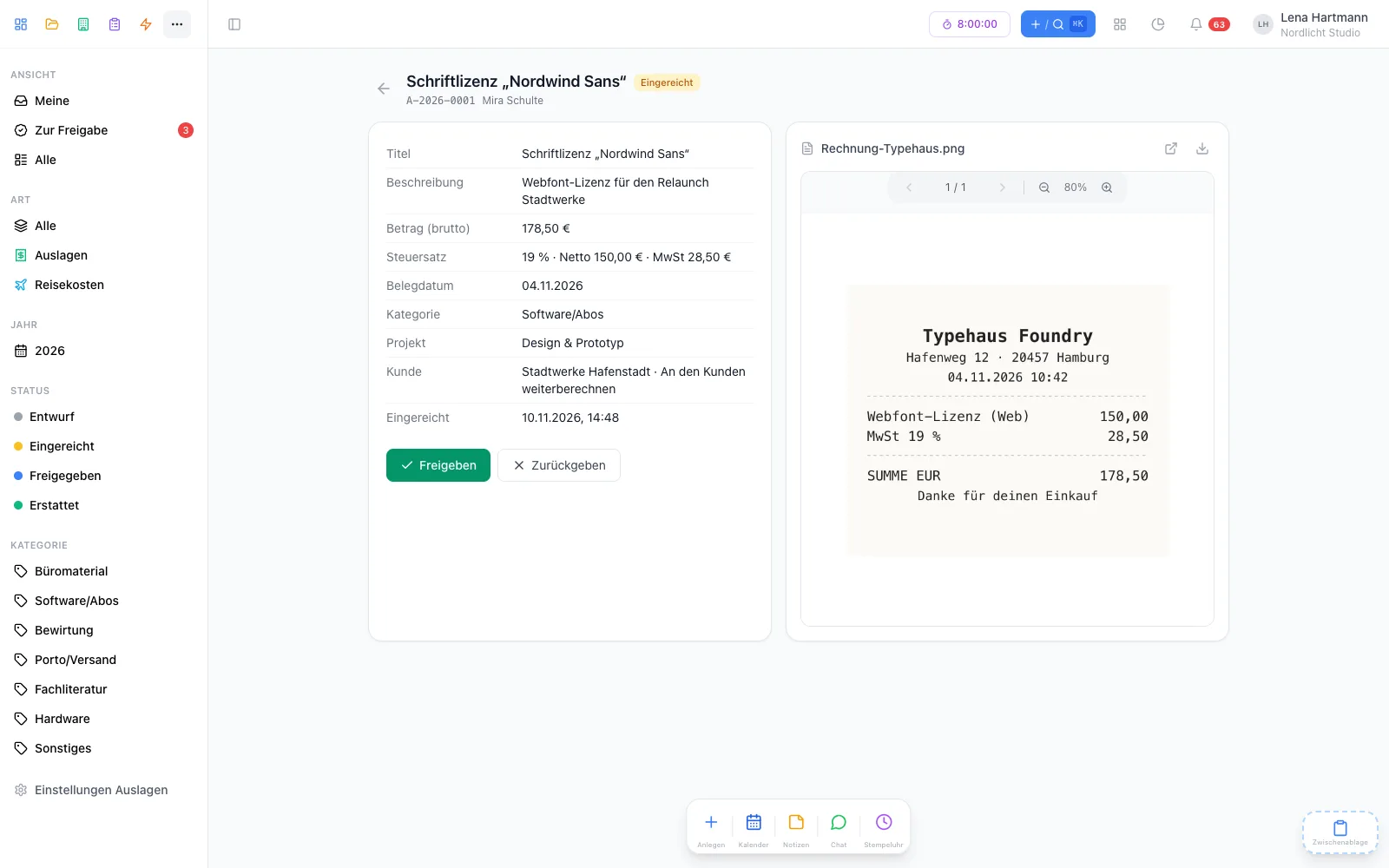
Everyone sees their own expenses and trips. Approvers, the people handling reimbursement and superadmins see all submitted ones — drafts stay private. That also applies to the direct link to the file.
What does our accounting receive?
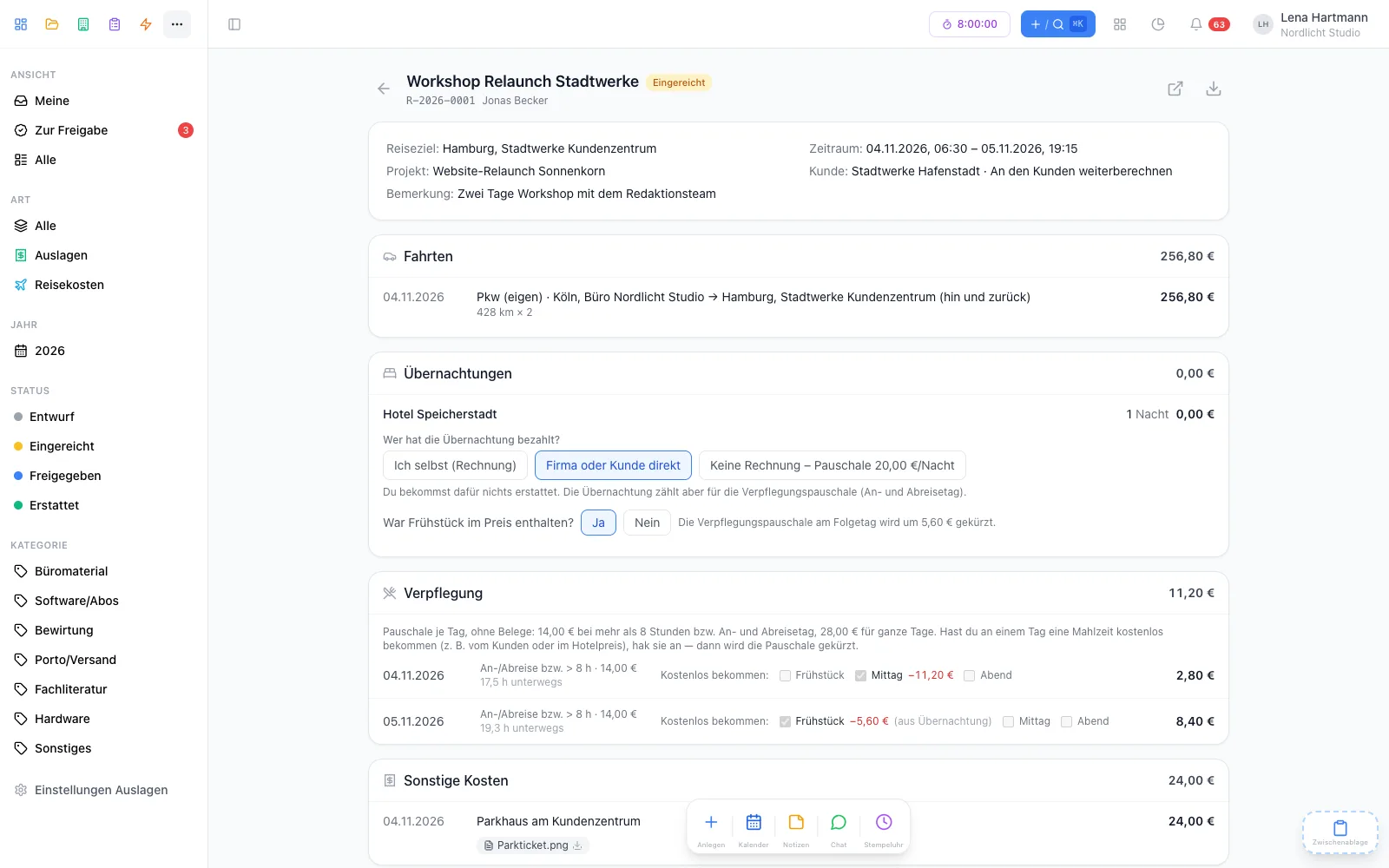
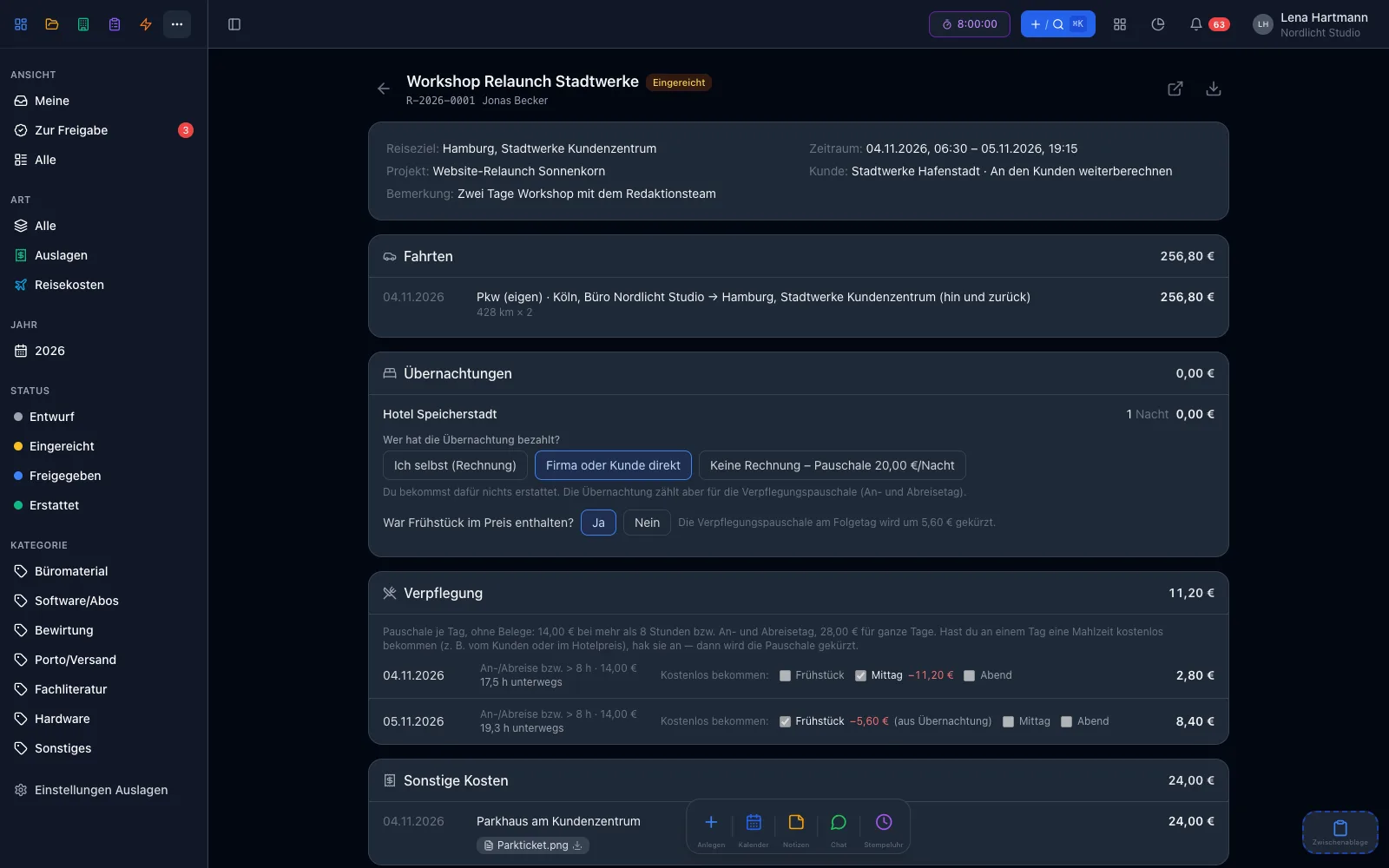
After approval, an email to the stored address: for an expense exactly one PDF — the receipt —, all details are in the email text. For a trip, the report plus every receipt as its own PDF. That way any accounting tool recognises the invoices cleanly.
Which allowances are preset?
By default the German 2026 rates: €0.30 per kilometre with your own car, €14 or €28 for meals and the usual reductions for free meals. Your admin can change every rate — with “valid from”, so older trips aren’t recalculated. Your team is responsible for the tax correctness of the rates.
Does workYoo calculate the kilometres?
No, you enter the kilometres yourselves. The “Check route” button opens OpenStreetMap in the browser with start and destination — workYoo itself sends no addresses to a map service.
Is a signature needed?
No. When submitting a trip, the employee confirms its correctness digitally, and the approval is recorded with name and time. Both appear on the report together with a fingerprint of the content.
Can I scan receipts with my phone?
Yes, with the workYoo GO iPhone app. The scanner captures several pages, straightens them and turns them into a PDF. The app reads amount and date from the receipt and suggests them; you check and submit.
Can receipts come straight from the copier?
Yes. Under Admin → Scan inboxes you create an address and decide whom the receipts are for and with which category, tax rate and project. Every scanned file becomes a draft with suggested amount and date; the person is notified and submits it themselves. Only mails from approved senders are accepted, and every file is virus-scanned first.
Can I approve my own expenses?
If you are the only approver, yes. With several approvers the four-eyes principle applies by default; your admin can allow self-approval, though. Self-approvals are marked on the PDF and in the email to accounting.